
Official statement
Other statements from this video 9 ▾
- 0:38 How can Google Search Console truly boost your organic traffic?
- 0:56 What Distinct SEO Data Do Search Console and Analytics Offer?
- 2:05 How long are your Search Console data truly accessible?
- 2:05 Should You Really Align Search Console Queries with Your Target Keywords?
- 2:05 Why does Google suggest analyzing image search and web search separately?
- 6:00 How can you check if your pages are truly indexed by Google?
- 8:54 Do rich results really enhance visibility in search results?
- 8:54 Does page experience really play a crucial role in Google's rankings?
- 9:20 Why does Google emphasize checking the index coverage report first?
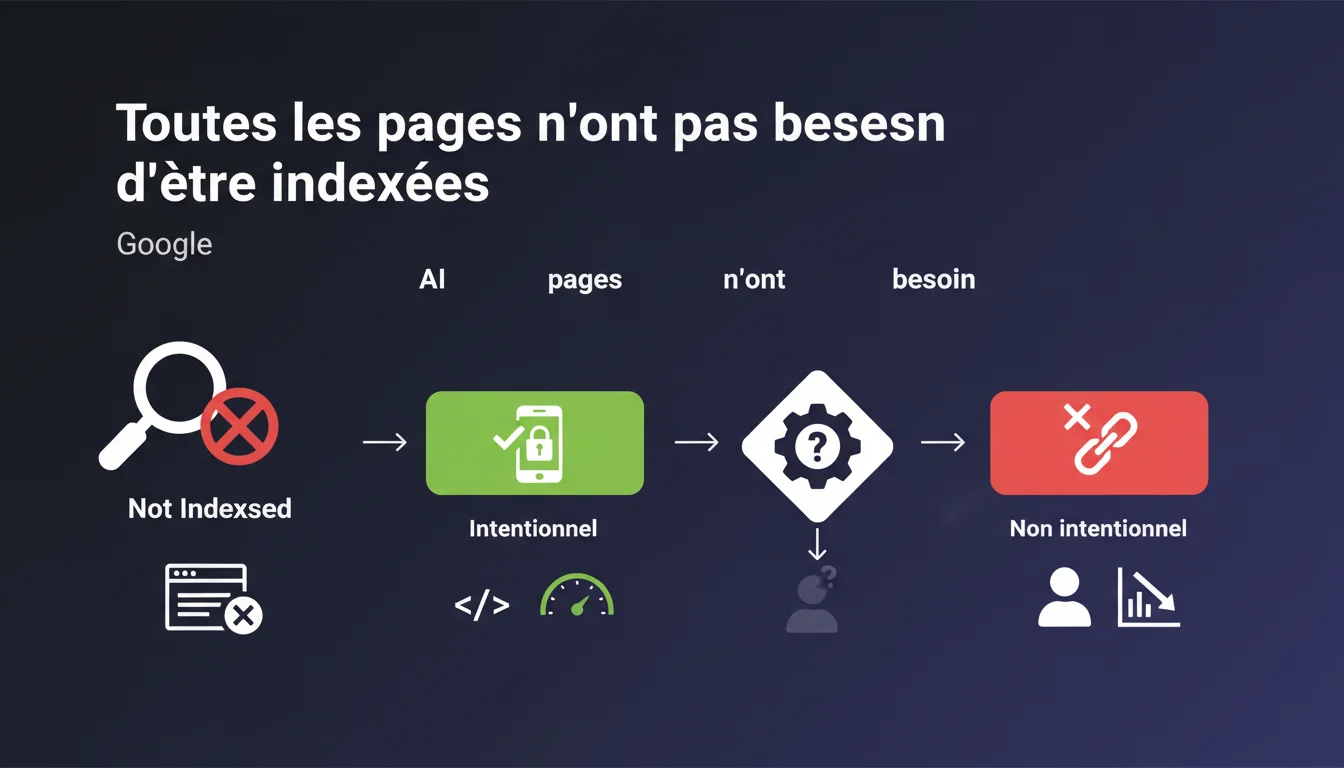
Google reminds us that not all pages are meant to be indexed, but emphasizes one point: site managers must understand their indexing status. The goal is not to index at all costs, but to know exactly which pages are indexed or not, and why. A conscious control rather than a laissez-faire approach.
What you need to understand
Why does Google emphasize that not all pages need to be indexed?
Google manages billions of pages. Each crawled and indexed URL consumes resources — both for the engine and for your crawl budget. Indexing low-value pages (filter facets, internal search results pages, duplicate content) dilutes the overall relevance of your site. The message is clear:
SEO Expert opinion
Is this statement consistent with observed practices in the field?
Yes, but with a significant nuance: Google simplifies. In practice, the line between "intentional non-indexed" and "accidental non-indexed" can be blurry. Search Console categorizes certain pages as "Discovered, currently not indexed" without a clear explanation. [To be verified]: is it a quality issue, crawl budget, duplicate content, or simply an algorithmic priority issue? On sites with thousands of pages, we regularly observe strategically important pages that remain out of the index for weeks without any obvious technical reason. Google doesn't always provide actionable feedback. On a small editorial site (blog, showcase site), indexing all pages may make sense — as long as each page provides a unique value. But once we transition to an e-commerce site, a classifieds site, or a dense information portal, total indexing becomes counterproductive. The problem: many CMS generate unnecessary URLs (tag pages, date archives, multiple filters). If you don't actively block them, you dilute your relevance and waste crawl budget. The first mistake: letting Google decide alone. Some sites allow thousands of orphaned or duplicated pages to be crawled without any guidelines. Result: wasted crawl budgets, strategic content under-crawled. The second mistake: over-optimizing in the opposite direction. Some SEOs block everything out of fear of dilution, including pages that could capture long-tail traffic. Finding the balance is tricky.When does total indexing still make sense?
What common mistakes arise from poor indexing management?
Practical impact and recommendations
What should you do to effectively control your indexing?
The first action: audit the current state. Export the list of indexed URLs via Search Console (Coverage section), compare it with your sitemap and actual site structure. Identify indexed pages that shouldn't be, and vice versa. The second action: define a clear indexing strategy. Which sections of the site should be indexed? Which should be blocked (facets, archives, sort pages)? Document your choices in an indexing matrix. Never block an entire section via robots.txt without considering the consequences. The robots.txt prevents crawling, but does not guarantee deindexing if external backlinks point to those URLs. Instead, use noindex for pages to be permanently excluded. Also, avoid leaving orphan pages accessible only via sitemap. If Google does not find an internal link to a page, it may deem it unimportant and leave it out of the index, even if it appears in your sitemap. Use Search Console to regularly monitor the statuses "Discovered, currently not indexed" and "Crawled, currently not indexed". If these statuses involve strategic pages, investigate: quality issue? duplication? internal linking issue? Supplement this with a crawling tool like Screaming Frog or Oncrawl to cross-check the data: which pages are crawlable but not indexed? Which indexed pages have generated zero traffic in the last 6 months? What mistakes should you absolutely avoid?
How can I check if my site aligns with this logic?
❓ Frequently Asked Questions
Comment savoir si une page non indexée l'est volontairement ou par décision de Google ?
Une page en "Découverte, actuellement non indexée" peut-elle être indexée plus tard ?
Faut-il soumettre toutes les pages importantes via un sitemap ?
Peut-on forcer l'indexation d'une page via la Search Console ?
Bloquer une page via robots.txt empêche-t-il son indexation ?
🎥 From the same video 9
Other SEO insights extracted from this same Google Search Central video · published on 12/01/2022
🎥 Watch the full video on YouTube →
💬 Comments (0)
Be the first to comment.