
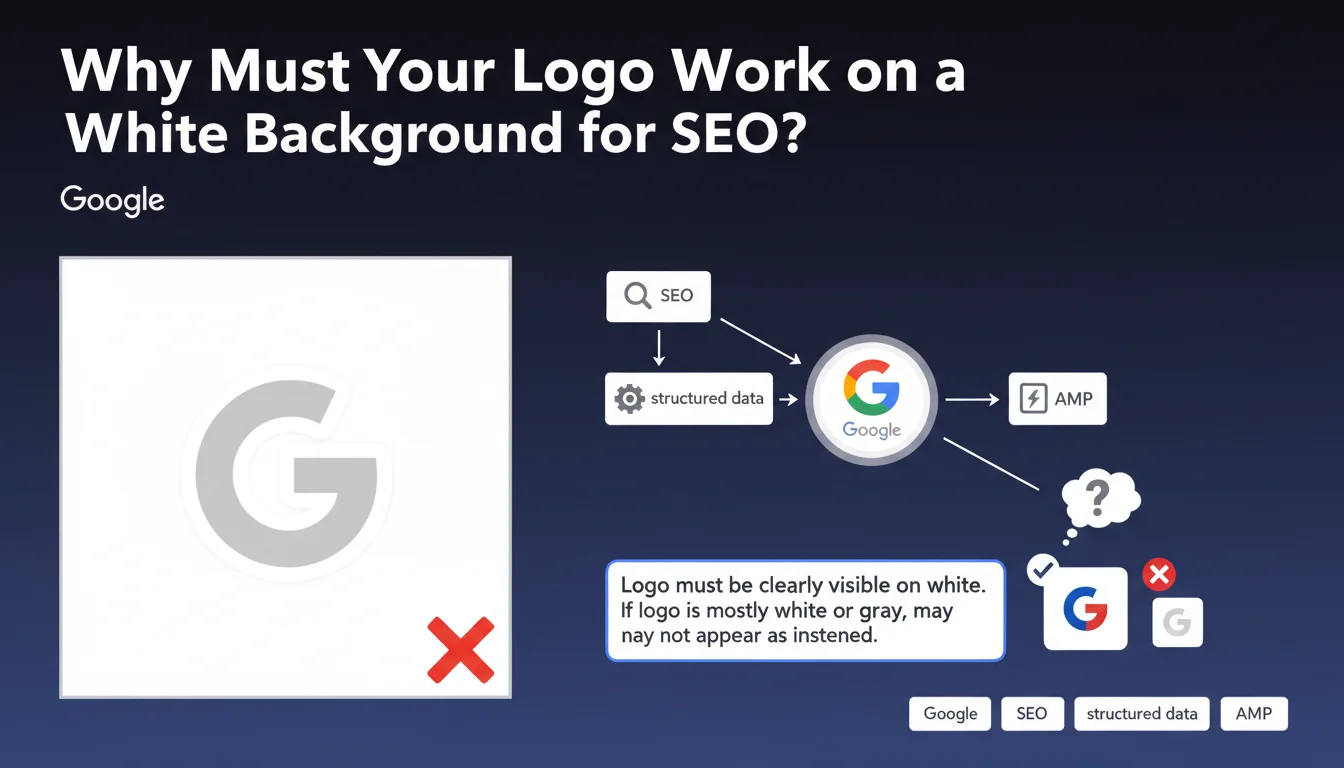
Official statement
What you need to understand
Google has published in its technical recommendations on Organization-type structured data a specific directive concerning logo appearance: they must be visually effective on a purely white background. This requirement is not trivial as it directly impacts how your brand appears in search results, particularly in the Knowledge Graph and rich snippets.
Concretely, this means that logos with a transparent, white, or light gray background can become invisible or poorly readable when Google displays them on its white-background interfaces. This situation creates a major branding problem: your company could appear without a clear visual identity in search results.
This recommendation primarily concerns schema.org markup with logo and image properties used in Organization-type structured data. Google uses this information to enhance the presentation of your brand within its ecosystem.
- The logo must be visually tested on a white background before implementation
- White, light gray, or transparent background logos are problematic
- This directive impacts your brand visibility in SERPs
- The recommended format must include sufficient contrast to be identifiable
SEO Expert opinion
This directive reveals a technical reality often overlooked: Google does not handle transparent backgrounds in a sophisticated manner across all its display contexts. Contrary to what one might expect from a technology giant, the search engine favors simplicity by displaying logos on a uniform white background, without automatic adaptation. This pragmatic approach by Google explains why certain premium brands, with minimalist white or gray logos, can lose all visual identity in the results.
In practice, I observe that this issue particularly affects brands in the luxury, tech, and design sectors that favor refined visual identities. The most common solution consists of creating a specific version of the logo for SEO, with a frame, a subtle drop shadow, or an outline that ensures readability. Some SEO specialists even add color padding or a subtle border exclusively for the version intended for structured data.
Practical impact and recommendations
- Audit immediately: Open your current logo (the one declared in schema.org Organization) in an editor and paste it on a pure white background (#FFFFFF) to verify its readability
- Test in Google tools: Use the Rich Results Test to visualize how Google displays your logo
- Create an SEO version if necessary: Develop a variant of your logo with sufficient contrast (adding an outline, a light shadow, or a colored background)
- Validate with branding: Have this version approved by your marketing/communications teams before implementation
- Update structured data: Replace the logo URL in your schema.org Organization markup
- Avoid formats with transparent background alone: If you use transparent PNG, ensure the logo contains sufficient color elements
- Respect dimensions: Google recommends a logo of at least 112x112px, ideally square or wide rectangular
- Document the decision: Create a technical note explaining why this specific version is used for SEO, to prevent it from being mistakenly replaced during redesigns
💬 Comments (0)
Be the first to comment.