
Official statement
Other statements from this video 1 ▾
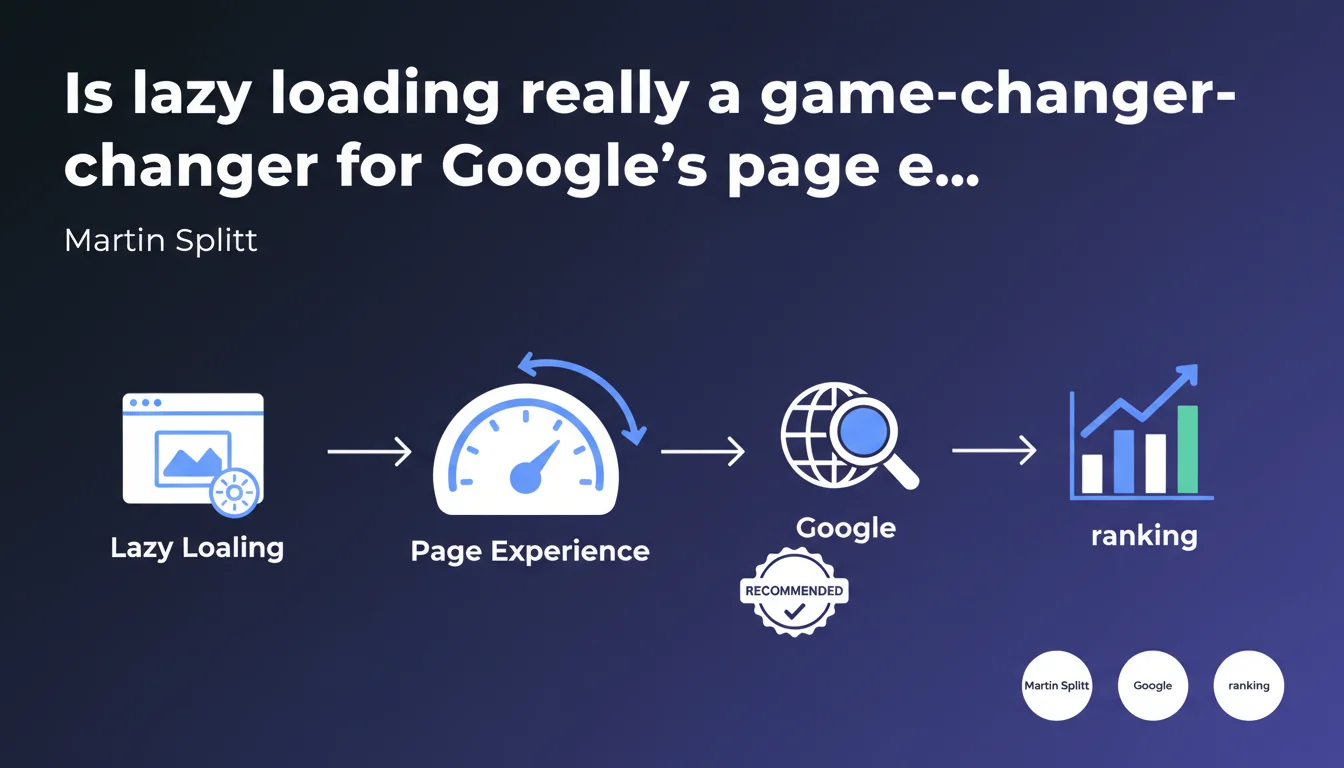
Google confirms that lazy loading improves page experience and recommends this optimization technique. For SEO practitioners, this means lazy loading is no longer just a nice-to-have optimization option, but a factor considered in evaluating overall site quality. The challenge: implementing this technique without compromising indexation or Core Web Vitals.
What you need to understand
How does lazy loading actually impact page experience?
The deferred loading approach is built on a simple principle: load resources (images, videos, iframes) only when the user is about to see them. In practice, this reduces the initial page weight and cuts down perceived load time.
Google incorporates this technique into its page experience evaluation, a set of signals that includes Core Web Vitals, mobile-friendly navigation, HTTPS, and the absence of intrusive interstitials. Lazy loading directly impacts the Largest Contentful Paint (LCP) and First Input Delay (FID) by freeing up bandwidth and processor time for above-the-fold critical elements.
What's the real scope of Google's recommendation here?
Martin Splitt isn't saying that lazy loading is mandatory, but rather that it helps improve experience. Important distinction: Google acknowledges this as an optimization technique without making it a direct, isolated ranking criterion.
What matters is the cumulative impact on user experience metrics. A site that loads quickly thanks to lazy loading will have better odds of meeting Core Web Vitals thresholds — and therefore benefit from a slight comparative advantage in SERPs.
What pitfalls should you watch out for with lazy loading?
The main risk: hiding essential content from Googlebot. If lazy loading relies on poorly implemented JavaScript, certain images or resources may never be discovered by crawlers.
Another common mistake: lazy loading images that sit in the initial viewport. This degrades LCP instead of improving it, because the browser must wait for script execution to trigger the main image load.
- Lazy loading improves page experience by reducing initial weight and prioritizing critical resources
- It positively impacts Core Web Vitals (LCP, FID) when properly implemented
- Be careful not to lazy load above-the-fold elements or block indexation of deferred content
- Google recommends this technique without making it an isolated ranking criterion
SEO Expert opinion
Is this statement consistent with what we're seeing in the real world?
Absolutely. PageSpeed Insights and Lighthouse audits have been recommending lazy loading for off-viewport images for years now. Sites that apply this recommendation see measurable gains in LCP and Time to Interactive.
However, the correlation between lazy loading and ranking improvement remains indirect. It's not lazy loading itself that boosts rankings, but the overall improvement in user experience it enables — better engagement, lower bounce rates, increased page views. [To verify]: Google publishes no quantitative data on the exact weight of page experience in the algorithm.
What nuances should be applied to this recommendation?
Lazy loading everything indiscriminately is counterproductive. On a blog with a hero banner at the top of the page, deferring that image load would be disastrous for LCP. You need to distinguish between critical resources (load immediately) and secondary resources (defer).
Also, native lazy loading (loading="lazy") is now supported by all modern browsers. There's no reason to burden yourself with heavy JavaScript libraries if HTML alone will do. However, for advanced cases (responsive images, dynamic content), a JS solution may still be needed.
In what cases does this rule not apply?
On pages with very little content or single-screen landing pages, lazy loading adds nothing — or even degrades experience if misconfigured. Likewise, on sites where speed of content discovery is paramount (news, media), overly aggressive lazy loading can hurt rapid indexation of images and videos.
Let's be honest: lazy loading is a tool, not a cure-all. Its effectiveness depends on site architecture, media weight, and user behavior. Testing with real data (CrUX, RUM) is essential before rolling it out across the board.
Practical impact and recommendations
What's the concrete roadmap for implementing lazy loading?
Start by identifying resources to defer: below-the-fold images, iframes (YouTube videos, Google Maps), photo galleries. Use the native HTML attribute loading="lazy" for images and iframes — it's the simplest and most performant method.
For more complex cases (responsive images with srcset, animations, sliders), a lightweight library like lazysizes remains a reliable option. Make sure the script doesn't block rendering and loads asynchronously.
What mistakes should you avoid when implementing lazy loading?
Never lazy load images or content visible in the initial viewport. This delays LCP and degrades user experience. Use tools like Lighthouse or WebPageTest to spot errors.
Another trap: forgetting to set width and height attributes on lazy-loaded images. Without these dimensions, the browser can't reserve the necessary space, which causes Cumulative Layout Shift (CLS) when the image loads.
Finally, test indexation: verify in Search Console that Googlebot can actually see your deferred images. If needed, add a <noscript> fallback for crawlers that don't execute JavaScript.
How do you verify that lazy loading actually improves page experience?
Use PageSpeed Insights and real-world data from the Chrome User Experience Report (CrUX) to measure before/after impact. Focus on the three Core Web Vitals: LCP, FID, CLS.
Also compare behavioral metrics in Google Analytics or your web analytics tool: load time, bounce rate, pages per session. Real improvement in experience shows up as higher engagement indicators.
- Use the native HTML attribute
loading="lazy"for images and iframes outside the viewport - Never lazy load critical resources visible on the first screen
- Always set
widthandheightdimensions to prevent CLS - Test indexation of deferred images with Search Console
- Measure real impact on Core Web Vitals via PageSpeed Insights and CrUX
- Prioritize lightweight and native solutions over heavy JS libraries
❓ Frequently Asked Questions
Le lazy loading natif suffit-il ou faut-il utiliser une bibliothèque JavaScript ?
Le lazy loading peut-il nuire à l'indexation des images dans Google Images ?
Faut-il lazy loader les vidéos intégrées (YouTube, Vimeo) ?
Le lazy loading améliore-t-il directement le ranking dans Google ?
Comment éviter le CLS avec le lazy loading ?
🎥 From the same video 1
Other SEO insights extracted from this same Google Search Central video · published on 21/09/2023
🎥 Watch the full video on YouTube →
💬 Comments (0)
Be the first to comment.