
Official statement
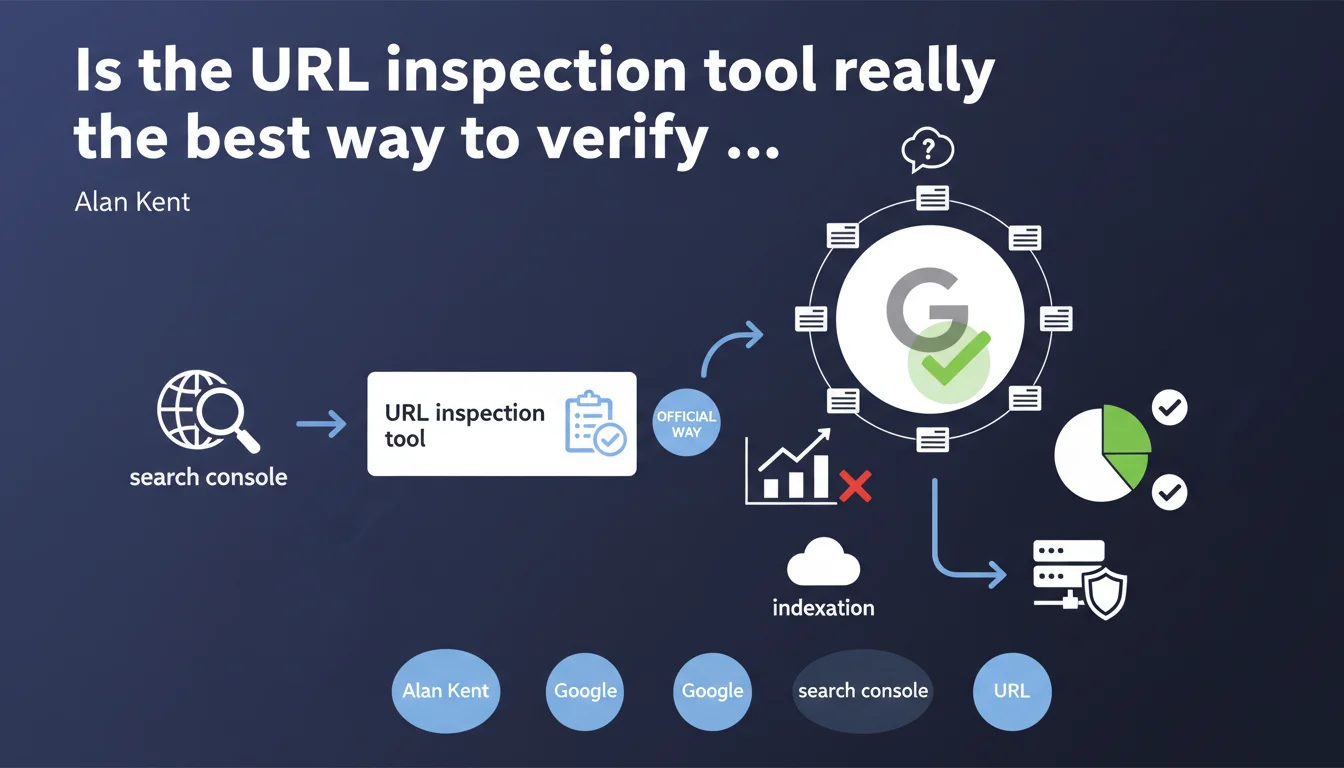
Google Search Console offers a URL inspection tool presented as the official method to check if a page is indexed. This tool allows you to monitor indexation status page by page, but raises questions about its effectiveness at scale and its absolute reliability.
What you need to understand
Why does Google insist on this specific tool?
Google seeks to centralize indexation diagnostics via Search Console rather than watching SEOs multiply site: queries or run manual tests. The URL inspection tool directly queries Google's internal systems to provide a near real-time status.
This official recommendation also aims to reduce misunderstandings about indexation. How many times have you seen a page missing from a site: query when it was actually indexed? The tool avoids this kind of false negatives by providing a precise status: indexed or not, and why.
What does "official tool" concretely mean?
It means Google considers this tool the source of truth for indexation questions. If you dispute an indexation issue with Google support, this is the report they'll ask you to consult first.
But be careful — official doesn't mean perfect. The tool shows what Google sees at time T, not necessarily what will be visible in search results tomorrow. There can be a possible lag between technical status and operational reality.
What's the difference with other verification methods?
The site:yourdomain.com/page query remains the fastest method for a visual check, but it's not 100% reliable. Google can index a page without systematically displaying it in the results of a site: command.
The inspection tool goes further: it tells you if the page is in the index, when it was crawled, which version is indexed (mobile or desktop), and flags rendering or markup errors. It's a complete diagnosis, not just a presence/absence check.
- The inspection tool directly queries Google's internal databases, not the public search index
- It allows you to test a URL in real time via the "Test live URL" button
- It detects canonicalization issues and misconfigured redirects
- It indicates whether a page is blocked by robots.txt or a noindex tag
- It doesn't replace a complete server log analysis to understand Googlebot's actual behavior
SEO Expert opinion
Is this statement consistent with real-world practices?
Yes and no. The URL inspection tool is generally reliable for diagnosing an isolated page. If you launch new content and want to confirm it's being picked up, it's effective.
But let's be honest: on a site with 10,000 pages, checking indexation URL by URL is completely impractical. Google knows this. This statement is mostly aimed at small sites or occasional checks. For large-scale analysis, you'll need to cross-reference data from the index coverage report, server logs, and possibly third-party tools.
What limitations does this tool actually have?
First limitation: it doesn't tell you why an indexed page doesn't rank. Indexation ≠ visibility. A page can be technically in the index and never appear for any relevant query.
Second limitation: the tool can display "URL indexed" when the page has actually been demoted or filtered into low-quality results. Google indexes far more than it actually displays. [To verify] systematically via manual queries on target keywords.
Third point — and Google never states this clearly: the tool shows status at a specific moment in time. A page can shift between "indexed" and "discovered, not indexed" depending on crawl cycles and algorithmic decisions. It's not binary.
In what cases is this tool insufficient?
When you need to audit indexation for several thousand pages, the inspection tool becomes a bottleneck. You'll need to export data from the coverage report and cross-reference it with a Screaming Frog or Oncrawl crawl.
Another case: sites with dynamic content or multiple facets. The tool will tell you a URL is indexed, but won't help you understand if you have a cannibalization or internal duplication problem. For that, you need to analyze performance by page groups, not URL by URL.
Practical impact and recommendations
What should you concretely do with this tool?
Integrate the inspection tool into your publishing routine. Every time you launch strategic content, check its indexation status 48-72 hours after publication. If the status is "Discovered, currently not indexed", request manual indexation via the provided button.
Also use the "Test live URL" option to diagnose technical issues: JavaScript errors, blocked resources, misconfigured tags. It's a huge time saver compared to manual testing with a Googlebot user-agent.
What errors should you avoid when using it?
Don't confuse "URL indexed" with "URL well-ranked". The tool doesn't measure indexation quality, just its presence. A page indexed with an empty snippet or truncated title tag is still a problem.
Another common mistake: using the tool to force indexation of hundreds of pages in bulk. Google detects this behavior and can ignore your requests. Reserve indexation requests for truly priority pages.
Finally, don't neglect the detailed error messages. If the tool indicates "Blocked by robots.txt", check your directives. If it's "Redirect anomaly", track the redirect chain. These diagnostics are often more accurate than what an external crawler will give you.
How should you integrate this tool into a global indexation strategy?
The inspection tool is one piece of the puzzle, not the complete solution. Combine it with regular analysis of the index coverage report to spot trends (increasing excluded pages, recurring errors).
Cross-reference the data with your server logs to understand if Googlebot is actually crawling your priority pages. A page marked "Discovered, not indexed" that receives no Googlebot visits in 3 months signals a crawl budget or internal linking problem.
- Systematically verify indexation of new strategic pages within 72 hours
- Use "Test live URL" to diagnose technical errors before publication
- Request manual indexation only for truly priority pages (< 10 per week)
- Review the coverage report monthly to detect deindexation trends
- Analyze server logs to understand Googlebot's actual behavior
- Don't rely solely on "URL indexed" status — verify snippet quality and rendering
- Document recurring anomalies to identify structural site issues
The URL inspection tool is a precise but limited diagnosis. It excels at verifying one-off page indexation, identifying specific technical errors, and forcing indexation of strategic content. But it doesn't replace a comprehensive coverage analysis, log audit, or solid internal linking strategy.
For a complete view of your indexation, combine this tool with the coverage report, a professional crawler, and regular log analysis. If your site has complex indexation challenges (thousands of pages, dynamic content, deep architecture), support from a specialized SEO agency may be worthwhile to implement an adapted monitoring strategy and fix structural bottlenecks.
❓ Frequently Asked Questions
L'outil d'inspection d'URL est-il plus fiable qu'une requête site: ?
Puis-je utiliser cet outil pour forcer l'indexation de toutes mes pages ?
Pourquoi une page marquée "URL indexée" n'apparaît-elle pas dans les résultats de recherche ?
Quelle différence entre "Découverte, non indexée" et "Explorée, non indexée" ?
Faut-il vérifier l'indexation de chaque page publiée ?
🎥 From the same video 2
Other SEO insights extracted from this same Google Search Central video · published on 17/10/2022
🎥 Watch the full video on YouTube →
💬 Comments (0)
Be the first to comment.