
Official statement
What you need to understand
Why is Google talking about displaying an HTTP warning in the SERPs?
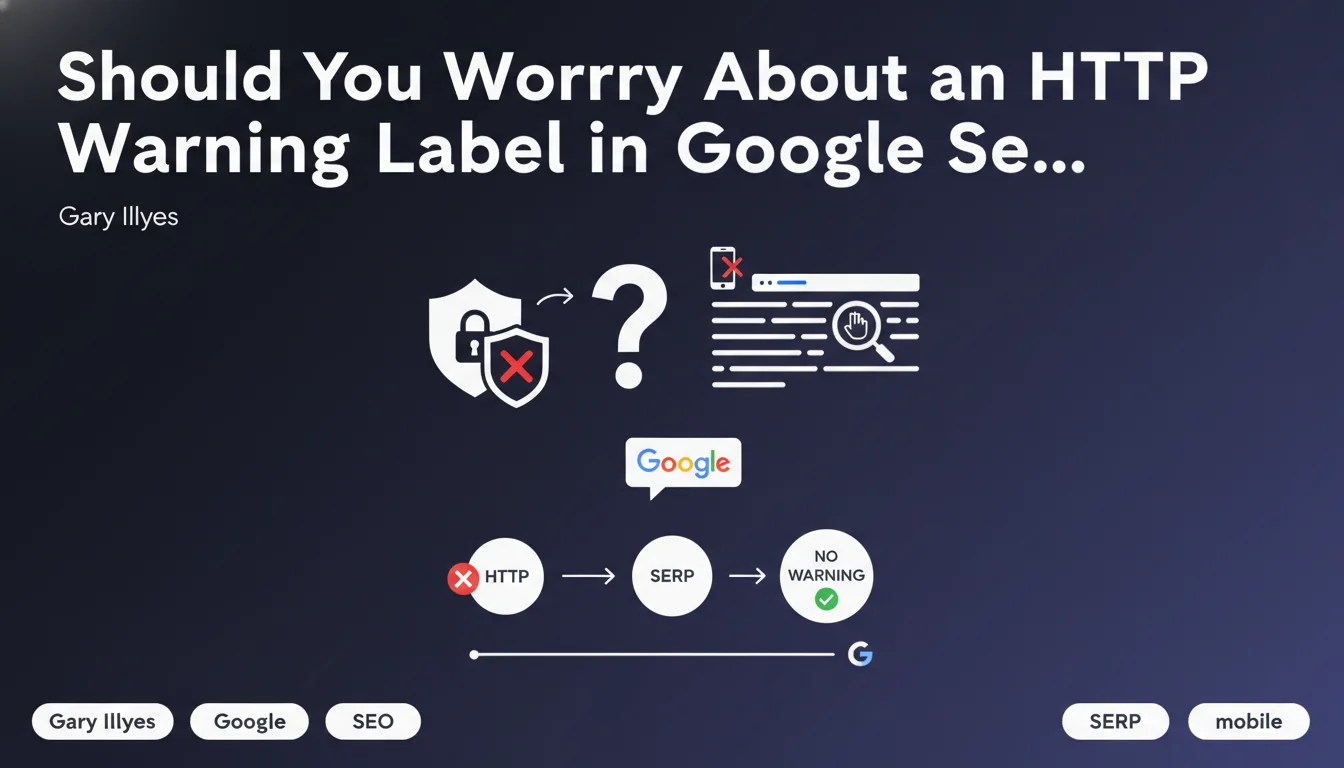
Gary Illyes clarified Google's position at Brighton SEO: the search engine has no plans to add a visible marker in search results to flag sites still on HTTP. This statement references a strategy already used by Google with the "Mobile-friendly" label that appeared in the SERPs.
The goal of this communication is to reassure webmasters while maintaining pressure on HTTPS adoption. Google prefers to use other levers like warnings in Chrome or the ranking boost to encourage migration.
How does this approach differ from the mobile strategy?
In 2015, Google displayed a "Mobile-friendly" label in results to guide users. This public and visible method significantly accelerated the adoption of responsive design.
For HTTPS, Google has chosen a different approach: signals in the Chrome browser (green padlock then "Not secure" notices) rather than in the SERPs. This strategy proves just as effective without visually impacting search results.
What are the key takeaways from this statement?
- No HTTP marker is planned in the SERPs in the short or medium term
- Google maintains its policy of encouraging HTTPS through other channels
- HTTPS remains a positive ranking factor since 2014
- The absence of a marker doesn't mean HTTP is acceptable
- This position may evolve if HTTPS adoption stagnates
SEO Expert opinion
Is this statement consistent with observed practices?
Absolutely. For several years, we've observed that Google favors Chrome as a vector of influence for web standards. The "Not secure" warnings in the address bar have had a massive impact on HTTPS adoption, without requiring modifications in the SERPs.
This approach is more effective because it reaches users directly during navigation, not just during search. The migration rate to HTTPS now exceeds 95% of sites in Google's index, demonstrating the success of this strategy.
What nuances should be considered with this announcement?
It's crucial to understand that "no marker planned" doesn't mean "no penalty." HTTPS remains a confirmed ranking signal, even if its individual weight is moderate. More importantly, HTTP sites can suffer major indirect disadvantages.
Modern browsers display warnings that harm click-through rates and conversions. HTTP forms are particularly stigmatized. Additionally, certain advanced features like Service Workers or HTTP/2 require HTTPS.
In what contexts could this absence of markers evolve?
Several scenarios could push Google to reverse this decision. An increase in attacks like man-in-the-middle, stagnation in HTTPS adoption rates, or regulatory pressures could change the game.
We can also imagine Google testing contextual markers for certain types of sensitive pages (e-commerce, contact forms) without generalizing to all SERPs. Progressive strategy is a constant with Google.
Practical impact and recommendations
What should you actually do with your website?
The answer is unequivocal: migrate to HTTPS immediately if you haven't already. The absence of markers in the SERPs changes nothing about the security imperative. HTTP is now considered obsolete by the entire web ecosystem.
Even if Google doesn't display warnings in results, your visitors see security alerts in their browser. This directly impacts your credibility, bounce rate, and conversions. The ROI of an HTTPS migration is largely positive.
What mistakes should you avoid during HTTPS migration?
HTTPS migration is a sensitive technical project that can generate massive traffic losses if poorly executed. Classic mistakes include 302 redirects instead of 301, mixed content, or forgetting to update the sitemap file.
It's also crucial not to migrate during high-activity periods (Black Friday, sales) and to plan an intensive post-migration monitoring phase. Misconfigured or expired SSL certificates can make your site completely inaccessible.
How can you verify that your site is properly configured in HTTPS?
- Verify that all pages have a valid SSL certificate (no certificate errors)
- Check for the absence of mixed content (HTTP resources on HTTPS pages) via the Chrome console
- Implement permanent 301 redirects from all HTTP URLs to HTTPS
- Update the sitemap.xml file with HTTPS URLs
- Modify settings in Google Search Console for the HTTPS property
- Add HSTS headers (HTTP Strict Transport Security) to force HTTPS
- Verify that canonical tags point to HTTPS versions
- Test loading speed (HTTPS can impact performance)
- Update all internal links in content and templates
- Monitor 404 errors and server logs for 2-3 weeks post-migration
💬 Comments (0)
Be the first to comment.