
Official statement
What you need to understand
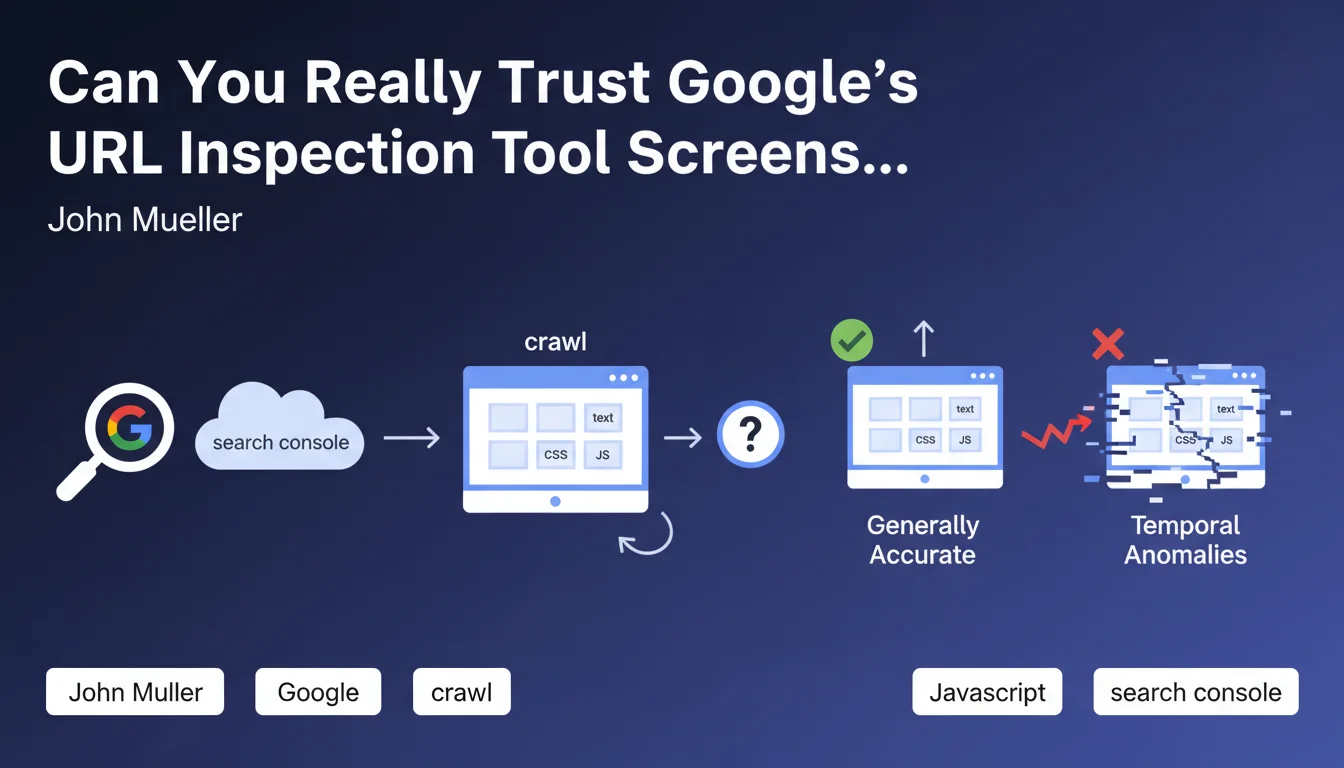
The URL Inspection tool in Google Search Console allows SEO professionals to visualize how Googlebot interprets and displays a web page. This feature is essential for verifying that JavaScript rendering, CSS, and images are loading correctly.
John Mueller has just clarified an important point: these screenshots can sometimes show temporal anomalies. This means that the visual representation can be affected by temporary technical issues occurring during crawling, such as unavailable resources or loading delays.
This clarification is important because many SEO professionals rely exclusively on these screenshots to diagnose indexing problems. An incorrect rendering doesn't necessarily indicate a permanent problem with the page itself.
- Googlebot screenshots are generally reliable but not 100% infallible
- Temporal anomalies can occasionally affect the displayed rendering
- A defective screenshot doesn't necessarily mean your page has a problem
- You need to cross-reference multiple indicators before concluding there's a technical issue
SEO Expert opinion
This statement is completely consistent with what I observe in the field. I regularly notice differences between successive screenshots of the same page, especially on sites with heavy JavaScript or external resources.
The important nuance here concerns the difference between a temporary issue and a structural problem. If a screenshot shows incomplete rendering, it's crucial to check multiple times at different moments before launching costly technical modifications. I've seen teams waste days fixing "bugs" that only existed in an isolated screenshot.
In my practice, I recommend always conducting at least 3 tests spaced out over 24-48 hours before diagnosing a rendering problem. This approach helps distinguish temporal anomalies from real malfunctions.
Practical impact and recommendations
- Never rely on a single screenshot to diagnose a Googlebot rendering problem
- Conduct multiple URL inspection tests spaced over time (ideally 3 tests over 48 hours) before drawing conclusions
- Cross-reference screenshot data with other indicators: server logs, indexation rate, SEO rankings
- Document screenshots with their date and time to identify potential temporal patterns (peak traffic hours, maintenance periods...)
- If a screenshot shows a problem but the page performs well in SEO, don't panic immediately
- Use complementary tools like the mobile-friendly test and coverage reports to validate your diagnostics
- Implement regular monitoring of strategic pages rather than sporadic checks
- In case of persistent anomalies, verify the availability and loading speed of your external resources (CDN, fonts, third-party scripts)
💬 Comments (0)
Be the first to comment.