
Official statement
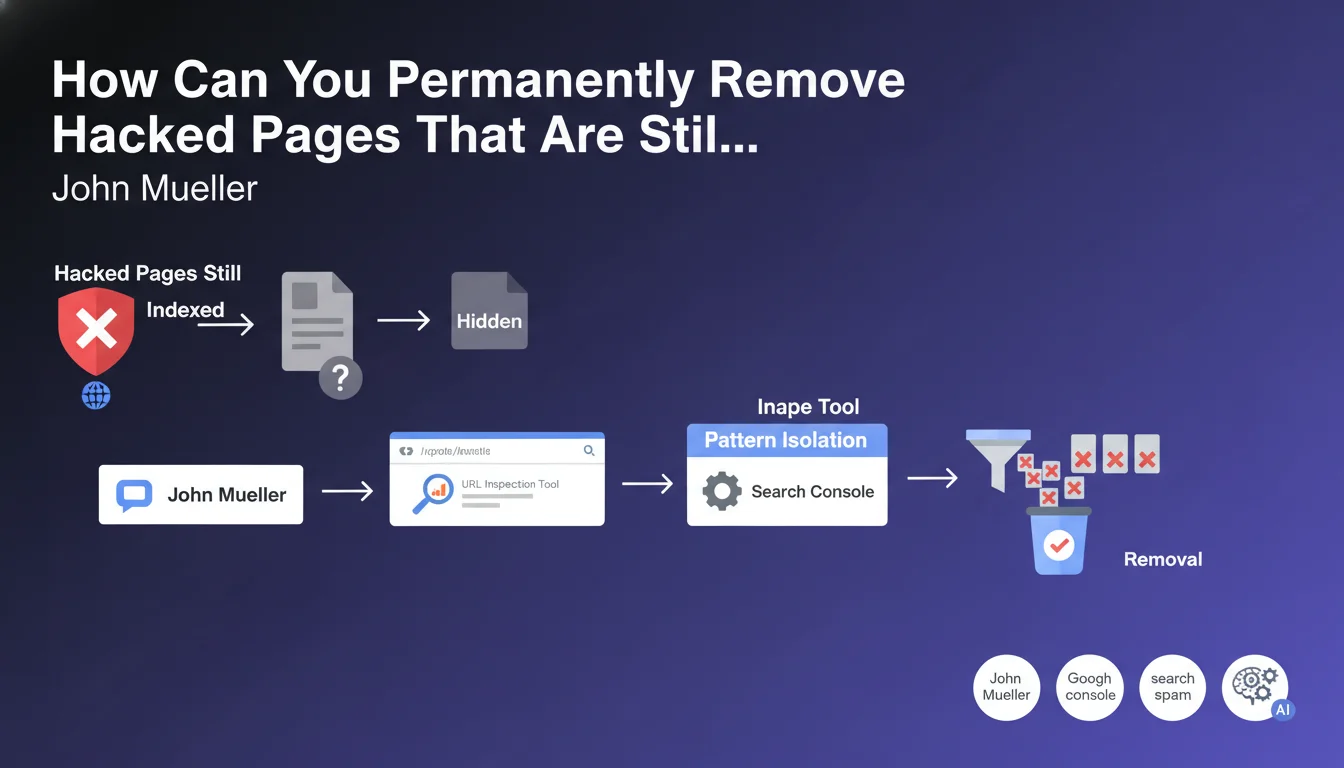
John Mueller responded by clarifying that this type of hacked pages can be hidden, which explains their presence in the Google index. The solution: use the URL Inspection tool in Search Console: "If the spammed URLs all follow a pattern you can isolate (for example, 'yoursite/?p=123'), you can use the URL removal tool to hide them quickly (submit '/?p=' to remove them all)."
What you need to understand
When a site falls victim to a Japanese Keyword Hack, hackers often create hundreds of spam pages that remain indexed even after the initial cleanup. This phenomenon is explained by a common malicious technique: content cloaking.
Hacked pages can be invisible in your WordPress dashboard while remaining accessible to Google's indexing bots. They generate different content depending on whether the visitor is a search engine bot or a human user.
Google officially acknowledges that this problem of persistence in the index is common after a hack. The recommended solution involves using the URL Inspection tool and URL removal tool in Search Console.
- Hacked pages can be cloaked and therefore invisible to you but still visible to Google
- The URL Inspection tool allows you to check the actual indexing status of each page
- The URL removal tool can process pages in bulk that follow the same pattern
- A single submission like
/?p=can remove all corresponding variants
SEO Expert opinion
This Google recommendation is perfectly consistent with post-hack remediation practices observed in the field. The Japanese Keyword Hack indeed uses sophisticated cloaking techniques that make pages invisible to administrators while keeping them active for crawlers.
However, one important nuance: the URL removal tool is only a temporary solution (approximately 6 months). It quickly hides pages from the index but does not constitute a definitive cleanup. You must absolutely identify and remove the malicious files at the source, check file permissions, change all passwords, and audit compromised plugins and themes.
Practical impact and recommendations
- Use the URL Inspection tool in Search Console to check the actual indexing status of suspicious pages
- Identify common patterns in hacked URLs (parameters, repetitive structures)
- Submit batch removal requests via the URL removal tool using common prefixes
- Perform a comprehensive security audit: scan all files, check permissions, change credentials
- Physically delete malicious files from the server (don't rely solely on the Google tool)
- Configure Search Console alerts to quickly detect any reappearance of spam pages
- Check WordPress user accounts and delete any unauthorized or suspicious accounts
- Update all components: CMS, plugins, themes, and PHP version
- Submit a clean XML sitemap after complete cleanup
- Do not deindex via robots.txt hacked pages as this prevents Google from seeing that they now return a 404 or 410 error
Post-hack remediation is a complex and multi-layered process that requires both technical security skills and in-depth knowledge of Search Console tools.
Beyond simply removing from Google, you need to secure the infrastructure to prevent any recurrence. These operations require specialized expertise and can be time-consuming. Given the complexity of a comprehensive security audit and the risks of reinfection, it is often wise to entrust this mission to a specialized SEO agency that can not only clean up the existing issues but also implement sustainable preventive measures and continuous monitoring tailored to your situation.
💬 Comments (0)
Be the first to comment.