
Official statement
What you need to understand
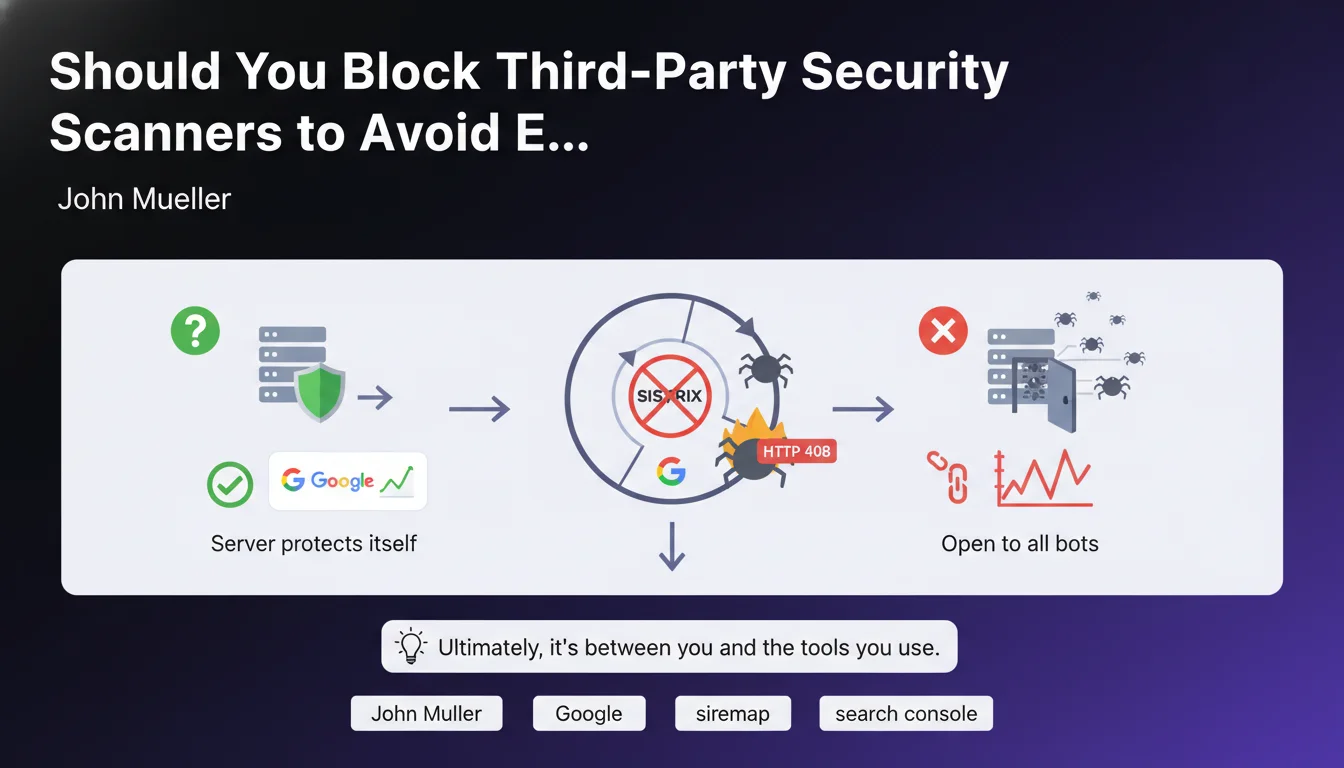
John Mueller clarified a common confusion regarding HTTP 408 (Request Timeout) errors that appear in sitemap reports. A webmaster had observed these errors and thought they were coming from Google.
In reality, these errors came from Sistrix's antivirus scanner, a third-party SEO analysis tool, and not from Google's bots. The search engine does not use these external scanners to crawl sites.
Mueller points out that the server was simply protecting itself against unidentified bots, which can be a legitimate security measure. This situation falls within the relationship between the site owner and the tools they choose to use.
- Google does not use security scanners like Sistrix's to explore your site
- 408 errors in your sitemap may come from third-party tools attempting to access your pages
- Blocking certain bots can be a good security practice depending on the context
- You need to distinguish errors caused by Google from those caused by external tools
SEO Expert opinion
This clarification is perfectly consistent with how Googlebot operates. Google's crawler uses its own well-identified user-agents and has no reason to rely on third-party scanners to access content.
However, some nuance is needed: some popular SEO tools can generate significant traffic by regularly crawling your pages. If your server blocks them too aggressively, you'll lose valuable analytical data without any impact on your Google rankings.
The real question is knowing which bots to allow or block based on your objectives. A balance is necessary between security, server performance, and SEO data collection.
Practical impact and recommendations
- Analyze your server logs to precisely identify which bots are generating 408 errors or other unusual error codes
- Verify Googlebot's official user-agents to distinguish legitimate crawls from third-party tools
- Configure your robots.txt and server rules to explicitly allow Google crawlers while controlling others
- Don't panic over errors in Search Console if they don't directly concern Googlebot
- Maintain a whitelist of SEO tools that you actively use (Sistrix, Semrush, Ahrefs, etc.) if their data is useful to you
- Optimize server timeout management to avoid 408 errors on legitimate requests while blocking malicious bots
- Document your blocking rules to avoid accidentally blocking services you use
In summary: This statement confirms that you need to carefully analyze the origin of errors before taking action. Don't modify your security configurations without a thorough analysis of the logs.
Optimal crawl management, server security rules, and log monitoring require sharp technical expertise. These optimizations touch on infrastructure, security, and technical SEO—three areas that demand specialized skills. To implement an effective and secure crawl management strategy, support from an experienced SEO agency can prove invaluable in identifying best practices tailored to your specific context.
💬 Comments (0)
Be the first to comment.