
Official statement
Other statements from this video 26 ▾
- □ La localisation du serveur influence-t-elle vraiment le référencement local ?
- □ Faut-il canoniser les landing pages publicitaires vers les pages produits principales ?
- □ Pourquoi les polices web perturbent-elles le SEO avec le Cumulative Layout Shift ?
- □ Pourquoi Google filtre-t-il les sites de contenu adulte même avec des requêtes exactes ?
- □ Comment réagir face à des erreurs 503 persistantes en SEO ?
- □ Pourquoi la resoumission intempestive d'un sitemap XML n'est pas efficace ?
- □ Faut-il recourir à l'outil Disavow pour des sites copiés en masse ?
- □ Pourquoi Google n'intervient-il pas contre les sites copieurs ?
- □ Pourquoi soumettre une plainte DMCA devrait-il être gratuit pour les SEO ?
- □ Faut-il reviser manuellement les traductions automatiques pour le SEO ?
- □ Comment un bouton de traduction influence-t-il le SEO ?
- □ Comment hreflang peut-il résoudre les problèmes de contenu international en SEO ?
- □ Comment optimiser hreflang sans garantie de succès total ?
- □ Faut-il traduire toutes les pages d'un site pour bien ranker ?
- □ Comment les variations de mots-clés avec ou sans espace affectent-elles le SEO ?
- □ Pourquoi Google simplifie-t-il automatiquement certaines URLs?
- □ Comment Google gère-t-il les sites adultes en fonction de l'intention de recherche ?
- □ Pourquoi les liens sponsorisés ne boostent-ils pas votre SEO ?
- □ Mentions de marque sans lien : un levier SEO à ignorer ?
- □ Comment Google gère-t-il vraiment le client-side rendering ?
- □ Pourquoi ne pas investir uniquement dans le SSR pour Google ?
- □ Pourquoi Google n'indexe-t-il pas toutes vos pages ?
- □ Pourquoi le Structured Data Testing Tool est-il crucial pour l'indexation Google ?
- □ Comment la pagination JavaScript affecte-t-elle le crawl SEO ?
- □ Pourquoi le DOM rendu est-il crucial pour l'indexation Google ?
- □ Pourquoi l'amelioration SEO doit-elle etre multifactorielle?
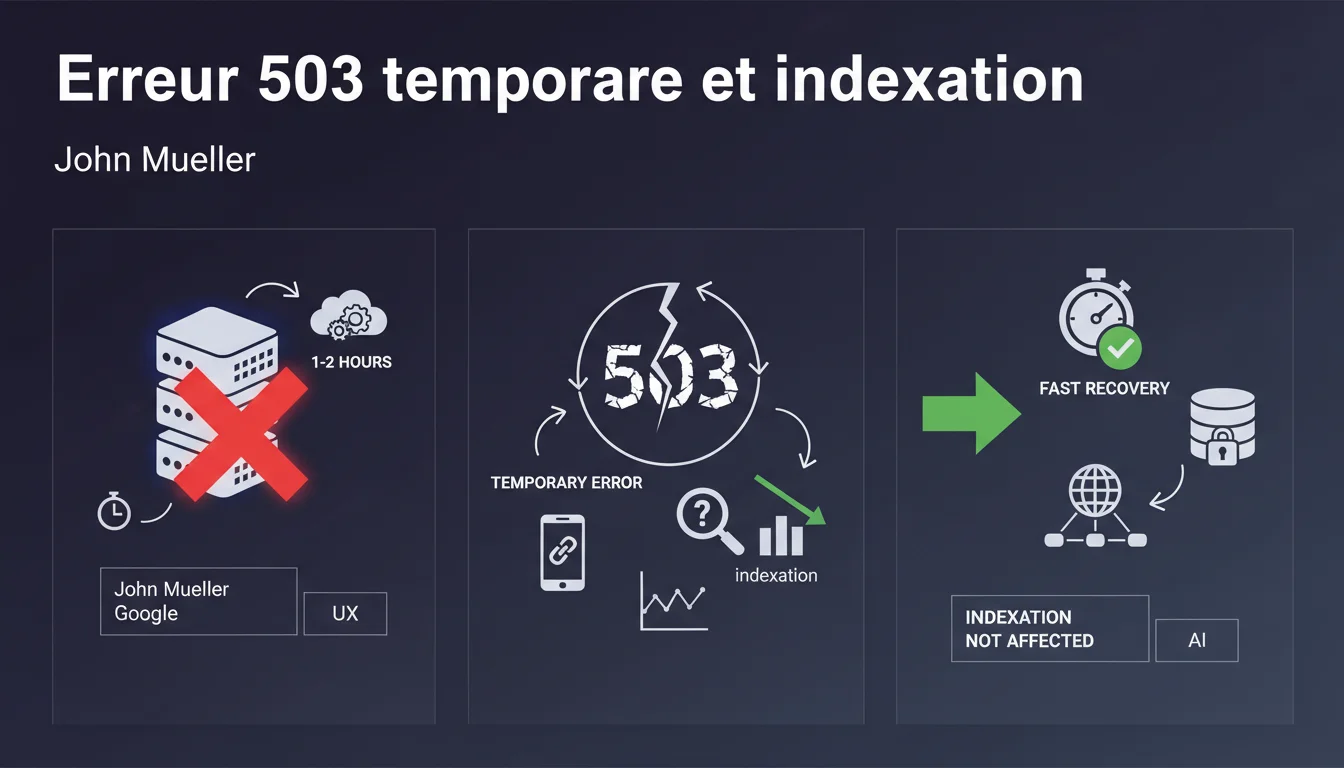
A short-term 503 error (1-2 hours) has no impact on SEO. Google interprets this code as a temporary unavailability and automatically retries a few hours later without degrading your indexing. The danger only arises from prolonged 503 errors lasting several days.
What you need to understand
Why does Google tolerate short-term 503 errors?
The 503 Service Unavailable code explicitly indicates to the crawler that the unavailability is temporary, unlike a 404 or 410 error signaling content that is permanently gone. Google has programmed Googlebot to interpret this signal correctly and trigger a retry after a delay.
This tolerance is explained by the operational realities of the web: scheduled maintenance, unexpected traffic spikes, server migrations. Google cannot systematically penalize every service interruption for fear of artificially degrading its search results.
How long does it take for Google to retry?
Mueller mentions “a few hours” without specifying an exact timeframe — and that’s where it gets tricky. The recrawl frequency varies depending on the site's authority, the usual freshness of the content, and the crawl budget allocated. A news media site will be revisited much faster than a corporate site updated quarterly.
On a site with high editorial velocity, Googlebot can return in less than an hour. On a dormant site, several days may pass before the next attempt.
What constitutes “short-term” according to Google?
Mueller references one to two hours as the benchmark. Beyond that, the risk gradually increases. Field reports indicate that a sustained 503 error lasting 24 hours begins to pose problems on certain sites, especially if multiple sections are affected simultaneously.
- One-off 503 error (1-2h): no observed impact on indexing
- Prolonged 503 (24h+): gradual possible deindexing, particularly on less crawled pages
- Recurring 503 errors: Google may interpret this as a structural problem and reduce the crawl budget
- Retry-After header: allows you to explicitly signal the estimated duration of unavailability
- Fundamental difference: a 503 says “come back later,” while a 404 says “this page no longer exists”
SEO Expert opinion
Does this statement align with field observations?
Yes, within the 1-2 hour window. Well-timed overnight migrations never cause a visible drop in Search Console. The problem arises when a "small technical issue" stretches over 6-8 hours — that’s when it becomes less predictable.
I have seen sites maintain a 503 for 12 hours without measurable consequences, and others lose 30% of indexed pages after 18 hours of interruption. The determining variable seems to be the usual crawl budget: a heavily crawled site has more leeway than a low-velocity site.
What happens if the migration goes awry?
This is where Mueller's reassuring discourse hits its limits. A migration that stretches over 48 hours with intermittent 503s creates an ambiguous situation: Googlebot tries several times, fails, and gradually reduces its crawling frequency.
[To be verified] Google does not communicate a specific threshold beyond which a 503 triggers partial deindexing. Observed cases suggest that after 3-4 days of continuous 503 errors, some pages start to disappear from the index — but it's impossible to determine if this is a systematic rule or an indirect consequence of an exhausted crawl budget.
Is the Retry-After header really taken into account?
Officially yes — this HTTP header allows you to indicate to Googlebot when to retry. In practice, its use remains marginal during migrations because it requires accurately predicting the duration of the interruption.
Some tests show that Google does respect this timing… when the site has sufficient authority. On sites with a low crawl budget, the effect seems negligible. It's a second-order optimization: it's better to reduce the duration of the interruption than to fine-tune the headers.
Practical impact and recommendations
How to plan a migration without SEO risk?
The tolerance window of 1-2 hours should be your absolute ceiling, not your target. Aim for a maximum interruption of 30-45 minutes. Plan for an immediate rollback if it goes beyond 90 minutes — bringing the old server back online is always better than maintaining a 503 "while waiting for it to be resolved".
Schedule the migration during minimum crawl hours according to your server logs. For most European B2B sites, this is between 2 AM and 5 AM on weekdays. Absolutely avoid migrations on Monday mornings or after the publication of viral content.
What signals should you monitor during and after the migration?
Monitor Googlebot’s crawl attempts in real-time through your server logs. If you see bursts of requests hitting 503s, your window is tightening. A Googlebot that insists 4-5 times in 20 minutes indicates you're on a page with a high crawl budget — restoring service should be your top priority.
In the 48 hours following the migration, check in Search Console to ensure the number of pages crawled per day returns to its usual level. A persistent drop indicates that Google has reduced your crawl budget following the incident.
- Test the entire migration in a staging environment with precise timing
- Plan for a rollback in less than 10 minutes if the migration goes awry
- Monitor server logs in real-time throughout the migration window
- Ensure the Retry-After header is configured (even if the effect remains limited)
- Check the evolution of the crawl budget in Search Console on Day +2 and Day +7
- Manually trigger an indexing request on strategic pages as soon as they come back online
- Document exactly the duration of the interruption and affected pages for future reference
Should you notify Google before a scheduled maintenance?
No, Google does not offer any official channel to report maintenance in advance. The Retry-After header is theoretically sufficient. Some SEOs have attempted to use the problem report in Search Console to "notify" Google — completely useless, this is not the role of this tool.
The only true safeguard: minimize the interruption window as much as possible. The rest is just wishful thinking.
❓ Frequently Asked Questions
Une erreur 503 de 3 heures peut-elle faire chuter mon trafic organique ?
Vaut-il mieux une 503 ou mettre le site en maintenance avec une page HTML ?
Les erreurs 503 consomment-elles du crawl budget inutilement ?
Dois-je soumettre à nouveau mes URLs après une erreur 503 courte ?
Une 503 récurrente chaque nuit pour backup peut-elle poser problème ?
🎥 From the same video 26
Other SEO insights extracted from this same Google Search Central video · published on 18/12/2021
🎥 Watch the full video on YouTube →
💬 Comments (0)
Be the first to comment.