
Official statement
What you need to understand
Why doesn't blocking crawl via robots.txt quickly deindex a site?
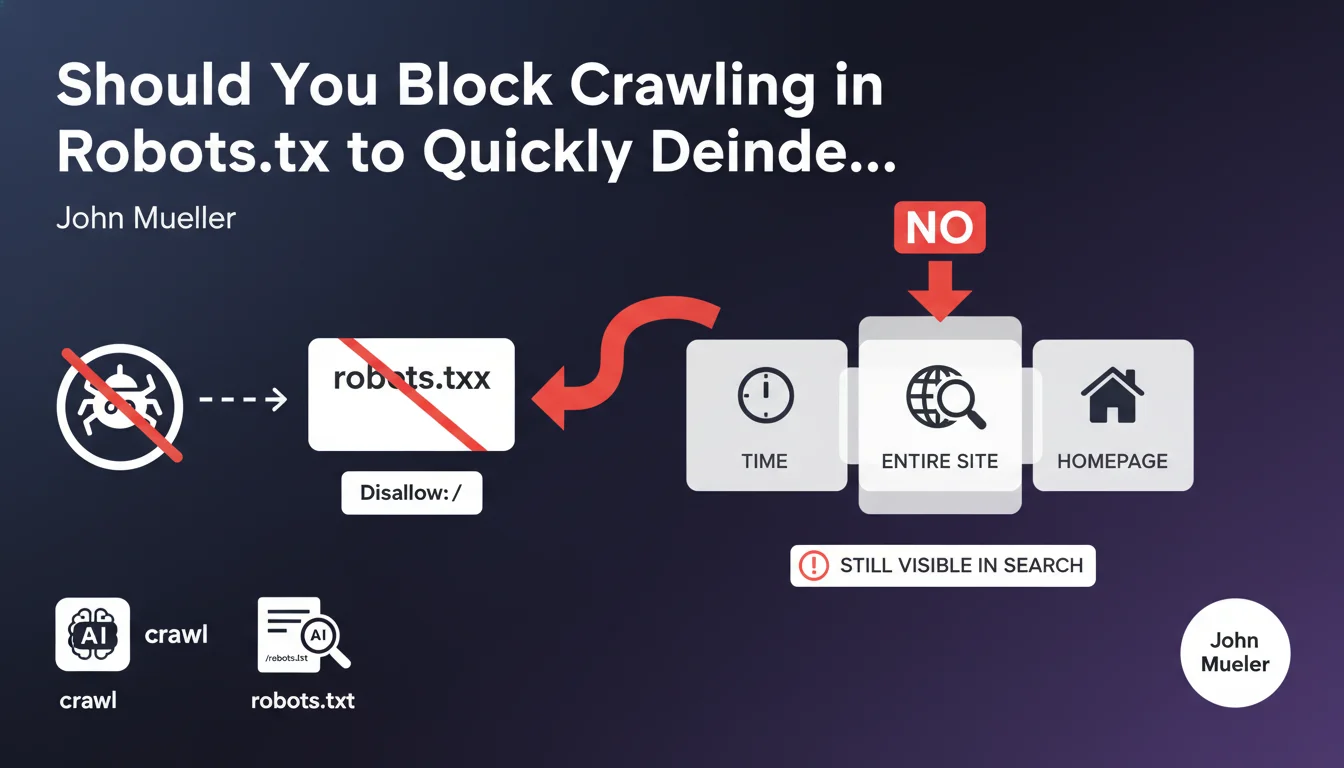
The Disallow: / directive in the robots.txt file prevents Google's bots from crawling the pages of your site. However, it does not order the removal of URLs already present in the index.
Google will continue to display pages in its results, even without being able to crawl them. The homepage in particular will remain visible in the index for a long time, because Google considers it a reference URL for the domain.
What's the difference between crawling and indexing?
Crawling refers to the process by which Googlebot visits and analyzes your pages. Indexing corresponds to the recording of these pages in Google's database to display them in search results.
Blocking crawling does not prevent the indexing of known URLs. Google can maintain pages in its index based on external signals like backlinks, even without accessing the content.
How long does it take for a site to disappear with this method?
Without access to the content, Google will take several weeks or even months to gradually remove pages from its index. This process is slow and unpredictable.
The homepage and pages with numerous backlinks will persist particularly long in search results.
- Robots.txt blocks crawling but does not remove existing indexing
- URLs remain visible in results for an extended period
- The homepage is the most resistant to passive deindexing
- External signals maintain pages in the index
SEO Expert opinion
Is this recommendation consistent with practices observed in the field?
Absolutely. I have observed numerous cases where sites blocked via robots.txt remained indexed for 3 to 6 months. Some URLs with strong authority persisted even beyond that.
Google then displays generic snippets like "No information available" but keeps the title and URL in the results. This is particularly problematic for sites that want to quickly disappear from SERPs for legal or strategic reasons.
What important nuances should be added to this statement?
The speed of deindexing strongly depends on the site's link profile. A site with few backlinks will disappear more quickly than a domain with strong external popularity.
Additionally, Google may maintain indexing if other sources reference your pages, creating a paradox: the more popular your site is, the harder it is to deindex it passively.
In what scenarios could this approach nevertheless be used?
Blocking crawling can be relevant as a temporary measure during a migration or major redesign, to prevent Google from crawling a site under construction.
It's also useful for saving crawl budget on low-value sections while keeping them accessible to users. But never for quickly deindexing a complete site.
Practical impact and recommendations
What is the correct method to quickly deindex a site?
The recommended solution consists of using the meta noindex tag on all pages you want to remove from the index. This directive explicitly tells Google to remove these URLs.
You must absolutely keep the site crawlable so that Googlebot can detect these noindex tags. Combining robots.txt and noindex is counterproductive.
For emergency deindexing, use the URL removal tool in Google Search Console. This method offers temporary removal for 6 months, while the noindex tags are being processed.
What critical mistakes should absolutely be avoided?
Never block crawling if you have added noindex tags. Google won't be able to see them and your pages will remain indexed indefinitely.
Also avoid returning 404 or 410 codes too quickly without a redirection strategy. You would lose the SEO benefit of your backlinks without guarantee of rapid deindexing.
- Add the <meta name="robots" content="noindex"> tag on all pages to deindex
- Verify that robots.txt allows crawling of these pages (no Disallow)
- Use the temporary removal tool in Google Search Console to accelerate the process
- Monitor deindexing with a site:yourdomain.com search regularly
- For an entire site, consider an HTTP 410 Gone code rather than a 404
- Maintain an accessible and valid robots.txt file
- Document your process for future reference
How can you ensure that deindexing is proceeding correctly?
Use Search Console to monitor the evolution of the number of indexed pages in the coverage report. You should see a gradual decrease over 2 to 4 weeks.
Perform manual searches with the site: operator to check which pages persist in the index. Focus on priority URLs to remove first.
💬 Comments (0)
Be the first to comment.