
Official statement
What you need to understand
Why can a simple theme change affect SEO?
A CMS theme isn't limited to just the visual appearance of your site. It also controls the technical structure of the HTML code, the organization of tags, and how content is presented to search engines.
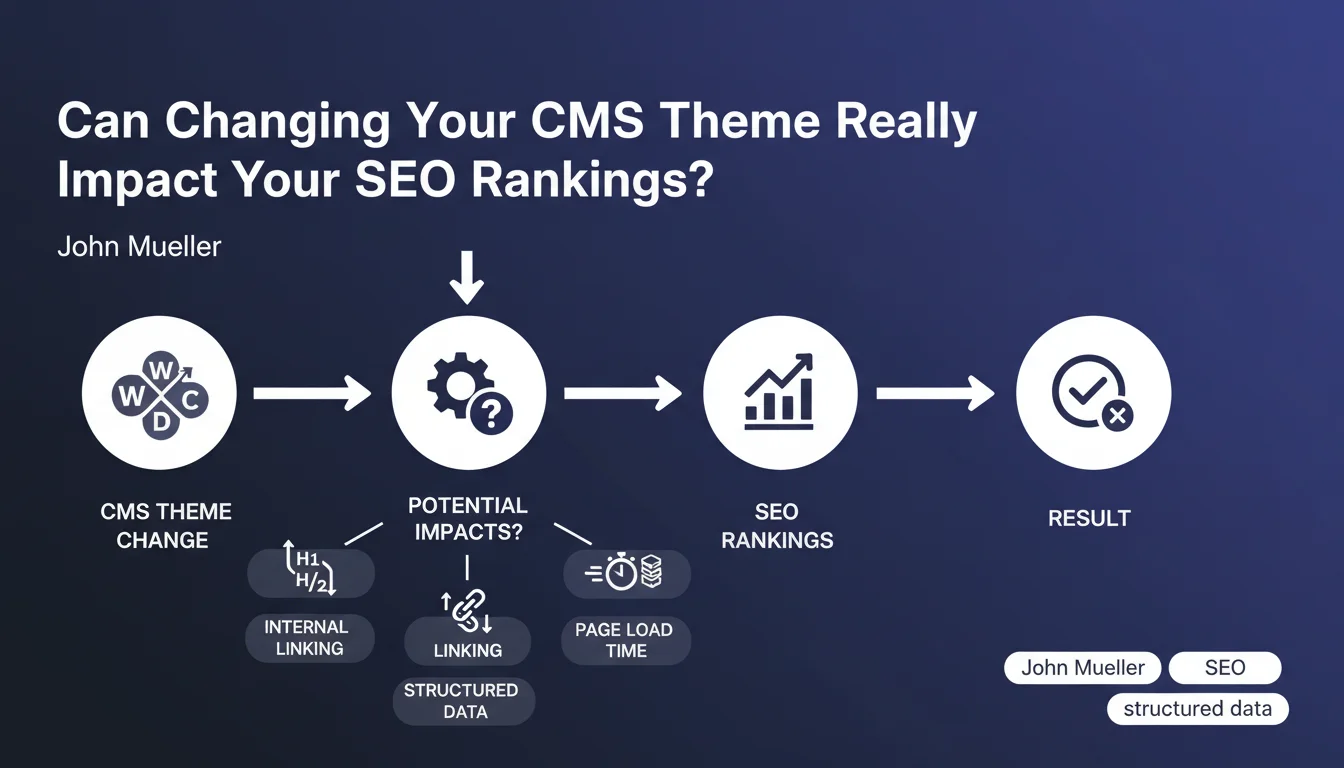
When you change themes, you potentially modify elements critical to SEO: the hierarchy of headings (H1, H2, H3), loading speed, automatic internal linking, or even the implementation of structured data. Even if your textual content remains identical, Google may perceive your site differently.
What technical elements are impacted by a theme change?
Themes manage numerous technical aspects essential to SEO. The structure of Hn tags determines the hierarchy of your content and helps Google understand the importance of each section.
Automatic internal linking (links between articles, breadcrumbs, widgets) can be completely reconfigured. Loading performance varies considerably from one theme to another depending on their code quality. Finally, structured data (Schema.org) may be present, absent, or poorly implemented depending on the chosen theme.
- Hn tag hierarchy: semantic structure of content
- Loading time: direct impact on user experience and crawling
- Internal linking: PageRank distribution and navigation
- Structured data: enrichment of search results
- HTML markup: quality and cleanliness of source code
- Responsive design: mobile compatibility (ranking criterion)
SEO Expert opinion
Is this statement consistent with real-world observations?
Absolutely. In 15 years of practice, I've observed numerous cases where a theme change caused significant ranking variations, in both directions. Some sites gained 20 to 30% traffic after migrating to a better optimized theme.
Conversely, I've seen sites brutally lose their positions after adopting a poorly coded theme, particularly on WordPress where quality varies tremendously between free and premium themes. Heavy "page builder" themes are often problematic for performance.
What nuances should be added to this recommendation?
The impact isn't systematically negative, far from it. A theme change can be an excellent SEO improvement opportunity if the new theme is technically superior to the old one.
It's also important to distinguish minor cosmetic changes (colors, fonts) that don't affect SEO from deep structural modifications. A simple CSS stylesheet change has zero impact, unlike a complete overhaul of the HTML architecture.
In which cases will the impact be most significant?
The impact will be greatest on sites with a large volume of pages (e-commerce, media, substantial blogs). Each technical modification is then multiplied by hundreds or thousands of pages.
Sites in highly competitive sectors are also more sensitive: even a minor performance degradation can cause you to lose positions to better-optimized competitors. Conversely, on low-competition queries with quality content, the impact may be negligible.
Practical impact and recommendations
How can you prepare a theme change without SEO risk?
Before any change, perform a comprehensive technical audit of your current site. Document the structure of Hn tags, loading times, PageSpeed score, and existing structured data.
Test the new theme on a staging environment (pre-production) and meticulously compare all technical indicators. Check particularly for modifications to internal linking and URL architecture.
After migration, intensively monitor your rankings and traffic for at least 4 to 6 weeks. Google Search Console will alert you to any indexing issues or technical errors.
- Perform a complete site crawl before the change (Screaming Frog, Sitebulb)
- Check the structure of Hn tags on typical pages
- Measure current loading times and Core Web Vitals scores
- Document existing automatic internal linking
- Test the new theme in a staging environment
- Compare technical performance between old and new theme
- Verify mobile compatibility and responsive design
- Check structured data implementation
- Ensure URLs and permalinks remain identical
- Set up enhanced post-migration monitoring
What criteria should you prioritize when choosing an SEO-friendly theme?
Prioritize themes recognized for their code quality and performance. Themes developed by reputable publishers generally undergo regular optimizations and thorough testing.
Systematically check performance scores on online demos via PageSpeed Insights or GTmetrix. A good theme should display excellent Core Web Vitals even with real content.
Ensure the theme generates clean semantic HTML code, with a logical hierarchy of Hn tags, without unnecessary content duplication in the DOM, and with native support for Schema.org structured data.
What should you do if performance drops after migration?
If you notice degraded rankings or traffic, quickly identify the technical differences between the old and new theme. Google Search Console and your analytics tools will reveal priority issues.
The most common problems concern degraded loading times (optimize images, activate caching, minify code) or unintentional modifications to title structure. Sometimes, a simple caching plugin solves 80% of performance issues.
💬 Comments (0)
Be the first to comment.