
Official statement
What you need to understand
Why Does Google Warn Against Excessive Content on Category Pages?
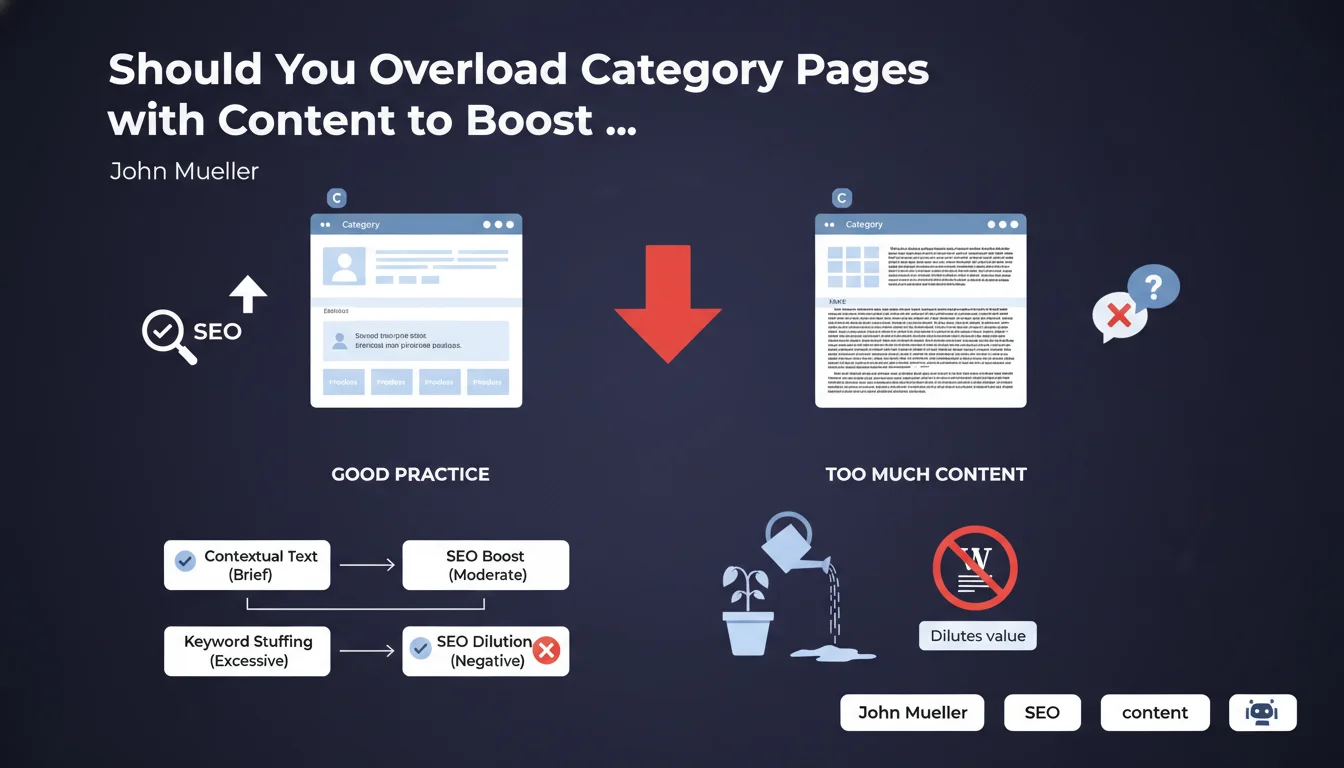
Google explains that category pages have a dual function: allowing users to discover a range of products or articles, and serving as a bridge to individual product pages. Adding too much descriptive text creates an imbalance that undermines this dual mission.
When a category page resembles an encyclopedic article, it loses its clarity and its ability to effectively distribute PageRank to the products it contains. Google struggles to identify the true intent of the page.
What Exactly Is Value Dilution?
Value dilution occurs when the ratio between editorial content and product links becomes unbalanced. If your page contains 2000 words of description and 10 products, Google no longer knows whether it's an informational page or a category page.
This confusion affects how Google distributes authority from this page to your product listings. The more content there is, the weaker the signal sent to individual products becomes.
What Is the Recommended Best Practice?
One or two quality paragraphs are more than enough to contextualize a category. The goal is to provide just enough information for both the user and Google to understand the theme of the category.
- Category pages should remain focused on their navigation and distribution function
- Textual content serves only to contextualize, not to rank on long-tail queries
- You must avoid keyword stuffing under the pretext of SEO optimization
- The priority must remain showcasing the products or articles in the category
SEO Expert opinion
Is This Recommendation Consistent with Real-World Observations?
Absolutely. Many e-commerce sites that have added massive text blocks to their categories have seen stagnation or even a drop in performance. Yet this practice was encouraged a few years ago.
The sites that perform best today are those that find a subtle balance: enough content for semantic relevance, but not to the point of turning the page into a blog article. Google now prioritizes clarity of intent.
In What Cases Does This Rule Require Nuances?
For very broad or generic categories (e.g., "Women's Clothing"), a bit more content may be justified to differentiate your approach. But even there, 200-300 words maximum remains more than sufficient.
Purely editorial sites with category pages for blog articles can allow slightly more context. But the warning remains valid: don't dilute the value of individual content pieces.
What Signals Does an Overloaded Category Page Really Send?
A page with too much content sends a signal of confusion to Google. The algorithm must determine whether it's a transactional, informational, or navigational page. This ambiguity hurts rankings.
Moreover, it often creates internal competition between your categories and your editorial content or product pages. You end up cannibalizing your own pages on the same queries.
Practical impact and recommendations
What Should You Actually Do on Your Category Pages?
Start with an audit of your current categories. Identify those that contain more than 300-400 words of editorial content. These pages are probably candidates for optimization.
Reduce the content to essentials: a short introduction (100-200 words maximum) that explains what the user will find in this category. Prioritize clarity and conciseness.
Place this content strategically: either at the top of the page before the product grid, or discreetly at the bottom if it improves the experience. Test what works best for your audience.
What Concrete Mistakes Should You Absolutely Avoid?
Never create hidden text blocks in accordions or "read more" solely for SEO. Google detects these practices and may consider them manipulative.
Avoid duplicate content or very similar content between categories. Each description must be unique and relevant to its specific category, even if it remains short.
- Audit all category pages and measure the length of editorial content
- Remove or drastically reduce descriptions exceeding 300 words
- Keep only 1-2 paragraphs of relevant context
- Ensure that products/articles remain the dominant element visually
- Check that there's no keyword stuffing in the descriptions
- Monitor traffic and ranking evolution after modifications
- Test different text placements (top vs bottom of page)
- Analyze user behavior to validate the improvement in experience
How Do You Measure the Impact of These Optimizations?
Specifically track the metrics of your category pages: average positions, click-through rate, time spent, and especially bounce rate. A decrease in bounce rate indicates better clarity.
Also analyze the performance of product pages linked to these categories. If they receive more organic traffic after your modifications, it means value distribution has improved.
💬 Comments (0)
Be the first to comment.