
Official statement
Other statements from this video 10 ▾
- 11:02 Comment Google normalise-t-il réellement le HTML cassé de vos pages ?
- 11:12 Le style CSS des balises Hn influence-t-il leur poids SEO ?
- 12:32 Google indexe-t-il vraiment tous les formats de fichiers au-delà du HTML ?
- 13:44 La balise meta keywords a-t-elle encore une quelconque utilité pour le référencement ?
- 13:44 Le noindex arrête-t-il vraiment tout traitement par Google ?
- 14:14 Pourquoi un <div> dans le <head> peut-il casser votre SEO technique ?
- 15:52 Google peut-il vraiment distinguer vos soft 404 de vos contenus légitimes sur les pages d'erreur ?
- 18:09 Faut-il vraiment désindexer vos pages produits en rupture de stock ?
- 23:10 Faut-il vraiment choisir un prestataire SEO dans son fuseau horaire ?
- 24:07 Les crawlers tiers sont-ils vraiment plus fiables que Search Console pour tester vos modifs SEO ?
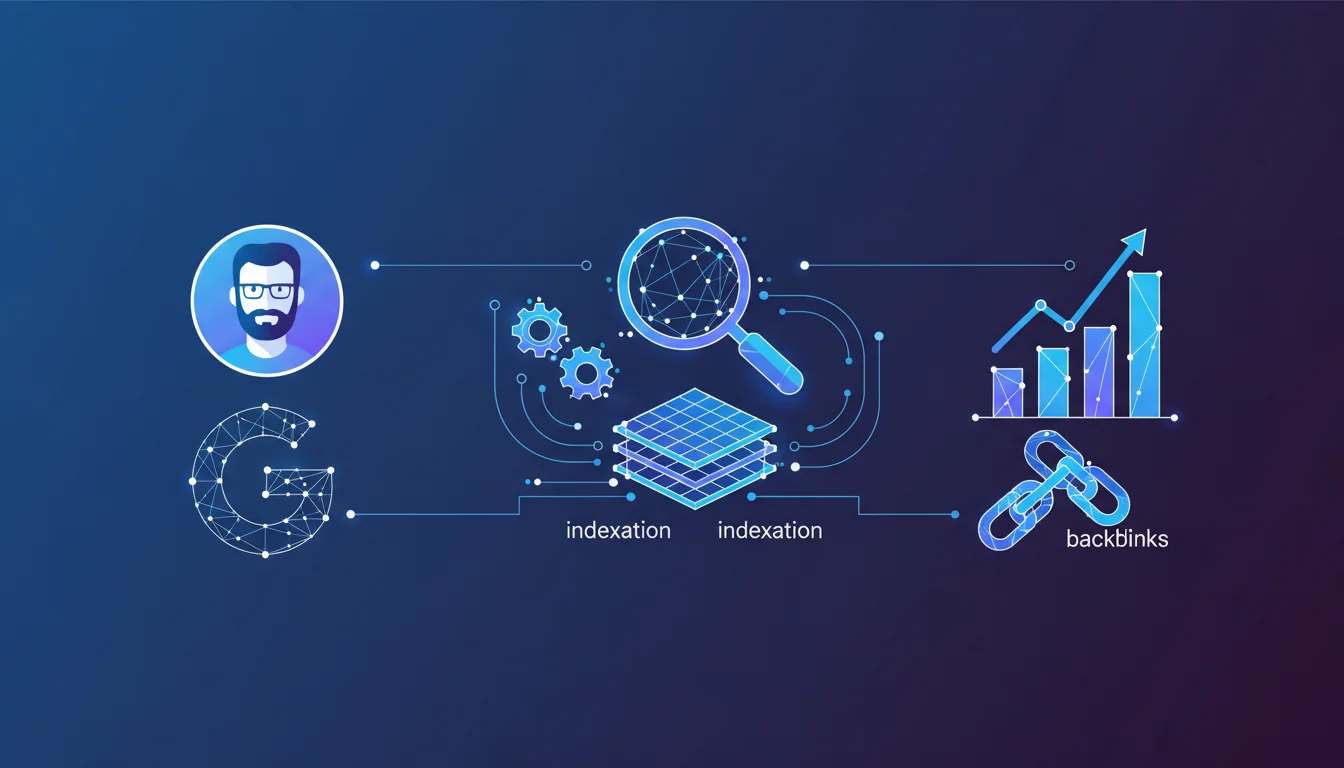
Caffeine is Google's indexing system that processes raw data collected by Googlebot. It normalizes HTML, detects errors, gathers ranking signals, and structures information before adding it to the index. For SEO, understanding this process helps optimize how pages are interpreted and indexed, particularly by avoiding parsing errors and facilitating code normalization.
What you need to understand
What is Caffeine and why is the name misleading?
Many confuse Caffeine with a ranking algorithm, but that's a fundamental mistake. Caffeine is Google's indexing system, not a relevance filter or scoring system.
Its role? To ingest the protocol buffers produced by Googlebot — these binary files that contain the raw crawl data — and turn them into actionable entries for the index. It's the intermediary layer between the bot that visits your pages and the database that feeds the search results.
What specific operations does Caffeine carry out?
Gary Illyes lists five critical tasks. First, Caffeine collects signals: all elements that Google will use to assess the page (backlinks, anchors, structure, etc.).
Next, it normalizes HTML — a critical step. Your code might be messy, poorly indented, or have unclosed tags: Caffeine cleans and standardizes it so that downstream systems can process it uniformly.
It converts formats (PDFs, images, JavaScript), detects errors (broken URLs, infinite redirects, inaccessible content), and finally adds information to the index. This last point is crucial: if Caffeine detects a blocking error, your page may be crawled but never indexed.
Why is this distinction between crawling and indexing strategic?
The majority of SEOs still confuse crawling and indexing. Googlebot can very well visit a page (= crawl) without Caffeine adding it to the index (= indexing).
The reasons? A parsing error, detected duplicate content, an insufficient quality signal, or a noindex directive added after crawling. Caffeine is the filter that decides whether Googlebot's work pays off or not.
That’s why merely monitoring logs isn’t enough. It’s essential to cross-check with Search Console to ensure that crawled pages are actually indexed and eligible for ranking.
- Caffeine is not a ranking algorithm — it structures data before ranking
- HTML normalization is automatic — but clean code aids Caffeine's work and reduces error risks
- A crawled page is not necessarily indexed — Caffeine can reject pages for errors, duplication, or insufficient quality
- Protocol buffers are Google's internal language — they contain all the raw crawl data, compressed and structured
- Caffeine collects signals before ranking — it aggregates backlinks, anchors, structure, speed, etc.
SEO Expert opinion
Is this statement consistent with on-the-ground observations?
Yes, and it sheds light on several recurring SEO mysteries. For years, we’ve observed pages crawled but not indexed in Search Console, without a clear explanation from Google.
Illyes's statement confirms that Caffeine can reject a page after crawling — due to a parsing error, duplicate content, or insufficient quality signal. This explains why some sites with a saturated crawl budget see their new pages ignored: Caffeine filters upstream.
What gray areas remain in this explanation?
Gary Illyes remains deliberately vague on the signal collection. Which signals exactly? When are they captured — during crawling or afterwards, by Caffeine?
Similarly, the notion of "error detection" is vague. [To be verified]: Does Caffeine detect only technical errors (broken HTML, infinite redirects) or also content errors (duplication, thin content, spam)? The boundary with quality algorithms (Panda, Helpful Content) remains unclear.
Another critical point: HTML normalization. Google claims to do it automatically, but our tests show that sites with clean and structured code index faster and more completely. Coincidence or hidden priority of Caffeine? [To be verified]
When can this architecture cause problems?
First scenario: heavy JavaScript sites. If Caffeine ingests data before full rendering, it might miss content injected afterwards — hence the importance of checking the rendered version in Search Console.
Second scenario: sites with subtle parsing errors. Poorly formed HTML can be displayed correctly by a browser (which tolerates errors) but rejected by Caffeine, which applies strict rules.
Practical impact and recommendations
What should you do concretely to optimize the flow through Caffeine?
First, audit the quality of your HTML. Use the W3C validator and Google Search Console to spot parsing errors. Clean code facilitates normalization and reduces the risk of rejection.
Then, monitor crawled but not indexed pages in Search Console. If the ratio exceeds 15-20%, it's a signal that Caffeine is rejecting your pages upstream — often due to duplication, thin content, or technical errors.
What errors should you avoid to prevent blocking indexing?
Avoid excessive chain redirects — Caffeine detects them and may abandon before reaching the final page. Limit yourself to one redirect per URL.
Avoid mixed content (HTTP/HTTPS) and resources blocked in robots.txt that hinder complete rendering. Caffeine needs a full view of the page to collect all signals.
Be cautious with non-standard formats: if you serve content in JSON, XML, or other exotic formats, ensure that Caffeine can convert them — otherwise, it will simply ignore them.
How can you verify that Caffeine is processing your pages correctly?
Cross-reference three sources: server logs (for crawling), Search Console (for indexing), and the URL inspection tool (to see the HTML version rendered by Google).
If a page is crawled but missing from the index, request a manual inspection. Google will inform you if Caffeine detected an error — often a canonical issue, accidental noindex, or duplicate content.
Also, test the mobile version: since mobile-first indexing, Caffeine preferentially ingests the mobile version. A perfect desktop page can be rejected if the mobile version is broken.
- Validate the HTML with W3C and fix critical parsing errors
- Monitor the ratio of crawled pages to indexed pages in Search Console
- Ensure that essential resources (CSS, JS, images) are not blocked in robots.txt
- Avoid chain redirects and infinite loops
- Test the mobile version with the URL inspection tool to ensure Caffeine sees the full content
- Cross-reference server logs and Search Console to identify crawled pages that are not indexed
❓ Frequently Asked Questions
Quelle est la différence entre Googlebot et Caffeine ?
Pourquoi certaines pages sont crawlées mais pas indexées ?
La normalisation HTML par Caffeine rend-elle inutile l'optimisation du code ?
Quels signaux Caffeine collecte-t-il exactement ?
Comment vérifier si Caffeine a détecté des erreurs sur mes pages ?
🎥 From the same video 10
Other SEO insights extracted from this same Google Search Central video · duration 31 min · published on 09/12/2020
🎥 Watch the full video on YouTube →
💬 Comments (0)
Be the first to comment.