
Official statement
Other statements from this video 5 ▾
- □ Should you really trust Google's cache to diagnose indexation issues?
- □ Why doesn't Google cache certain pages on your website?
- □ Should you block Google from caching your pages with the noarchive directive?
- □ Why doesn't Google's cache always show your complete JavaScript pages?
- □ Should you worry if Google isn't caching your pages?
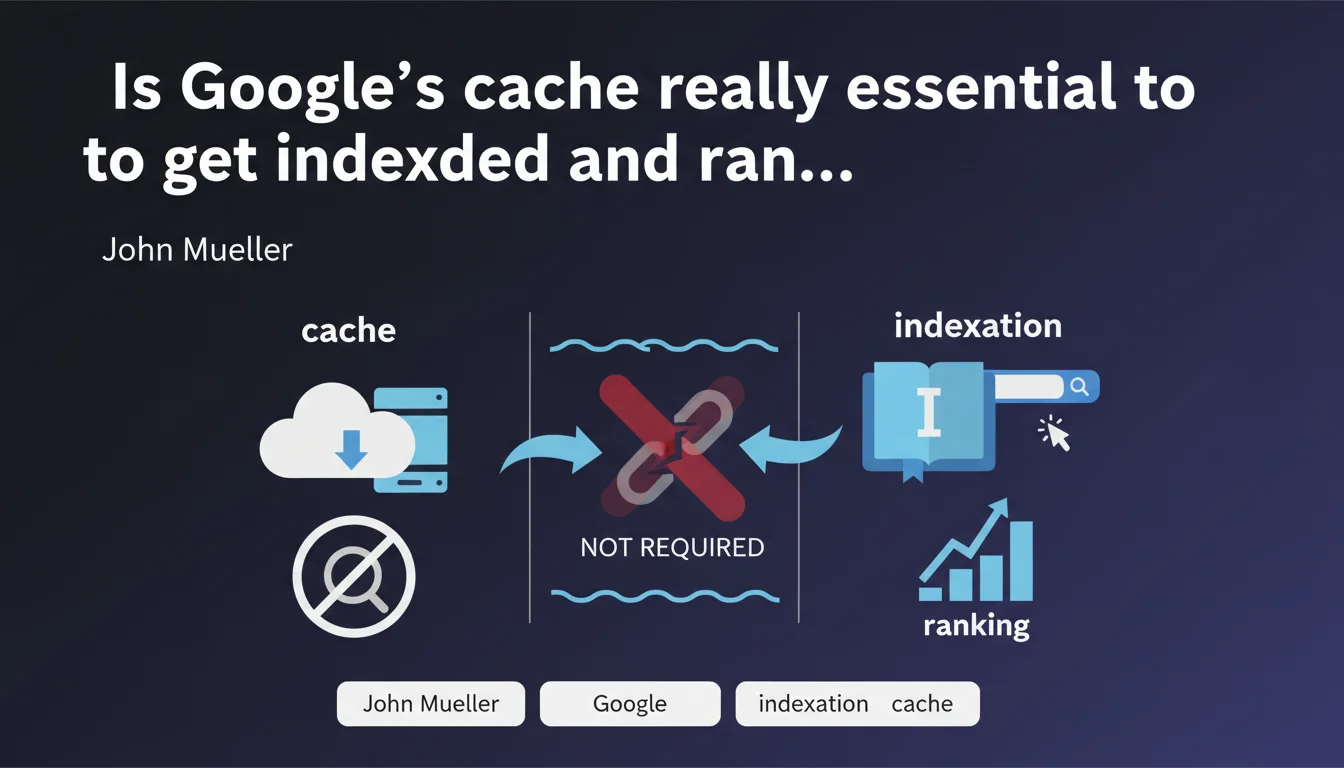
Google states that caching and indexation are two separate processes. A page can be indexed and rank without having a cached copy available. The disappearance or absence of cache therefore does not affect its presence in the SERPs.
What you need to understand
Why does Google separate cache from indexation?
Google uses two distinct systems: one to index content, another to store cached copies. Indexation consists of analyzing, understanding, and classifying page content in Google's database. The cache, on the other hand, is simply a static snapshot of the page at a given moment.
In practice? A page can be perfectly understood, analyzed, and ranked by the algorithm without Google maintaining a publicly accessible copy. The two mechanisms serve different purposes and operate in a completely autonomous manner.
What does this change for SEO?
If one of your pages doesn't display a "Cached" link in the results, this absolutely does not mean it has an indexation problem. The cache is not an indicator of SEO health — it's just a service offered to users to access an archived version.
Many practitioners used the cache as a diagnostic tool: to verify that Google had crawled the latest version, to see how it rendered the content. This statement reminds us that we need to decouple these checks from actual indexation status.
What tools can replace the cache to diagnose indexation?
To verify that a page is properly indexed, use the site: operator or the URL Inspection Tool in Search Console. These methods provide a precise and up-to-date picture of indexation status.
The cache was convenient but never 100% reliable: it could be outdated, incomplete, or absent for technical reasons unrelated to SEO. Google is now pushing toward more direct and transparent tools.
- Caching and indexation are two completely independent processes
- The absence of cache signals no problem with indexation or ranking
- Use Search Console and the site: operator to diagnose indexation
- Cache is not an indicator of SEO health
SEO Expert opinion
Does this statement reflect real-world observations?
Yes, absolutely. For several years now, we've seen pages ranking perfectly well without an available cached link. Conversely, pages present in the cache can disappear from the SERPs or be temporarily deindexed. The two mechanisms have never been strictly correlated.
Google has also progressively restricted cache access: hidden link on mobile, removal of the feature in certain regions. This statement formalizes a technical evolution that has been underway for a long time.
Why does Google still maintain a cache if it's not linked to indexation?
The cache remains a user-facing service, not a crawling tool. It allows access to a page if the server is temporarily down, or to view a previous version of content. It's a historical feature, but clearly secondary in Google's current strategy.
Let's be honest: Google is pushing toward proprietary tools (Search Console) to centralize diagnostics. The cache was an external diagnostic means — it's progressively becoming obsolete in this logic.
Are there cases where the absence of cache can still raise an alert?
Yes, but indirectly. If no pages on a site have available cache and you simultaneously observe indexation problems, this can indicate a broader issue: robots.txt blocking, poorly rendered JavaScript, unstable server. But it's never the absence of cache itself that's the problem.
In other words: cache is not a metric to monitor in isolation. If you observe indexation anomalies, dig deeper with real tools — Search Console, server logs, render tests. [To verify]: some mention cases where systematic cache absence coincides with penalties, but no solid data confirms a causal link.
Practical impact and recommendations
What should you concretely do if your pages have no cache?
Nothing specific. The absence of cache requires no corrective action. Focus on the metrics that truly matter: presence in the index via site: or Search Console, rankings, CTR, crawl budget.
If you were using the cache as a diagnostic tool, replace this habit with the URL Inspection Tool in Search Console. This tool gives you a precise view of rendering from Google's perspective, any crawl issues, and real-time indexation status.
What mistakes to avoid following this statement?
Don't panic if you discover that some of your pages no longer display cache. This is not a warning sign. Don't waste time trying to figure out how to "force" the cache to appear — it serves no purpose for your SEO.
Also avoid continuing to use cache as a health metric in your client reports or audits. It's a misleading indicator that can generate unnecessary stress. Replace it with solid KPIs: actual indexation rate, crawl frequency, HTTP status of strategic pages.
How do you adapt your audit and monitoring processes?
Systematically integrate Search Console into your workflows. Regularly check the index via Coverage and URL Inspection. Analyze server logs to identify crawled pages, frequency, and blocked resources.
For sites with many pages, automate these checks via the Search Console API. This gives you a real-time view of your indexation status, far more reliable than any cache.
- Verify indexation via site: and Search Console, not through cache
- Use the URL Inspection Tool to diagnose rendering and indexation status
- Remove cache from your SEO KPIs and reporting
- Analyze your server logs to track Googlebot's actual activity
- Automate indexation checks via the Search Console API if you manage large volumes
- Don't try to "force" cache appearance — it's useless for SEO
❓ Frequently Asked Questions
Une page sans cache peut-elle ranker normalement ?
Pourquoi certaines pages ont un cache et d'autres non ?
Le cache sert-il encore à quelque chose en SEO ?
Comment vérifier qu'une page est bien indexée si le cache n'est pas fiable ?
Google va-t-il supprimer complètement le cache ?
🎥 From the same video 5
Other SEO insights extracted from this same Google Search Central video · published on 20/06/2023
🎥 Watch the full video on YouTube →
💬 Comments (0)
Be the first to comment.