
Official statement
Other statements from this video 5 ▾
- □ Is it safe to publish the same content in both HTML and PDF without triggering duplicate content penalties?
- □ Does Google really index HTML and PDF content independently, even when the text is identical?
- □ How can you effectively control which version of duplicate HTML and PDF content Google indexes?
- □ Does Google Really Favor HTML Over PDF When Duplicate Content Is Detected?
- □ Should you really choose between HTML and PDF based on how your audience consumes content?
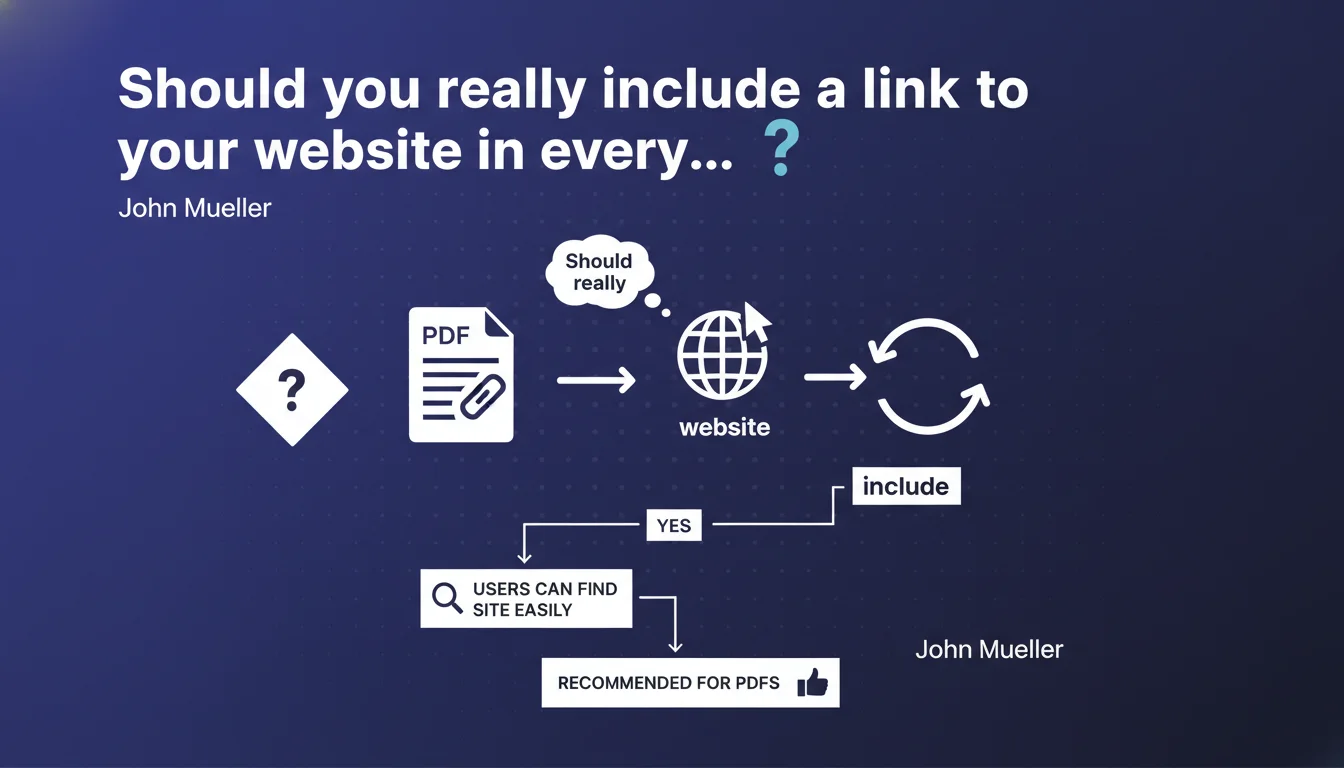
Google recommends systematically integrating a link to your website into your PDFs. The goal: make it easier for users who discover your documents directly through search to navigate back to your site. A simple practice often overlooked that improves user experience and can drive qualified traffic.
What you need to understand
PDFs indexed by Google appear directly in search results, sometimes even ranking better than equivalent HTML pages. When a user clicks on a PDF from Google, they find themselves facing a document with no navigation, no menu, no context.
That's where the problem lies. The visitor consumes the information but has no obvious way to discover the rest of your content or services. They close the file and disappear.
Why does Google insist on this practice?
The answer comes down to two words: user experience. Google doesn't want its users to end up in dead ends.
A PDF without a link back to the original site creates a break in the user journey. The user found what they were looking for, sure, but you lose any opportunity to turn them into a returning visitor, prospect, or customer.
Does this recommendation have a direct impact on rankings?
Google doesn't explicitly say that missing a link penalizes your positioning. But the equation is simple: better experience = positive signals (time spent, engagement) = indirect SEO benefit.
Let's be honest — if your PDFs generate traffic but zero engagement on the rest of your site, Google will eventually understand that these documents lead nowhere.
What types of PDFs are affected?
All of them. White papers, technical guides, reports, case studies, product sheets... As soon as a PDF is public and indexable, it deserves a return link.
Internal PDFs or those protected by authentication obviously escape this logic since they're not meant to be discovered via organic search.
- Indexed PDFs are entry points in their own right to your site
- Without a return link, you lose potential traffic to your strategic pages
- This practice improves user experience and generates positive signals
- All public PDFs should be covered, without exception
SEO Expert opinion
Is this recommendation really being followed in the field?
In practice? Rarely. A quick analysis of PDFs ranking on the first page shows that less than 30% include a clickable link back to the source website. The reasons are multiple: negligence, lack of awareness, or production processes disconnected from SEO strategy.
Yet the few sites that apply this rule see significantly lower bounce rates and higher engagement on their landing pages. The visitor who discovers your PDF via Google and clicks the embedded link arrives with context, already qualified intent.
What nuances should be applied to this recommendation?
First point: where should you place this link? Google gives no specific guidance. Header, footer, first page, last page... it all works. The key is that the link is visible and clickable.
Second nuance — and this is where it gets interesting — which page should you redirect to? Automatically sending to the homepage is a mistake. The link should point to the most relevant page: one that contextualizes the PDF, offers complementary content, or enables action.
Concrete example: a PDF about best practices in internal linking should redirect to a page dedicated to linking, not to your site's homepage. That's strategic internal linking applied to PDFs.
When does this rule not apply?
Purely informational PDFs with no commercial or editorial objective — invoices, contracts, legal documents — obviously don't need a return link. They're often not meant to be indexed anyway.
Another case: PDFs syndicated or republished on third-party sites. If you distribute a white paper through a partner, including a link to your site becomes essential to recover some of the traffic generated.
Practical impact and recommendations
What should you do concretely starting today?
First step: audit your PDFs already online. Use a Google search query like site:yourdomain.com filetype:pdf to list all indexed documents. Download them, open them, verify the presence of a clickable link.
For each PDF without a link, you have two options: either update it and republish it, or create an equivalent HTML page and redirect the old PDF using a rel="canonical" tag in the PDF code (yes, it's possible with certain generators).
How do you systematically integrate a link into your future PDFs?
If you generate your PDFs through a CMS (WordPress, HubSpot, etc.), create a standardized template that automatically includes a footer with a link. It can be as simple as a single line of text: "Discover more resources on [site name]", with the URL as a hyperlink.
For PDFs created manually (InDesign, Canva, etc.), integrate this rule into your editorial guidelines. A pre-publication checklist prevents oversights.
What mistakes should you absolutely avoid?
Classic mistake: putting the URL in plain text, not clickable. That's useless — users won't retype the address by hand. The link must be clickable, tested on multiple PDF readers (browser, Adobe, Mac preview, etc.).
Another trap: multiplying links throughout the document to the point of polluting the reading experience. One or two links are enough, placed strategically at the beginning or end of the document.
- List all your indexed PDFs via a
site:search - Verify the presence of a clickable link in each document
- Update PDFs without links or create HTML versions
- Create an automated template for your future PDFs
- Redirect the link to the most relevant page, not the homepage
- Test the link's clickability on multiple PDF readers
- Integrate this rule into your editorial process
Integrating a link to your website in each published PDF is a simple optimization often overlooked. It improves user experience, recovers qualified traffic, and sends positive signals to Google.
For sites with hundreds of PDFs, the audit and updating can quickly become time-consuming. If your document catalog is substantial or you lack internal resources, working with a specialized SEO agency can accelerate the process and ensure optimal compliance.
❓ Frequently Asked Questions
Le lien dans le PDF doit-il être en dofollow ou nofollow ?
Faut-il inclure un lien vers chaque page du site ou un seul suffit ?
Un PDF sans lien peut-il quand même bien se positionner dans Google ?
Peut-on utiliser un QR code au lieu d'un lien cliquable ?
Google pénalise-t-il les PDF sans lien de retour ?
🎥 From the same video 5
Other SEO insights extracted from this same Google Search Central video · published on 12/12/2023
🎥 Watch the full video on YouTube →
💬 Comments (0)
Be the first to comment.