
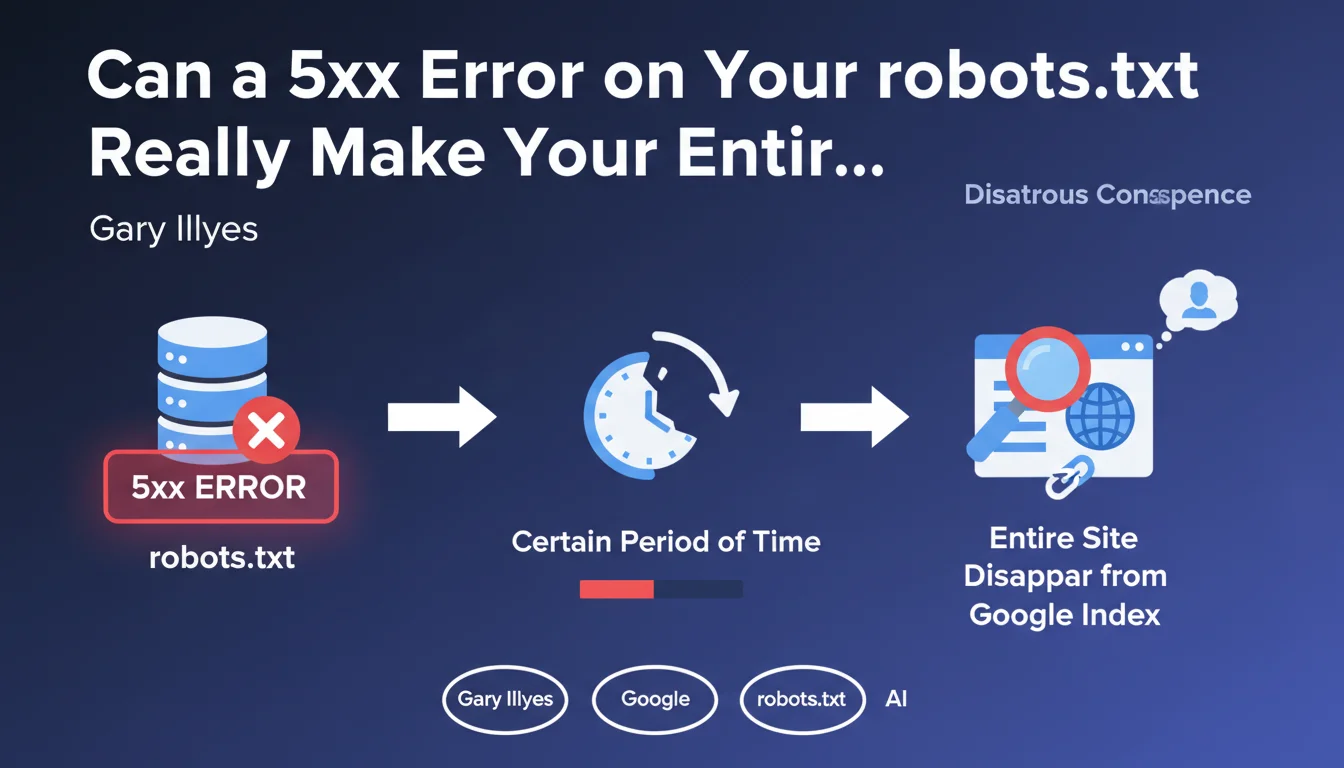
Official statement
What you need to understand
What exactly is a 5xx error code and why does it matter for robots.txt?
A 5xx error code indicates a server-side problem: it cannot process the crawler's request. The most common codes are 500 (internal server error) and 503 (service temporarily unavailable).
When Googlebot attempts to access your robots.txt file and receives a 5xx error, it finds itself in a delicate situation. It doesn't know whether or not it has permission to crawl your site, because the file that contains these instructions is inaccessible.
Why would Google remove an entire site from the index because of this issue?
Google's logic is based on a precautionary principle. If the robots.txt is inaccessible for an extended period, Google assumes it might contain directives prohibiting site crawling.
Rather than risk crawling potentially forbidden content, Google progressively chooses to deindex the entire site. This decision is made after several unsuccessful attempts over an extended period, typically several days.
How does this differ from a 404 code on robots.txt?
A 404 code (not found) clearly means that no robots.txt file exists. In this case, Google considers that all pages can be crawled freely, which is the default configuration.
Conversely, a 5xx code is ambiguous: the file may exist, but it is temporarily inaccessible. This uncertainty pushes Google to adopt a conservative approach that can result in deindexation.
- Code 200: robots.txt file accessible and read normally (ideal situation)
- Code 404: no robots.txt, all pages are crawlable (acceptable)
- Code 5xx: server error, risk of progressive deindexation (critical)
- The duration of exposure to the problem is decisive in Google's decision
- A one-time 5xx code will generally not cause an immediate problem
SEO Expert opinion
Does this statement align with real-world observations?
Yes, this information perfectly corresponds to cases observed in real situations. Many sites have indeed been deindexed following prolonged server problems affecting the robots.txt, particularly during poorly prepared migrations or hosting outages.
What is particularly notable is the speed of deindexation once the process is triggered. Contrary to what many imagine, Google does not wait indefinitely. After 3 to 7 days of persistent 5xx errors, the first signs of deindexation generally appear.
What are the specific cases where this problem manifests?
Site migrations represent the riskiest scenario. During a hosting or infrastructure change, incorrect configurations can generate temporary 5xx errors that go unnoticed until it's too late.
Server or CMS updates also constitute a critical moment. A misconfigured security plugin or a modification of web server rules can specifically block access to robots.txt for bots.
Are there situations where the impact would be less severe?
For well-established sites with strong authority, Google may show a bit more patience. A site like Wikipedia or a major media outlet will probably benefit from a few additional days before complete deindexation.
However, even for these sites, the risk remains major and the grace period limited. You should never rely on your authority to neglect technical monitoring of robots.txt. The difference is measured in days, not weeks.
Practical impact and recommendations
How do you verify that your robots.txt is working correctly?
The first step is to manually test access to your file by visiting yourdomain.com/robots.txt in a browser. You should see the file content display with an HTTP 200 response code.
Then use the robots.txt testing tool in Google Search Console. This tool allows you to see exactly how Googlebot interprets your file and immediately reports access or syntax errors.
For continuous monitoring, set up alerts with tools like Uptime Robot, Pingdom or StatusCake that specifically check your robots.txt URL every few minutes and alert you in case of error.
What corrective actions should you implement immediately?
If you detect 5xx errors on your robots.txt, the absolute priority is to resolve the underlying server problem: check error logs, file permissions, and web server configuration.
While awaiting resolution, some prefer to temporarily delete the robots.txt file so that it returns a 404 rather than a 5xx. This is an emergency solution that allows Google to continue crawling, but it should remain exceptional.
Once the problem is resolved, use the "Request indexing" function in Search Console to accelerate Google's recognition of the return to normal. Then carefully monitor your indexation during the following days.
What long-term preventive strategy should you adopt?
- Set up 24/7 automated monitoring of your robots.txt accessibility with email/SMS alerts
- Document your robots.txt configuration in your deployment procedure and systematically verify it after each update
- Properly configure your CDN, WAF and security systems to explicitly allow search engine user-agents
- Test your robots.txt with several different tools (Search Console, Screaming Frog, online tools) for cross-validation
- Plan a backup plan: know how to quickly disable your robots.txt in case of emergency
- Integrate robots.txt verification into your migration and scheduled maintenance processes
- Conduct quarterly technical audits specifically including verification of HTTP codes for all critical files
💬 Comments (0)
Be the first to comment.