
Official statement
What you need to understand
What's the Technical Difference Between a 301 and 302 Redirect?
A 301 redirect tells search engines that a page has been moved permanently. It transfers most of the PageRank and authority from the old URL to the new one.
A 302 redirect signals a temporary move. In theory, it shouldn't transfer SEO signals because the original page is expected to return at a later time.
Why Does Google Treat These Two Redirects Similarly?
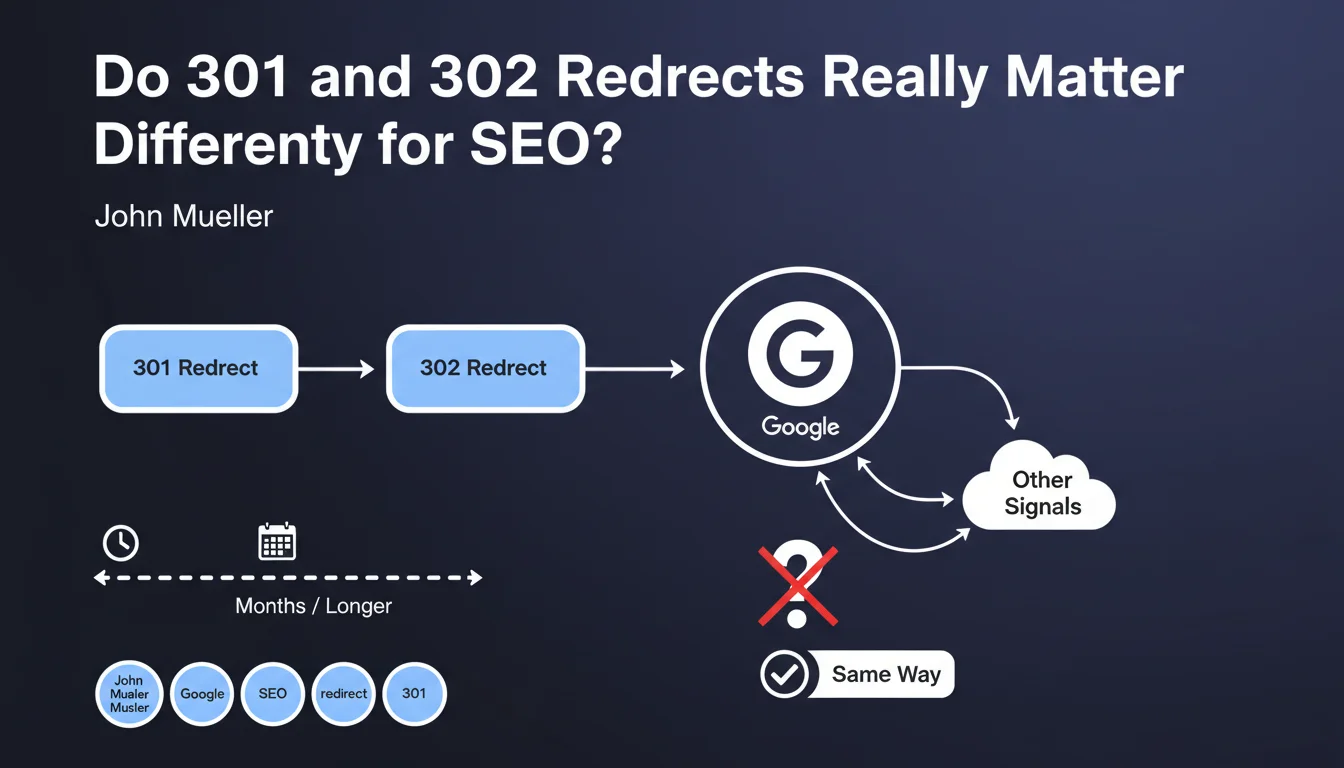
Google has observed that many websites use 302 redirects that remain in place for months, or even years. This poor practice is so widespread that the search engine has adapted its algorithms.
Rather than relying solely on the HTTP status code of the redirect, Google now analyzes other contextual signals to determine whether a redirect is truly temporary or permanent. It notably observes the duration of implementation and other behavioral indicators.
What Are the Key Takeaways from This Statement?
- Google no longer makes a strict distinction between 301 and 302 redirects in most cases
- The search engine uses complementary signals to assess whether a redirect is permanent or temporary
- This tolerance exists to adapt to frequent configuration errors
- Google will eventually treat a 302 as a 301 if it remains in place for an extended period
- The PageRank transfer operates equivalently in the majority of situations
SEO Expert opinion
Does This Statement Mean You Can Use 301 and 302 Interchangeably?
Absolutely not. The fact that Google compensates for configuration errors in no way justifies making them intentionally. This algorithmic tolerance exists to improve the relevance of results despite bad practices, not to encourage them.
Technically, you create unnecessary uncertainty by using a 302 for a permanent redirect. Google will need to mobilize additional resources to interpret your real intentions, which can slow down the transfer of SEO signals.
In Which Specific Cases Does a 302 Redirect Remain Relevant?
Legitimate situations for a 302 redirect are rare in SEO. They can be used for temporarily maintenance pages, short-duration A/B tests, or temporary geolocation redirects during specific events.
For any other situation where you're permanently moving content, restructuring your site, or consolidating pages, a 301 remains mandatory. Never rely on Google's ability to "guess" your intentions.
What Risks Do You Take by Systematically Using 302s?
You create technical SEO debt. During the period when Google analyzes signals to determine the permanent nature of your redirect, you potentially lose rankings and organic traffic.
Additionally, you complicate future SEO audits and create confusion for technical teams. A clear and semantically correct redirect architecture facilitates long-term maintenance and accelerates the indexing of changes.
Practical impact and recommendations
What Should You Implement Concretely on Your Site?
Systematically use 301 redirects for all permanent content moves: URL changes, site migrations, page deletions, consolidation of similar content.
Reserve 302s only for genuinely temporary situations: pages under short-term maintenance (a few days maximum), seasonal redirects with planned returns, time-limited technical tests.
Document each redirect in a tracking file to identify those that have become permanent and require conversion to 301.
How Can You Verify That Your Redirects Are Properly Configured?
Perform a comprehensive technical audit of your existing redirects. Use tools like Screaming Frog, Ahrefs, or Semrush to detect all active redirects on your site.
Check the HTTP status code of each redirect with browser extensions or online tools. Identify persistent 302s from several months ago and immediately convert them to 301s.
Also check for the absence of redirect chains (A→B→C) that dilute PageRank and slow down crawling, whether they're 301s or 302s.
What Critical Mistakes Must You Absolutely Avoid?
- Never use a 302 "by default" because it's technically easier to implement
- Avoid keeping 302 redirects in place beyond a few weeks maximum
- Don't mix 301s and 302s in the same redirect chain
- Always redirect to the most semantically relevant page, not systematically to the homepage
- Verify that your redirects don't generate 404 errors or infinite loops
- Document the reason for each 302 to facilitate periodic reviews
- Regularly monitor the performance of redirected pages in Google Search Console
In summary: Even though Google treats 301 and 302 redirects similarly, this tolerance doesn't exempt you from following best practices. Use 301s for permanent redirects and reserve 302s for genuinely temporary cases.
This rigor ensures optimal PageRank transfer, rapid indexing of your changes, and maximum compatibility with all search engines. Rigorous redirect management is part of a comprehensive technical SEO strategy that can prove complex to orchestrate.
For large sites or during critical migrations, support from a specialized SEO agency helps secure these sensitive technical operations, avoid traffic losses, and benefit from an in-depth audit of your redirect architecture.
💬 Comments (0)
Be the first to comment.