
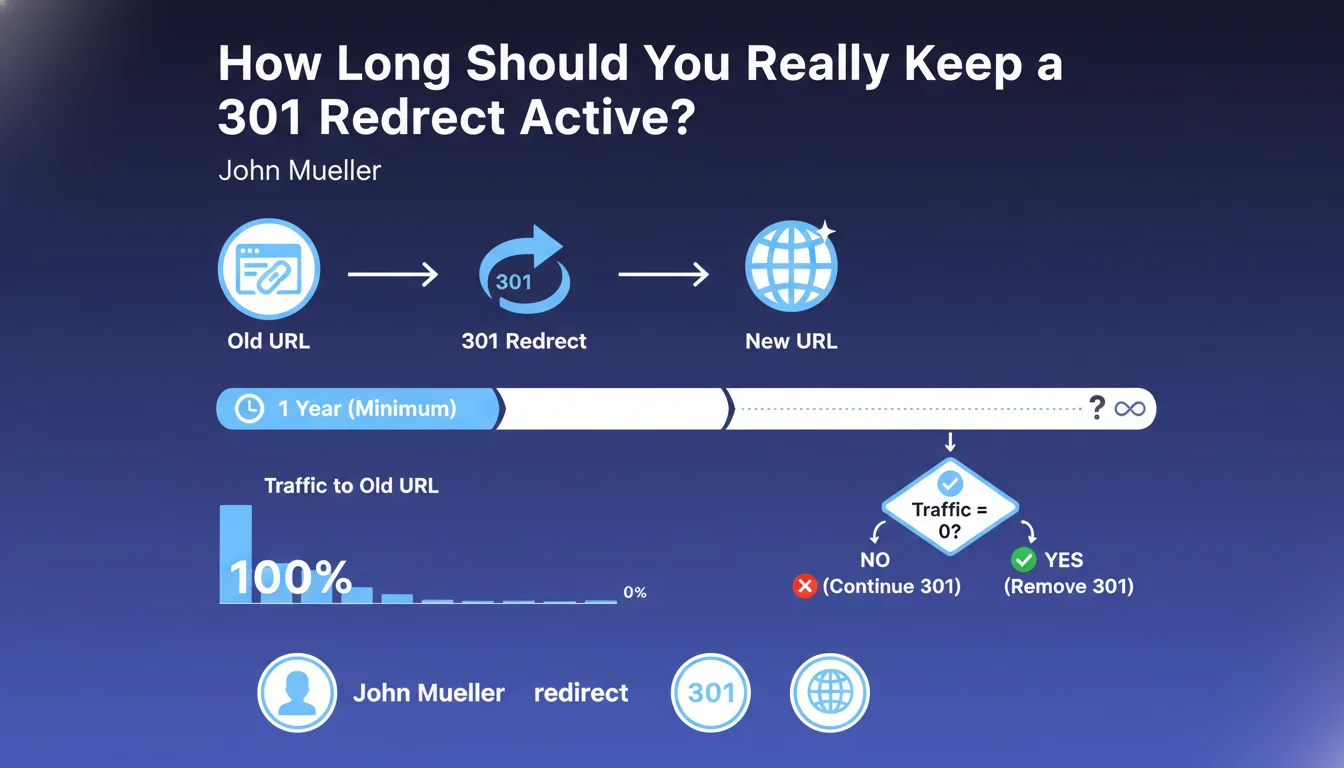
Official statement
What you need to understand
What Does a 1:1 Replacement 301 Redirect Mean?
A 1:1 replacement 301 redirect means that an old URL is replaced by a new URL offering equivalent or very similar content. For example, if you change a product URL from /nike-red-shoes to /red-nike-shoes, the content remains identical.
Google explicitly recommends this type of redirect because it allows for effective transfer of PageRank and SEO signals from the old page to the new one. Both the user and the search engine find the same content at the new address.
Why Are Massive Redirects Problematic?
Massive redirects involve redirecting many different URLs to a single generic page like the homepage or a category page. This practice dilutes relevance and doesn't meet the user's initial intent.
Google treats these redirects as Soft 404s, meaning pages that should return a 404 error but are attempting to mask this error. The result: no PageRank transfer and a loss of SEO benefits.
When Is It Better to Leave a Page as a 404?
When a page has no direct equivalent on your site, it's preferable to return a genuine 404 code. This clearly indicates to Google that the content no longer exists and avoids any confusion.
A well-managed 404 with an optimized error page (navigation suggestions, internal search) provides a better user experience than a redirect to an irrelevant page.
- A 301 redirect must respect the principle of 1:1 replacement with equivalent content
- Massive redirects to the homepage or generic pages are treated as Soft 404s
- No PageRank transfer occurs with Soft 404s
- A real 404 is preferable to an irrelevant redirect
- 404 pages should be optimized to guide the user
SEO Expert opinion
Is This Statement Consistent with Practices Observed in the Field?
This position from Google is completely consistent with field observations over several years. Tests regularly show that massive redirects to the homepage lead to loss of rankings and organic traffic.
Many sites that practiced mass redirects have noticed an absence of authority transfer. Conversely, sites favoring well-planned 1:1 redirects effectively maintain their positioning. Google is therefore transparent about this mechanism.
What Important Nuances Should Be Applied to This Rule?
The notion of equivalent content can be interpreted with some flexibility. An out-of-stock product page can legitimately be redirected to a similar product in the same category, not necessarily to an identical page word for word.
Similarly, during a site redesign, if the structure changes radically, redirecting to the relevant parent category is acceptable, provided it is thematically close. The essential thing is that the user finds information consistent with their initial search.
In Which Specific Cases Does This Rule Require a Different Approach?
For e-commerce sites with seasonal or temporary products, the strategy differs. If a product will never return, a 404 is appropriate. If it returns every year, a waiting page with 200 code may be preferable.
For media sites with obsolete news content, keeping URLs as 200 with an "archive" update is often more relevant than a redirect. Each sector has its specificities that require case-by-case analysis.
Practical impact and recommendations
What Should You Do Concretely During a Redesign or Migration?
Before any migration, establish a precise mapping of your URLs with their traffic, backlinks, and positions. For each URL, identify the most relevant match in the new structure.
Create a redirect file that respects the 1:1 principle as much as possible. For pages without a direct equivalent, evaluate their SEO value: if they have traffic or backlinks, find the thematically closest page. Otherwise, accept the 404.
Use tools like Screaming Frog or scripts to automate the verification of your redirects and detect chains or loops. Test in a staging environment before production deployment.
What Are the Most Common Errors to Absolutely Avoid?
The number one mistake consists of redirecting all deleted pages to the homepage for convenience. This approach destroys your accumulated SEO capital and frustrates users arriving via external links.
Another frequent trap: redirect chains (A→B→C) that dilute PageRank and slow down crawling. Each redirect must point directly to the final destination. Don't forget to also update your internal links to avoid unnecessary redirects.
- Audit all existing URLs with their SEO metrics (traffic, backlinks, positions)
- Identify for each URL the closest thematic equivalent in the new structure
- Create a documented and validated 1:1 redirect plan
- Accept 404s for content without a real equivalent
- Optimize 404 pages with navigation and relevant suggestions
- Avoid any massive redirect to homepage or generic pages
- Verify the absence of redirect chains
- Update all internal links to the new URLs
- Test redirects in staging before production
- Monitor 404s in Search Console after migration
- Analyze organic traffic evolution week by week
How Can You Ensure Your Redirect Strategy Is Optimal?
After going live, monitor Search Console daily to identify unexpected 404 errors and Soft 404s detected by Google. These signals indicate problematic redirects to correct quickly.
Analyze the evolution of your organic traffic by landing page to detect abnormal losses. A significant drop in certain themes may reveal inadequate redirects that need reworking.
💬 Comments (0)
Be the first to comment.