
Official statement
What you need to understand
Why are we talking about category pages in XML Sitemaps?
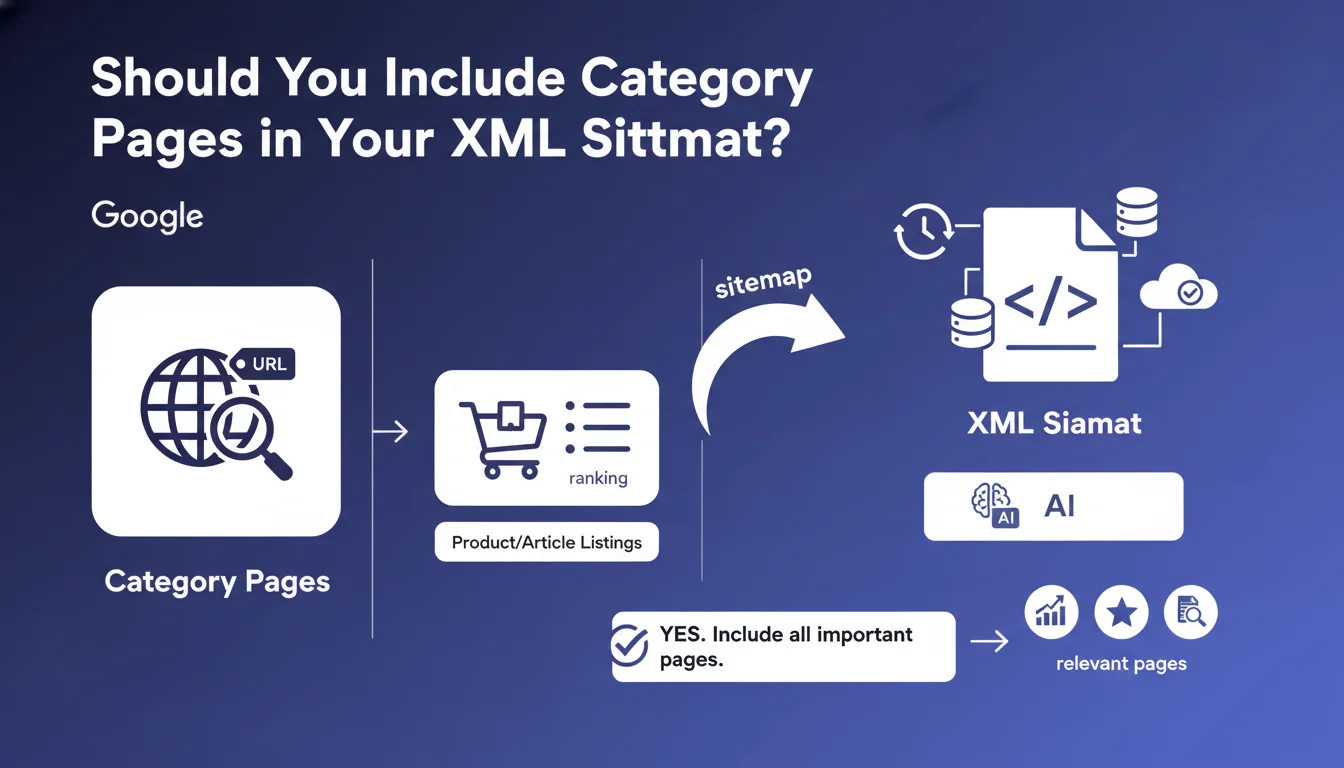
Category pages are essential navigation pages that group together multiple articles or products. They serve as thematic entry points for both users and search engines.
The question of whether to include them in the XML Sitemap comes up regularly because some SEO practitioners mistakenly believe that only "final" pages (articles, product pages) deserve to be included. This view is restrictive and counterproductive.
What exactly does this statement from Bing say?
Fabrice Canel from Bing clearly states that the XML Sitemap should contain all important pages on the site, ideally updated in real-time. This explicitly includes category pages, which are "key ranking pages."
Bing's position also reflects Google's philosophy: the Sitemap should represent a complete snapshot of your relevant content, without artificial hierarchy between page types.
What's the logic behind this recommendation?
Search engines use XML Sitemaps as a crawl guide. By including your category pages, you signal their strategic importance and facilitate their rapid discovery.
Additionally, category pages often generate significant qualified traffic on broad transactional or informational queries. Excluding them would mean ignoring an entire segment of your SEO potential.
- The XML Sitemap should reflect all important URLs on your site
- Category pages are strategic entry points for SEO
- A complete Sitemap facilitates optimal crawling and indexing
- Ideally, the Sitemap should be updated in real-time or daily
SEO Expert opinion
Is this recommendation really relevant for all websites?
Yes, this recommendation applies to the vast majority of sites. Category pages generally carry significant SEO weight: they target high-volume keywords, receive internal link juice, and serve as thematic hubs.
I've observed across hundreds of projects that sites excluding their categories from the Sitemap experience longer indexing delays and reduced visibility on generic queries. This is particularly true for e-commerce sites and structured blogs.
Are there cases where exclusion would be justified?
Very few situations justify exclusion. You might consider removing empty or under-construction categories, or filtered pages generating massive duplicate content.
But be careful: excluding a category from the Sitemap shouldn't be a fix for structural problems. If a category is problematic, it's better to address the root cause (insufficient content, duplication, noindex) rather than mask the symptom.
How does this practice work with other SEO signals?
Inclusion in the XML Sitemap works in synergy with your internal linking. A well-linked category that's ALSO present in the Sitemap benefits from a double relevance signal for crawlers.
I also observe that sites with complete, well-structured Sitemaps achieve better indexing rates in Search Console. This is a global SEO health indicator that Google monitors closely.
Practical impact and recommendations
How do you audit your current Sitemaps?
Start by downloading your current XML Sitemap and identify the types of URLs present. Create a comparative table between Sitemap URLs and your actual category structure.
Then check in Google Search Console, Sitemaps section, the number of URLs submitted versus indexed. A significant gap may indicate structural problems that need priority attention.
Also analyze server logs to see if Google regularly crawls your categories. If they're absent from the Sitemap but actively crawled, that's a clear signal they should be included.
What concrete actions should you implement immediately?
First identify your strategic categories: those with quality content, ranking potential, and significant search volume. Prioritize their inclusion if your Sitemap has size limitations.
Then configure your CMS or SEO plugin to automatically generate a Sitemap including categories. On WordPress, Yoast and RankMath do this natively. For custom platforms, automate the generation.
- Audit your current XML Sitemap to identify missing categories
- List all your active categories with published and relevant content
- Exclude only empty, under-construction, or intentionally blocked categories
- Configure automatic generation including categories in your CMS settings
- Submit the updated Sitemap via Google Search Console and Bing Webmaster Tools
- Set up daily or real-time Sitemap updates
- Monitor indexing metrics in Search Console for 2-3 weeks
- Document high organic traffic categories to confirm their relevance
What mistakes should you absolutely avoid?
Don't fall into the opposite extreme by including all URLs indiscriminately. A Sitemap overloaded with irrelevant URLs (paginated pages, filters, sessions) dilutes signals and complicates crawling.
Also avoid static Sitemaps that are never updated. An outdated Sitemap containing 404 URLs or deleted categories damages your credibility with search engines.
💬 Comments (0)
Be the first to comment.