
Official statement
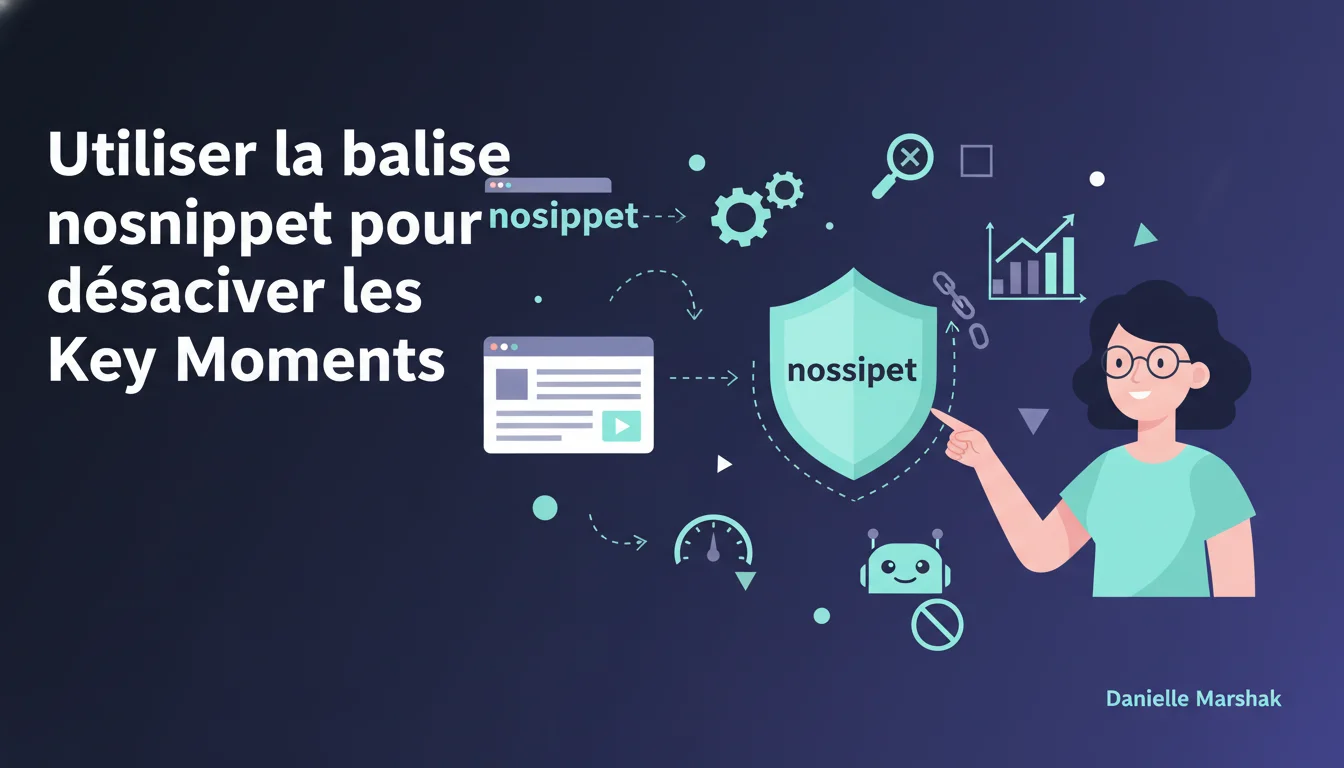
If you do not want any Key Moments at all, you also have the option to refuse by using the nosnippet tag.
Other statements from this video 13 ▾
- □ Are Key Moments Exclusive to Main Video Results?
- □ How does Google leverage voice recognition to enhance the SEO of videos?
- □ How could OCR change the way we approach SEO for videos?
- □ How does Google leverage visual signals to make sense of video content?
- □ How does Google really analyze your videos?
- □ How do expired URLs sabotage your Key Moments in SEO?
- □ How can you secure your video files by restricting access to trusted crawlers?
- □ Is it true that Google hides video content URLs from users?
- □ Why is it essential to set up video URLs for Key Moments?
- □ How can you leverage SeekToAction markup to enhance your video SEO?
- □ Why is the SeekToAction markup essential for videos on your own site?
- □ How does Clip Markup help you choose Key Moments for your videos?
- □ Should you focus on Clip markup for your SEO Key Moments?
Official statement from
(4 years ago)
TL;DR
Google offers the nosnippet tag to disable Key Moments. This provides SEO professionals with control over the absence of these clickable snippets in the SERPs. A crucial decision for those eager to manage their appearance in search results.
❓ Frequently Asked Questions
La balise nosnippet désactive-t-elle d'autres fonctionnalités ?
Oui, elle empêche également l'affichage des autres types d'extraits enrichis.
Peut-on cibler des sections spécifiques d'une page avec nosnippet ?
Non, nosnippet s'applique à la page entière.
La balise nosnippet affecte-t-elle le classement SEO ?
Non directement, mais peut influencer le CTR et ainsi impacter le trafic global.
🎥 From the same video 13
Other SEO insights extracted from this same Google Search Central video · published on 09/11/2021
🎥 Watch the full video on YouTube →
💬 Comments (0)
Be the first to comment.