
Official statement
Other statements from this video 1 ▾
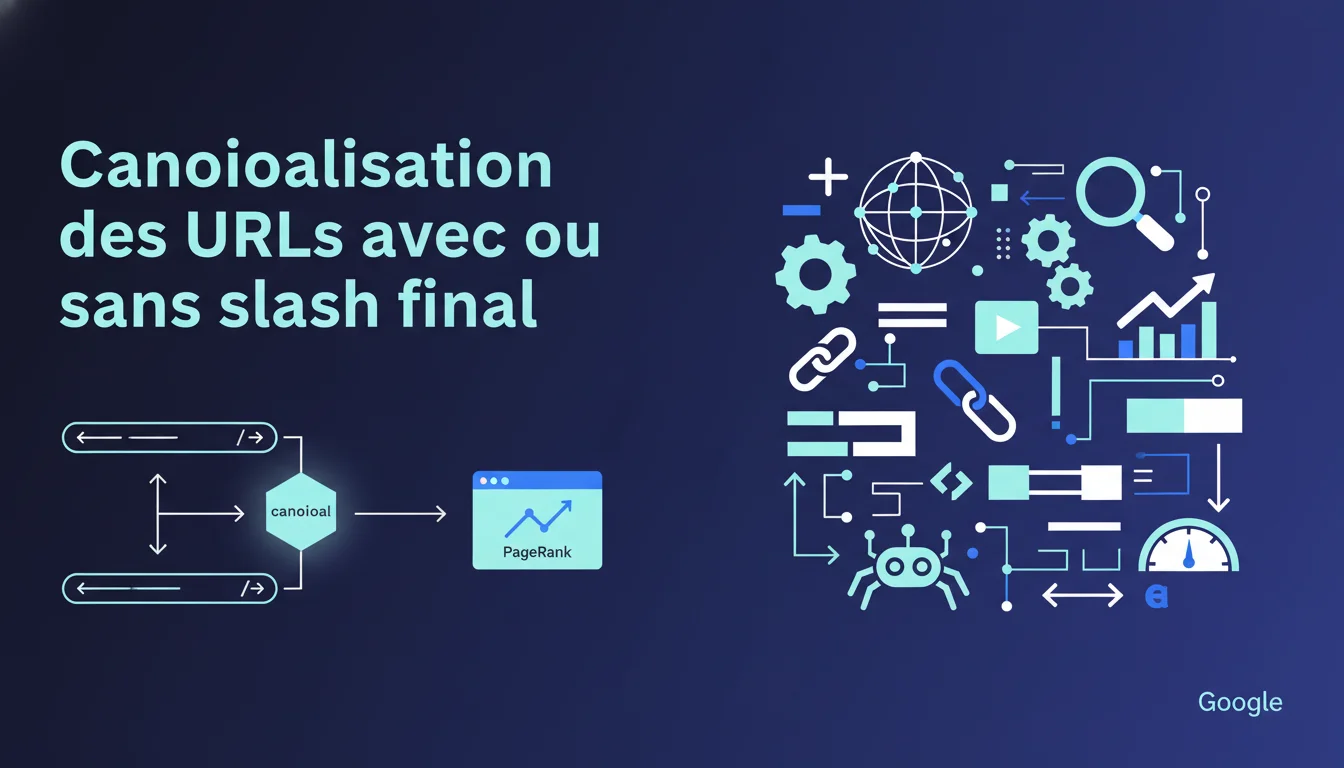
Google claims to automatically canonicalize URLs with or without a trailing slash, treating them as the same page without PageRank dilution. For SEOs, this theoretically means less risk of duplicate content on this specific point. It's essential to check in Google Search Console which version is actually indexed and to maintain strict consistency in your internal links to avoid conflicting signals.
What you need to understand
What does Google mean by URL canonicalization?
Canonicalization refers to the process by which Google chooses which version of a URL will be considered the reference page when multiple variants point to identical content. In the case of the trailing slash, /page and /page/ can technically return the same HTML content but represent two distinct URLs on the server side.
Google applies algorithms that analyze signals (redirects, internal links, canonical tags, sitemaps) to determine the main URL. When this canonicalization works correctly, the engine consolidates ranking and PageRank signals onto a single URL, avoiding fragmentation.
Why is this statement directly relevant to SEOs?
Historically, URL duplication due to the trailing slash has been a source of PageRank dilution and duplicate content. If both versions were indexed separately, backlinks could spread between them, weakening each variant. Crawlers also spent time on two identical URLs, wasting crawl budget.
This official statement confirms that Google now handles this case effectively. Specifically, if your technical architecture does not impose strict redirection (301 or 308), Google decides for you. This is reassuring in appearance, but it does not exempt you from maintaining a clean server configuration.
What signals does Google use for this canonicalization?
Google relies on several clues: server configuration (301/308 redirects), the presence of canonical tags in the HTML, consistency of internal links, the structure of the XML sitemap, and URLs already known through external backlinks. The engine generally favors the version that is encountered most frequently.
If your internal links predominantly point to /page/, Google will be inclined to choose this version as canonical. If your backlinks point to /page, this variant will carry more weight. In the absence of a clear signal, the algorithm can sometimes choose unpredictively.
- Google consolidates PageRank and ranking signals onto the chosen canonical URL, even without strict server-side redirection.
- Consistency of internal links and sitemaps strongly influences which version Google considers primary.
- This automatic canonicalization does not replace a clean technical setup: 301 redirects or explicit canonical tags are still recommended.
- Regularly check in Google Search Console which URL is indexed to avoid surprises during algorithm updates.
- The trailing slash remains a technical detail, but it can have implications for crawl budget and server log cleanliness.
SEO Expert opinion
Is this statement consistent with real-world observations?
Yes, in the majority of observed cases. Tests show that Google effectively consolidates the two versions if the content is identical and no redirection exists. The backlinks pointing to /page and /page/ are usually aggregated onto the canonical URL chosen by the algorithm. Coverage reports in Search Console often confirm that only one version appears as indexed.
However, this effectiveness is not universal. Some high-volume sites or those with complex architectures (multiple URL parameters, subdomains, CDNs) encounter cases where Google indexes both versions, creating residual duplication. Google’s “excellent job” remains a promise, not an absolute guarantee. [Check this] on your own properties via Search Console and server logs.
In which cases does this rule not apply fully?
If your server returns different HTTP codes for /page and /page/ (for example, 200 vs 301, or 200 vs 404), Google will not be able to canonicalize correctly. Similarly, if the HTML content differs slightly (timestamps, session IDs, A/B tests), the algorithm may hesitate or treat the pages separately.
Sites using client-side JavaScript to generate content may also show inconsistencies if the rendering differs between the two URLs. Finally, improperly configured canonical tags (pointing to contradictory versions) muddle the signals and prevent the automatic consolidation promised by Google.
What nuances should be considered for a thorough SEO audit?
Google states that PageRank is not split, implying perfect consolidation. In reality, the consolidation timeline can vary: it can take several crawl cycles for the algorithm to stabilize its choice. During this period, ranking fluctuations are possible, especially if external backlinks heavily target the non-canonical version.
Another point: Google mentions "generally combined", leaving room for uncertainty. In practice, it’s better to enforce a strict 301 redirection than to let Google arbitrate. This ensures complete control, an optimized crawl budget, and avoids any risk of temporary or partial duplication during algorithm updates.
Practical impact and recommendations
What concrete steps should you take on your site?
Start by auditing your indexed URLs in Google Search Console. Use the coverage report to identify whether Google has chosen a consistent canonical version. If both versions (/page and /page/) appear, it’s an alert signal: your technical setup is sending conflicting signals.
Next, analyze your internal links: an export of links via Screaming Frog or Oncrawl quickly reveals if you are mixing the two formats. Standardize to a single version, ideally the one that aligns with your server structure (with or without slash based on your CMS or framework norm). Also, ensure your XML sitemap contains only one variant per page.
What mistakes should you avoid to not sabotage canonicalization?
Do not let your canonical tags point to different URLs depending on the pages. If /page contains a canonical tag pointing to /page/ but /page/ points to /page, Google receives conflicting signals and may ignore your directives. Ensure that all canonical tags are consistent and point to the same normalized version.
Avoid mixing 301 redirects and no redirects on different sections of the site. For instance, if your product pages consistently redirect to the version with a slash, but your category pages do not, you create an architectural inconsistency that complicates Google’s canonicalization work. Standardize the logic across the site.
How can you verify that your site is correctly configured?
Manually test a few representative URLs: type the version with and without a slash in your browser, observe the HTTP code (200, 301, 308) and the final displayed URL. Ideally, one of the two versions should redirect to the other with a permanent 301 code. If both return 200, you depend on Google’s automatic canonicalization.
Use the URL inspection tool in Search Console to verify which version Google considers canonical. Compare it with the requested URL: if they differ, Google has made a choice. Validate that this choice aligns with your strategic intent. Finally, monitor your server logs to check if Googlebot crawls both versions, a sign of incomplete canonicalization.
- Audit indexed URLs in Google Search Console and identify duplicates with/without trailing slash.
- Standardize all internal links to a single version (with or without trailing slash based on your standard).
- Configure strict 301 redirects on the server to enforce the canonical version.
- Verify that canonical tags all point to the same normalized variant.
- Clean the XML sitemap to submit only one version per page.
- Manually test the HTTP codes returned for /page and /page/ on strategic URLs.
❓ Frequently Asked Questions
Google traite-t-il vraiment /page et /page/ comme une seule URL en toutes circonstances ?
Est-ce que mes backlinks sont perdus si certains pointent vers /page et d'autres vers /page/ ?
Dois-je absolument mettre en place des redirections 301 pour le slash final ?
Comment savoir quelle version Google a choisie comme canonique pour mes pages ?
Le slash final a-t-il un impact sur le crawl budget de mon site ?
🎥 From the same video 1
Other SEO insights extracted from this same Google Search Central video · duration 1 min · published on 18/08/2011
🎥 Watch the full video on YouTube →
💬 Comments (0)
Be the first to comment.