
Official statement
What you need to understand
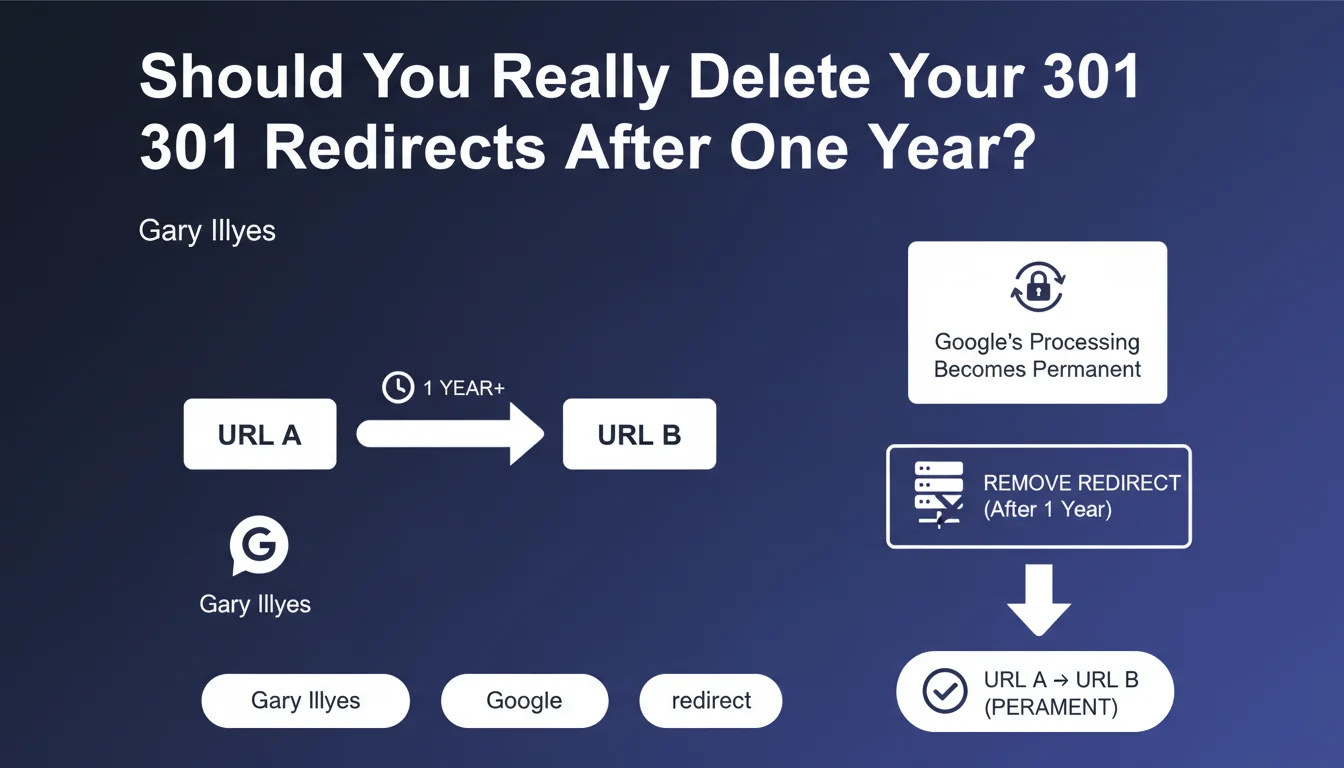
Google has revealed a crucial mechanism in its algorithm: a 301 redirect maintained for at least one year becomes permanent in its system, even if you technically remove it from your server.
Concretely, this means that after 12 months, Google considers that the destination URL (URL B) has definitively replaced the source URL (URL A). SEO signals (authority, backlinks, history) are completely transferred and consolidated.
If you remove the redirect after this timeframe, Google will continue to treat the old URL as if it were pointing to the new one. This is a form of permanent memory in the search engine that simplifies its understanding of your site's architecture.
- Critical timeframe: 1 year minimum for the redirect to become permanent in Google
- Irreversible effect: technical removal does not erase the redirect from Google's index
- Google-specific behavior: this behavior is not shared by all search engines
- Signal transfer: after one year, SEO consolidation is complete and permanent
SEO Expert opinion
This statement does indeed correspond to field observations over several years. Many sites that have removed old redirects notice that Google continues to handle the old URLs correctly, confirming this memory mechanism.
However, some nuance is needed: Google is not the only search engine and Bing, Yandex or others do not necessarily apply this rule. Moreover, this behavior concerns stable redirects, not those that frequently change destination.
The real question is not so much technical as it is about analyzing residual traffic. A URL may have lost its Google visibility but continue to receive visitors from other sources.
Practical impact and recommendations
- Audit your existing redirects: identify those that have been in place for more than one year
- Analyze residual traffic: check in Analytics whether old URLs are still receiving visits (across all search engines)
- Don't delete systematically: even after one year, keep redirects that are still generating traffic
- Check active backlinks: use tools like Ahrefs or Majestic to identify incoming links that are still active
- Test on other search engines: make sure Bing and others continue to properly handle your redirects
- Document your redirects: maintain a registry with implementation dates for accurate tracking
- Prioritize performance: on a server, reducing the number of redirects can improve loading times, but only if they no longer serve a purpose
- Keep strategic redirects: for pages with high SEO value, maintaining the redirect remains the safest solution
💬 Comments (0)
Be the first to comment.