
Official statement
What you need to understand
What does creating a Search Console without indexation mean?
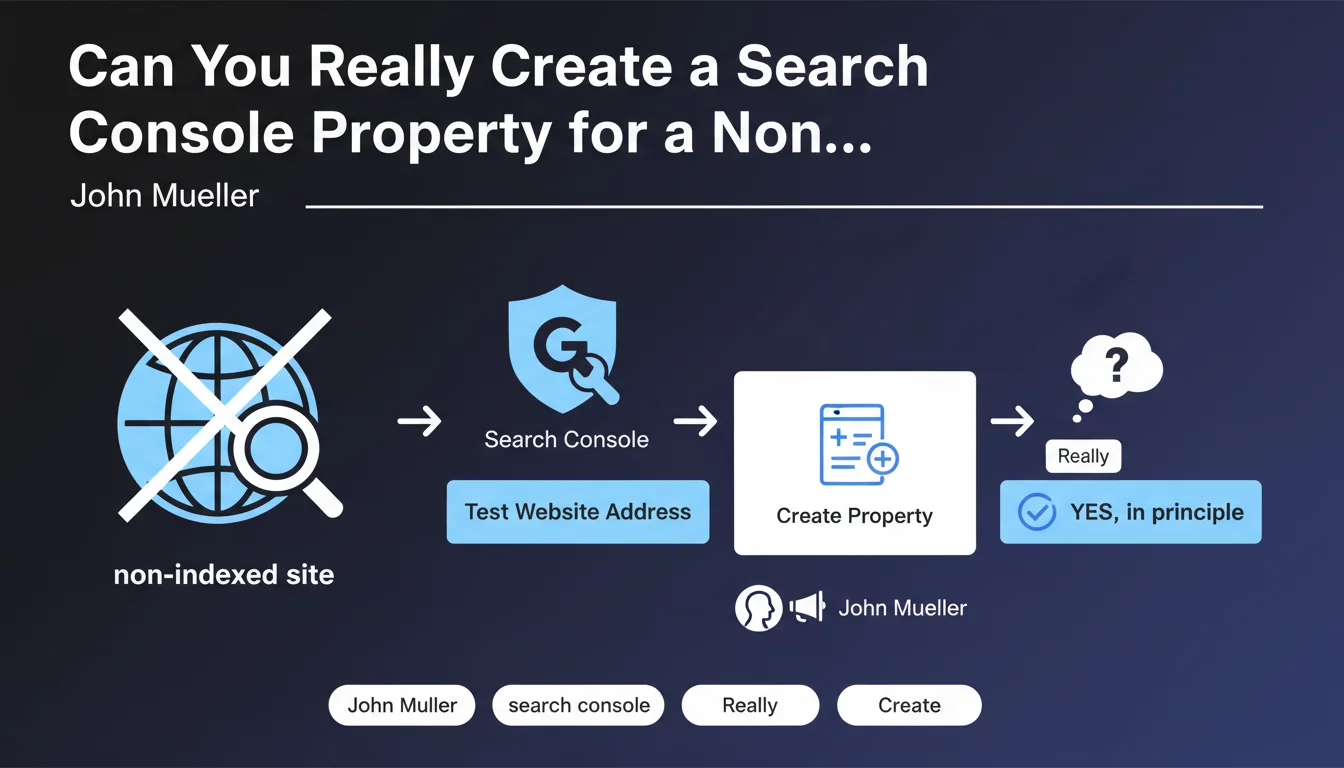
Google technically allows you to create a Search Console property for any website, even if it is not yet indexed in search results. This possibility may seem counterintuitive since Search Console is primarily designed to analyze a site's performance in search results.
Concretely, this means you can verify ownership of a site in a development environment, in pre-production, or even with a robots.txt completely blocking indexation. Property validation does not require that Googlebot has crawled your pages.
Why does this functionality exist?
Google designed this flexibility to allow webmasters to prepare their SEO configuration even before launching a site. This notably allows testing certain technical parameters without waiting for complete indexation.
This approach reflects a philosophy where Search Console is not solely a post-launch monitoring tool, but also a tool for upstream preparation and technical validation.
- Property validation possible without any indexed pages
- Early access to technical configuration tools
- Ability to test parameters before launch
- Major limitation: most analytical data will be absent
- Useful primarily for configuration tools rather than analysis
What are the limitations of this approach?
Without crawling or indexation, the majority of Search Console's analytical features remain inaccessible. You will not have data on performance, impressions, clicks, or detected indexation issues.
Sections like search query analysis, detailed coverage reports, or real Core Web Vitals cannot be exploited. Only a few configuration tools like the robots.txt tester remain relevant.
SEO Expert opinion
Is this statement consistent with observed practices?
Absolutely, and this information is confirmed by numerous SEO practitioners who use Search Console in staging environments. The separation between property validation and indexation is logical from an architectural standpoint.
In my practice, I have found that this functionality is particularly useful during complex migrations where you want to carefully prepare the configuration before switching DNS. This allows anticipating certain technical problems.
What are the genuinely relevant use cases?
The robots.txt tester is indeed the most useful tool in this context. It allows validating crawl directives even before Googlebot accesses the site, thus avoiding costly errors of accidental blocking.
The URL inspection can also provide information about why a page is not indexed, even if the site is blocked. The structured data testing tool and the mobile-friendly test can also be used without complete indexation.
What nuances should be added to this information?
It is crucial to understand that creating a Search Console property without indexation only makes sense in a transitional context. For a production site, the absence of indexation represents a major problem to be resolved urgently.
Furthermore, certain third-party tools that rely on Search Console data will not be able to function properly. API integration will be technically possible but will not return any exploitable data for performance analysis.
Practical impact and recommendations
In what concrete cases is this possibility useful?
For sites under development, this functionality allows configuring Search Console before the official launch. You can thus verify your robots.txt, test your XML sitemap, and configure preferred URL settings.
During a major redesign on a staging environment accessible by URL, you can anticipate the configuration without impacting the production site. This reduces risks during the final switchover.
For restricted access sites (intranet, B2B platforms with authentication), this approach allows benefiting from certain technical validation tools even if the content is not intended for public indexation.
What errors should absolutely be avoided?
Never leave a production site in a non-indexed state thinking that presence in Search Console is sufficient. The tool is a complement to indexation, not a substitute.
Avoid wasting time analyzing empty reports in Search Console for a non-indexed site. Focus on configuration tools and tests that remain functional.
Do not configure alerts or automated monitoring on a property without indexation, as you will receive misleading notifications about the absence of data rather than about genuine problems.
- Create the Search Console property from the development phase to anticipate configuration
- Use the robots.txt tester to validate crawl directives before indexation
- Configure the XML sitemap and URL settings before launch
- Test URL inspection to identify potential blockages
- Verify structured data markup and mobile compatibility before opening to indexation
- Never consider this configuration as a permanent state for a production site
- Plan opening to indexation as soon as technical tests are validated
- Document the configuration performed to facilitate the transition to production
How can you optimize this approach in your SEO strategy?
Using Search Console on non-indexed environments is part of a quality and anticipation approach. It allows detecting technical problems before they impact your visibility.
For complex projects involving multiple environments, advanced technical architectures, or critical migrations, this anticipatory configuration becomes an essential security element.
💬 Comments (0)
Be the first to comment.