
Official statement
What you need to understand
Why Does Google Specify Which Image Formats Are Accepted in Structured Data?
Google recently updated its official documentation to clarify the compatible image formats with structured data tags. This clarification aims to help SEO practitioners correctly implement rich snippets and enhanced results in the SERPs.
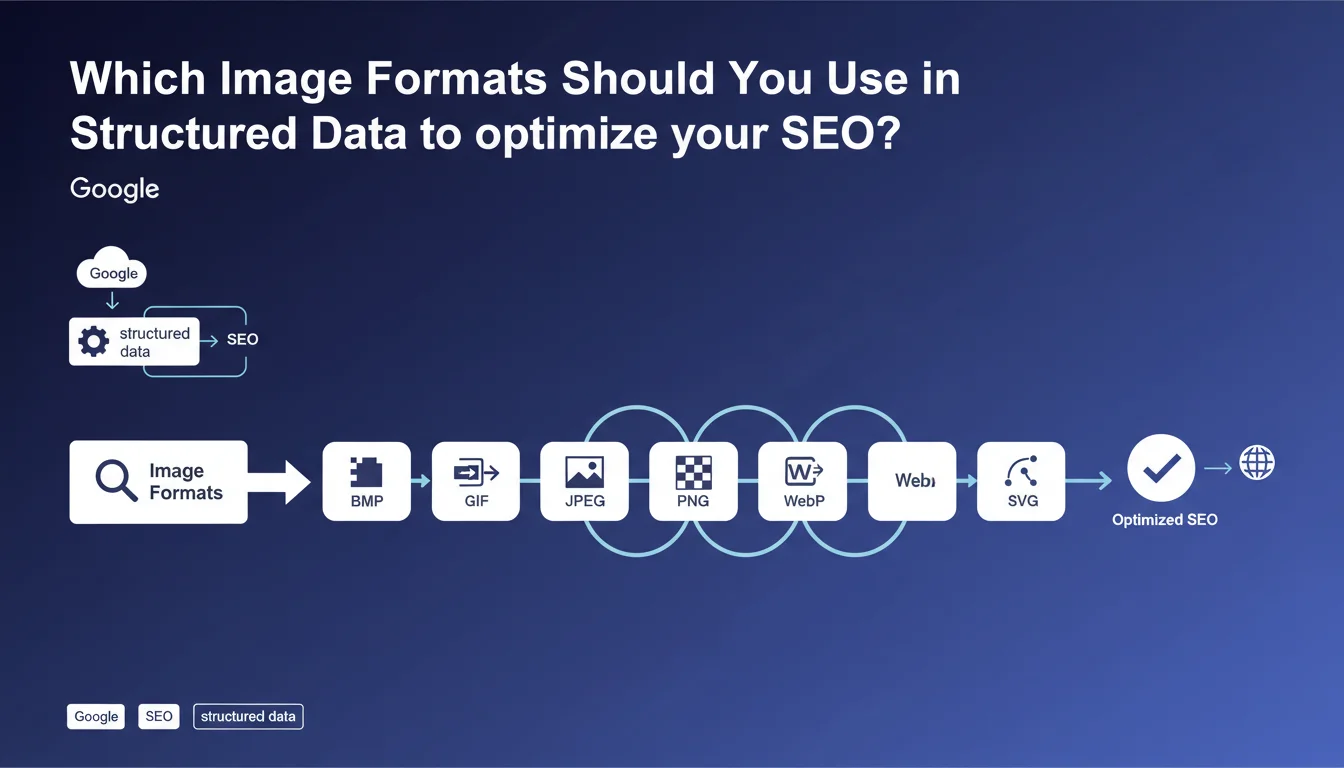
The accepted formats are: BMP, GIF, JPEG, PNG, WebP and SVG. This list corresponds exactly to the formats supported by Google Images, which ensures consistency across the different services within Google's ecosystem.
What Impact Do Structured Data Have on Image Display?
Structured data allows Google to display visually enhanced results in search result pages. This includes thumbnails for articles, recipes, e-commerce products, or even events.
By correctly specifying images in your Schema.org tags, you increase your chances of obtaining optimized snippets that attract more user attention and improve your click-through rate.
What Are the Key Takeaways from This Update?
- Six image formats are officially supported for structured data
- This list is identical to the formats accepted by Google Images
- The choice of format directly impacts eligibility for enhanced results
- WebP and SVG are now fully recognized on the same level as JPEG and PNG
- Using unsupported formats can prevent the display of rich snippets
SEO Expert opinion
Is This Statement Consistent with Field-Observed Practices?
Absolutely. This update simply documents what experienced SEOs have been observing for a long time. The listed formats are those that actually work in Search Console and generate visible enhanced results.
The explicit mention of WebP and SVG is particularly interesting. It officially confirms that Google has evolved beyond traditional formats and encourages the adoption of more modern and efficient technologies.
What Important Nuances Should We Add to This Announcement?
Although all these formats are technically accepted, their relevance varies depending on context. BMP, for example, is accepted but generates very heavy files, poorly suited to the modern web and performance.
SVG, while supported, sometimes poses sizing and compatibility issues with certain types of rich snippets. It remains primarily suitable for logos and icons rather than content images.
When Might This Rule Not Be Sufficient?
Format acceptance is just a prerequisite. Google also imposes dimension and resolution constraints depending on the type of enhanced result targeted. For example, product images require a minimum resolution to be eligible for Google Shopping ads.
Additionally, certain types of structured data have specific requirements regarding aspect ratio (16:9, 4:3, 1:1) that can limit eligibility even with a correct format.
Practical impact and recommendations
What Should You Do Concretely to Optimize Your Images in Structured Data?
Start by auditing your current Schema.org implementations to identify the image formats being used. Verify that all your images comply with the list of accepted formats.
Prioritize WebP format with JPEG fallback to maximize performance while ensuring universal compatibility. Make sure your image URLs are absolute, accessible, and properly sized.
Systematically test your tags with Google's Rich Results Test to validate that your images are correctly interpreted and eligible for enhanced results.
What Critical Mistakes Must You Absolutely Avoid?
Never use proprietary or exotic formats like TIFF, RAW, or HEIC in your structured data. Even if they may display in certain browsers, Google will not recognize them for enhanced results.
Also avoid images that are too heavy (beyond 2-3 MB) which penalize loading time and can affect your Core Web Vitals, even if the format is technically accepted.
How Can You Verify That Your Site Is Perfectly Compliant?
- Audit all types of structured data present on your site (Article, Product, Recipe, etc.)
- Verify that each "image" property uses one of the six officially supported formats
- Test resolution and dimensions according to specific recommendations for each Schema type
- Validate image URL accessibility (status 200, no multiple redirections)
- Use the Rich Results Test for each page template using structured data
- Monitor Search Console to detect structured data processing errors
- Optimize image weight without sacrificing visual quality
- Implement a compression and modern format strategy (WebP with fallback)
💬 Comments (0)
Be the first to comment.