
Official statement
What you need to understand
What exactly is a Soft 404 and why does Google flag it?
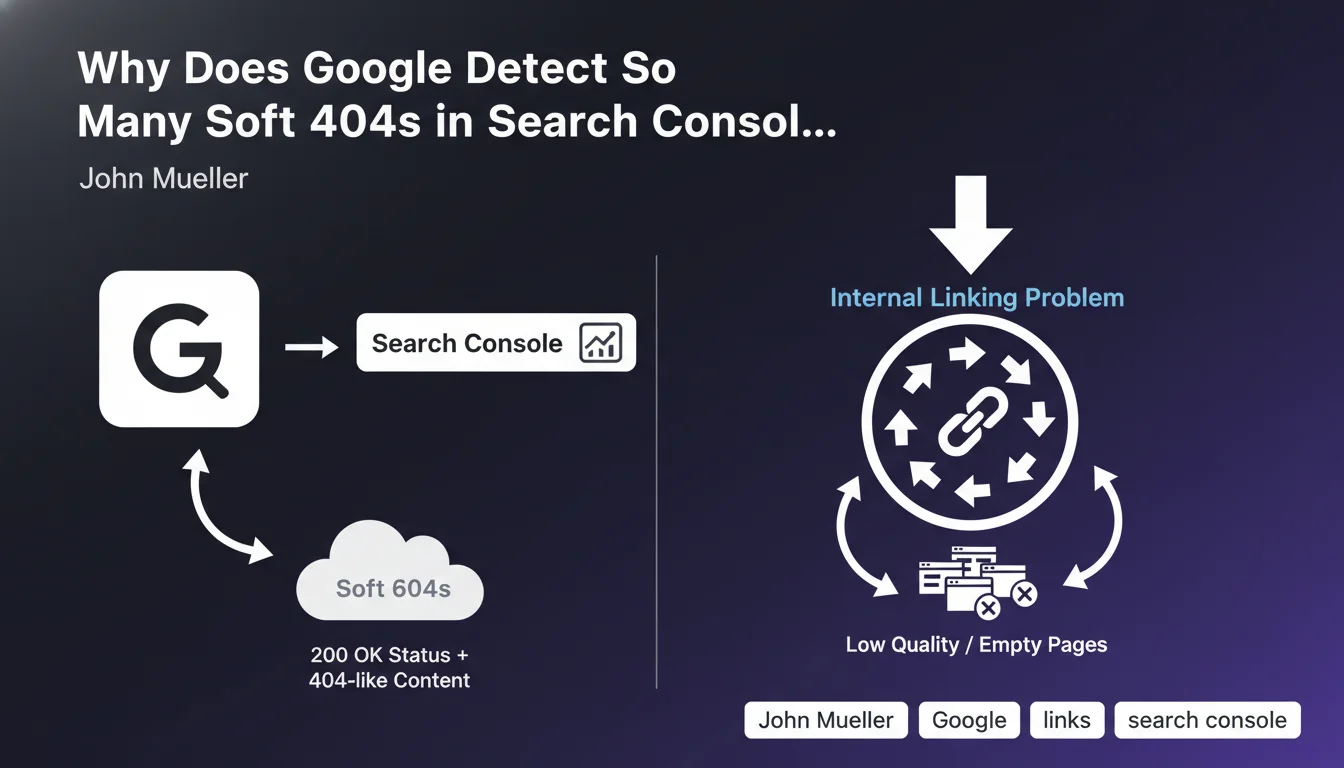
A Soft 404 is a page that returns an HTTP 200 code (success) when it should technically return a 404 code (page not found). Google detects these pages because they display content that resembles an error page or contains very little useful content, while telling the server that everything is fine.
This inconsistency between the HTTP code and the actual content disrupts Google in its crawling and indexing. The search engine flags these pages in Search Console to alert you that they are consuming crawl budget unnecessarily.
How are Soft 404s connected to internal linking?
John Mueller emphasizes that the massive presence of Soft 404s often reveals an internal linking problem. If numerous internal links point to these empty or valueless pages, Google considers them important when they actually aren't.
This phenomenon creates confusion in the hierarchy of your site. Google wastes time crawling uninteresting pages instead of focusing on your strategic content.
Which types of pages generate the most Soft 404s?
Soft 404s generally correspond to specific page typologies depending on your sector. On an e-commerce site, they're frequently out-of-stock product pages or old references that are no longer sold.
We also find empty search results pages, category pages without products, or automatically generated pages with very little textual content. More rarely, some apparently normal pages may be flagged, requiring in-depth analysis.
- Soft 404s consume crawl budget without providing value
- They often indicate a structural internal linking problem
- Each site generally has a recurring page type generating these errors
- Search Console analysis helps identify patterns
SEO Expert opinion
Does this statement align with real-world observations?
John Mueller's analysis is perfectly consistent with SEO audits conducted on hundreds of sites. Soft 404s are indeed one of the most revealing signals of poorly designed architecture.
What we observe in practice is that sites with many Soft 404s often have automated link systems (breadcrumbs, dynamic menus, filters) that continue pointing to obsolete pages. The problem is rarely isolated but systemic.
What important nuances should be considered?
Google's detection of Soft 404s is not infallible. Some pages with legitimate but minimal content may be incorrectly classified as Soft 404s, particularly expired event pages or certain specific landing pages.
You shouldn't treat all Soft 404s the same way. Manual analysis is essential to distinguish truly problematic pages from false positives. Some pages deserve to be enriched rather than deindexed.
When should fixing Soft 404s be a priority?
The correction priority depends on volume and impact. If your Soft 404s represent more than 20% of crawled pages, it's a major warning signal that's probably affecting your overall performance in results.
For e-commerce sites with dynamic catalogs, it's an ongoing issue requiring an automated strategy. For editorial content sites, it's generally less critical but reveals deficient obsolescence management.
Practical impact and recommendations
How can you effectively identify and analyze your Soft 404s?
Start by accessing the Coverage report in Google Search Console, "Excluded" section. Export the complete list of URLs flagged as Soft 404s and identify recurring patterns.
Group these URLs by typology (empty categories, unavailable products, search pages, etc.). This classification will allow you to address the problem at its source rather than page by page.
Use a crawl tool to check which internal links point to these pages. You'll often discover that structural components (menus, filters, pagination) generate these problematic links.
What concrete actions should you implement to solve this problem?
For truly empty or valueless pages, implement a real 404 code or a 301 redirect to a relevant alternative. Never leave a 200 code on a page that offers nothing to the user.
For temporarily empty pages (out of stock), add substantial content: detailed product description, similar alternatives, restocking date, customer reviews. Transform these pages into useful resources.
Clean up your internal linking by removing automatic links to these pages or adding conditions in your templates. Use the nofollow attribute if necessary for certain contextual links.
What long-term prevention strategy should you adopt?
Implement automatic rules in your CMS or e-commerce platform to manage obsolescence. For example, automatically archive products out of stock for more than 3 months with an appropriate redirect.
Perform monthly monitoring of Soft 404s in Search Console to quickly detect the emergence of new patterns. An automatic alert can notify you when volume exceeds a critical threshold.
- Export and analyze Soft 404s from Search Console each month
- Identify recurring page typologies generating these errors
- Implement real 404 codes or 301 redirects for valueless pages
- Enrich content on legitimate but too-thin pages
- Audit internal linking to remove links to these pages
- Set up automatic obsolescence management rules
- Manually verify a sample before any mass action
- Monitor the evolution of Soft 404 numbers after corrections
💬 Comments (0)
Be the first to comment.