
Official statement
Other statements from this video 2 ▾
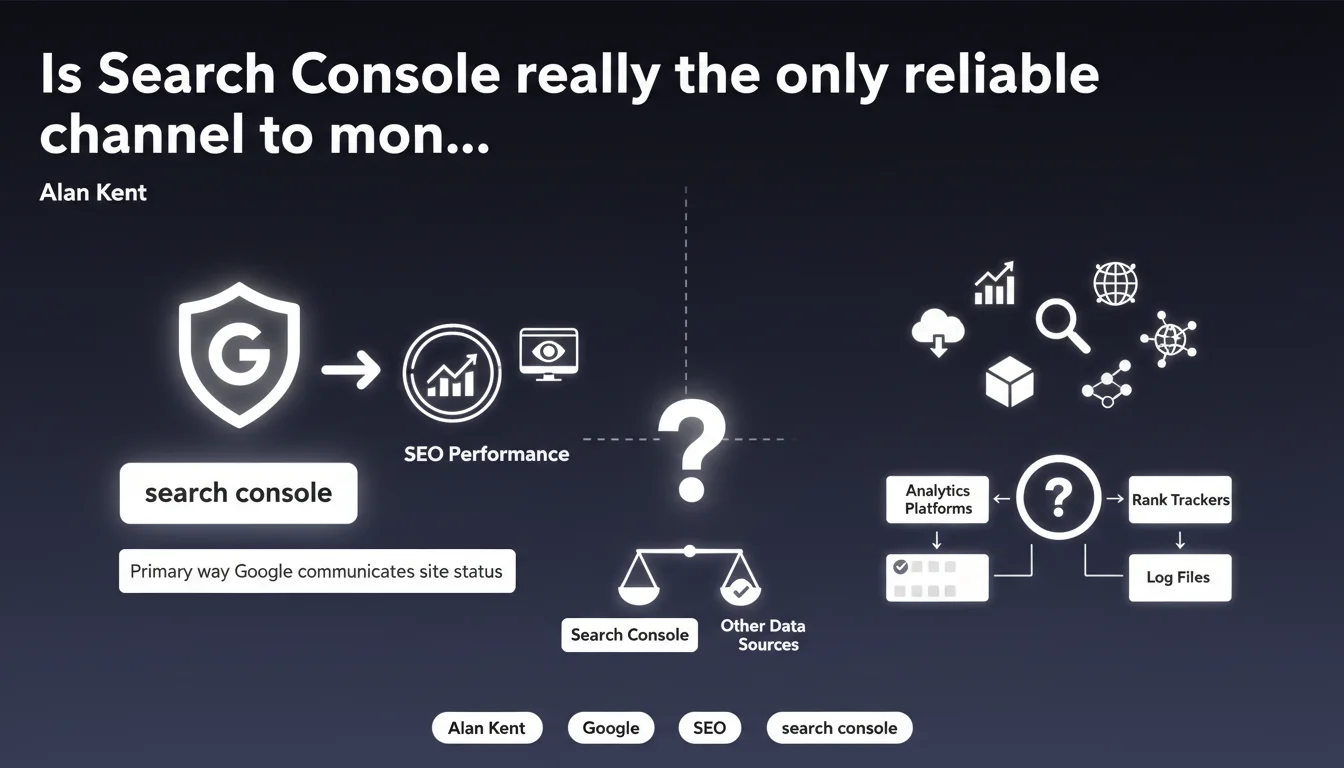
Google states that Search Console is its primary channel for communicating with site owners about their performance and the status of their presence in search results. In practical terms, this means that every important signal — penalty, indexing issue, security alert — will be prioritized through this tool. Ignoring Search Console means risking missing critical messages that affect your site's visibility.
What you need to understand
Why does Google insist on Search Console as the primary channel?
Because Google cannot contact each webmaster directly by email or phone. Search Console centralizes all important signals: crawl errors, indexing issues, manual actions, security alerts, performance data. It's the official dashboard, the only place where Google shares precise and actionable data.
The tool also serves to receive push notifications when something goes wrong. A penalized site, a Core Web Vitals problem, a sudden drop in impressions — everything flows through Search Console. Failing to monitor this tool regularly means flying blind.
What does this change for an SEO practitioner?
It means you can no longer rely solely on Google Analytics or third-party tools like Ahrefs or SEMrush to track your performance. These platforms provide estimates, trends, proxies — but not the ground truth as seen by Google.
Search Console provides first-hand data: actual queries, exact click-through rates, indexed pages versus submitted pages. It's the source of truth. If Google says a page isn't indexed, it's not a hypothesis, it's a fact.
Are there other official communication channels?
Yes, but they're secondary. Google can publish announcements on the official Google Search Central blog, Twitter (@googlesearchc), or at conferences like Google I/O. But these channels discuss general trends, not the specific status of your site.
For precise diagnostics, personalized alerts, reconsideration requests — Search Console remains essential. Other channels complement it, they don't replace it.
- Search Console centralizes all critical messages from Google regarding your site
- The data provided is first-hand, not third-party estimates
- Ignoring this tool exposes you to risks of penalties or undetected technical issues
- No other tool can replace Search Console for official monitoring
SEO Expert opinion
Is this statement consistent with observed industry practices?
Absolutely. Every case of manual penalty, mass deindexation, or crawl issue I've handled in recent years has been reported through Search Console. Never by email, never through another channel. Google simply doesn't have the time or resources to individually warn millions of sites.
But let's be honest: Search Console can sometimes be vague. A "Coverage: Excluded" alert can hide ten different causes. A manual action for "Low-quality content" won't specify exactly which pages are problematic. You have to dig deeper, cross-reference with other tools, interpret.
What nuances should be added to this statement?
First, Search Console only covers Search. If your strategy includes YouTube, Google Images, Google Discover, you'll need other dashboards. Second, Search Console data has a lag — often 24 to 48 hours. For real-time monitoring, you need to complement it with crawl tools or log analysis.
And that's where it gets tricky: Search Console doesn't replace a comprehensive technical audit. It signals symptoms, rarely root causes. A page "Discovered, currently not indexed" could result from duplicate content, saturated crawl budget, poorly managed pagination — Search Console won't tell you which.
In what cases doesn't this rule apply?
For very new sites or those not verified in Search Console, Google obviously can't communicate anything. Some webmasters aren't even aware the tool exists. Result: they miss critical messages and are puzzled when their traffic drops without understanding why.
Another edge case: algorithmic penalties. Unlike manual actions, they generate no notifications in Search Console. If a site is hit by a Helpful Content Update or Spam Update adjustment, no message will appear — just a visibility drop to analyze through performance reports.
Practical impact and recommendations
What concrete steps should you take to use Search Console effectively?
First step: verify all domains and subdomains of your site in Search Console. Many practitioners only verify the www version, forget the bare domain, http/https variants, blog or shop subdomains. Each property must be added and monitored.
Next, configure email notifications. By default they're enabled, but verify that the email address is one you check daily. A security alert or manual action sitting in an abandoned inbox for three weeks means unnecessary lost traffic.
What mistakes should you avoid when using Search Console?
Mistake number one: only checking Search Console when there's a problem. That's too late. The tool must be integrated into weekly reporting, or even daily for large sites. Track the evolution of impressions, clicks, coverage rate — spot anomalies before they become critical.
Second mistake: ignoring the "Experience" section. Core Web Vitals, mobile usability, HTTPS security — all of this directly impacts ranking. Google warns you if a problem appears, but you have to look.
How can you ensure you don't miss any important signals?
Set up a monitoring dashboard that aggregates Search Console data with your other SEO KPIs. Tools like Google Data Studio (Looker Studio) or Supermetrics allow you to automate daily reports. The goal: spot an anomaly without manually opening Search Console every day.
Also monitor the messages tab. Google publishes specific alerts there, sometimes very technical — a DNS configuration change, an AMP issue, a pending reconsideration request. Don't let anything sit idle.
- Verify all domains, subdomains, and http/https variants in Search Console
- Enable email notifications and verify the address is monitored
- Check Search Console at least weekly, daily for high-traffic sites
- Monitor the Coverage tab to detect indexing issues before they impact traffic
- Track the Experience section (Core Web Vitals, mobile, security)
- Carefully read all messages received in the Messages tab
- Cross-reference Search Console data with third-party tools for complete visibility
❓ Frequently Asked Questions
Search Console remplace-t-il les outils SEO tiers comme Ahrefs ou SEMrush ?
Faut-il vérifier plusieurs versions d'un même site dans Search Console ?
Les pénalités algorithmiques apparaissent-elles dans Search Console ?
À quelle fréquence faut-il consulter Search Console ?
Peut-on automatiser la surveillance de Search Console ?
🎥 From the same video 2
Other SEO insights extracted from this same Google Search Central video · published on 17/10/2022
🎥 Watch the full video on YouTube →
💬 Comments (0)
Be the first to comment.