
Official statement
What you need to understand
What exactly is a redirect loop and how does it occur?
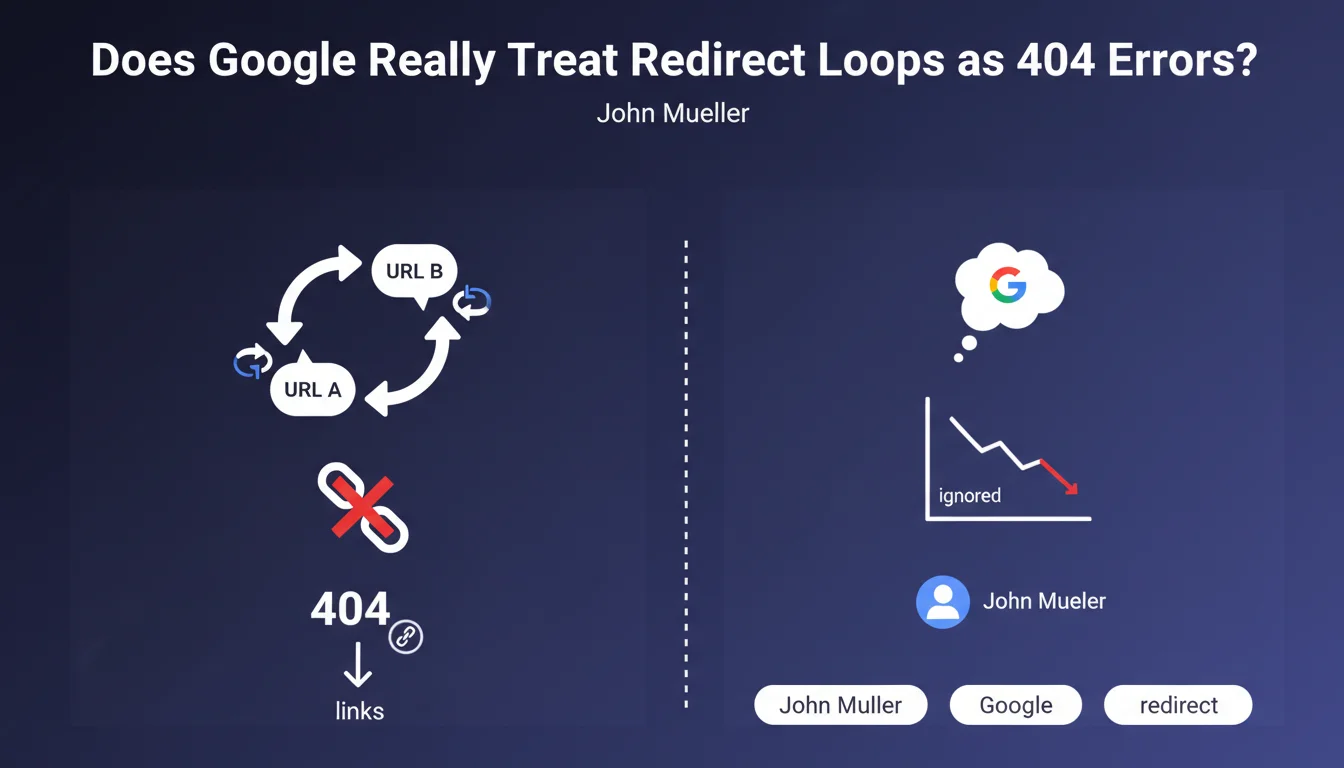
A redirect loop happens when two URLs redirect to each other mutually, creating an endless vicious circle. For instance, URL A redirects to URL B, which in turn redirects back to URL A.
This type of configuration creates what's called a spider trap, a trap in which crawling robots could theoretically spin in circles indefinitely. It's a technical problem that generally occurs following configuration errors or during complex migrations.
How does Google actually handle these redirect loops?
Google has developed protection mechanisms to avoid wasting resources on these anomalies. When Googlebot detects a redirect loop, it simply stops following those URLs.
These pages are then treated as 404 errors, meaning as broken links. They will therefore neither be indexed nor taken into account in PageRank calculations, exactly as if they didn't exist.
Why is this situation problematic even when Google ignores it?
Even though Googlebot handles these errors intelligently, not all crawling robots are as sophisticated. Other crawlers may find themselves blocked, unnecessarily consume server resources, or generate error reports.
Furthermore, these anomalies create a degraded user experience for visitors who might land on these URLs. They also signal a lack of rigor in the technical management of the site.
- Redirect loops create dead ends for crawling robots
- Google treats these URLs as 404 errors and doesn't index them
- The problem also affects other crawlers less intelligent than Googlebot
- These errors waste crawl budget unnecessarily
- They indicate a poorly configured site from a technical standpoint
SEO Expert opinion
Is this statement consistent with real-world observations?
Absolutely. In my daily SEO audit practice, I have consistently observed that redirect loops simply disappear from the Google index. The affected pages show an error status in Search Console.
What's interesting is that Google doesn't penalize the rest of the site because of this. It simply isolates these problematic URLs and continues to crawl other sections normally. It's a pragmatic approach that avoids blocking the entire crawl.
What nuances should be added to this rule?
The main nuance concerns detection time. Google doesn't detect these loops instantly. Between the creation of the error and its detection, several crawl cycles may elapse, during which resources are wasted.
Another important point: if these loops involve strategic pages with many inbound backlinks, you permanently lose the transmission of their authority. The SEO juice is simply lost, unlike a properly configured redirect.
In which cases do these loops appear most frequently?
Site migrations are by far the context most conducive to these errors. When implementing hundreds of redirects simultaneously, conflicts can arise, especially if multiple rules overlap in the .htaccess file or server configuration.
Multilingual or multi-domain sites are also affected, particularly when managing geolocation redirects. Poor configuration can create loops between language versions. Finally, poorly configured HTTP/HTTPS protocol changes regularly generate this type of anomaly.
Practical impact and recommendations
How can I detect redirect loops on my site?
Google Search Console is your first detection tool. In the "Coverage" section, look for errors related to redirects. Google explicitly reports detected redirect chains and loops.
For a more in-depth diagnosis, use tools like Screaming Frog in full crawl mode. Enable the redirect tracking option: the tool will automatically identify loops and provide you with the exact path of the problematic chain.
You can also test manually with browser extensions like "Redirect Path" or via cURL commands in command line to precisely track the redirect path.
What should be done concretely to fix these errors?
First identify the source of the loop: is it a rule in your .htaccess, a misconfigured WordPress plugin, or a server parameter? The correction depends on the origin of the problem.
For WordPress sites, check redirection plugins and make sure no contradictory rules exist. For server configurations, audit your .htaccess or nginx.conf file line by line to detect conflicts.
Once corrected, test immediately with a redirect checking tool, then request reindexing via Search Console to speed up Google's processing.
What mistakes should be avoided when implementing redirects?
Never create redirect chains that are too long (A→B→C→D). Google recommends not exceeding 3 hops, but the ideal remains a direct redirect. Each additional link dilutes transmitted authority and slows down loading.
Also avoid temporary redirects (302) when you want a permanent solution. Always use 301 redirects for permanent URL changes, as only these fully transmit PageRank.
- Regularly audit redirects with Screaming Frog or a professional crawler
- Check Search Console weekly to detect new crawl errors
- Document all redirect rules to avoid future conflicts
- Manually test each new redirect before production deployment
- Favor direct 301 redirects rather than multiple chains
- Regularly clean up old redirect rules that have become obsolete
- Implement automatic monitoring of HTTP status codes
- Train technical teams on redirect management best practices
💬 Comments (0)
Be the first to comment.