
Official statement
Other statements from this video 13 ▾
- 9:53 Le budget de crawl est-il vraiment inutile pour les petits sites ?
- 15:14 Comment Google décide-t-il quelles pages crawler en priorité sur votre site ?
- 25:55 Qu'est-ce que la demande de crawl et comment Google la calcule-t-il vraiment ?
- 33:45 Comment Google calcule-t-il le taux de crawl pour ne pas planter vos serveurs ?
- 37:38 Le crawl budget augmente-t-il vraiment avec la vitesse de votre serveur ?
- 43:17 Peut-on vraiment limiter le taux de crawl de Google sans risquer son référencement ?
- 46:04 Le budget de crawl, simple combinaison de taux et de demande ?
- 61:43 Pourquoi Google réserve-t-il le rapport Crawl Stats aux propriétés de domaine uniquement ?
- 69:24 Les ressources externes faussent-elles vos statistiques de crawl ?
- 77:09 Le temps de réponse exclut-il vraiment le rendu de page dans Search Console ?
- 82:21 Pourquoi une chute brutale des requêtes de crawl peut-elle révéler un problème de robots.txt ou de temps de réponse ?
- 87:00 Le temps de réponse serveur influence-t-il vraiment le taux de crawl de Googlebot ?
- 101:16 Pourquoi un code 503 sur robots.txt peut-il bloquer tout le crawl de votre site ?
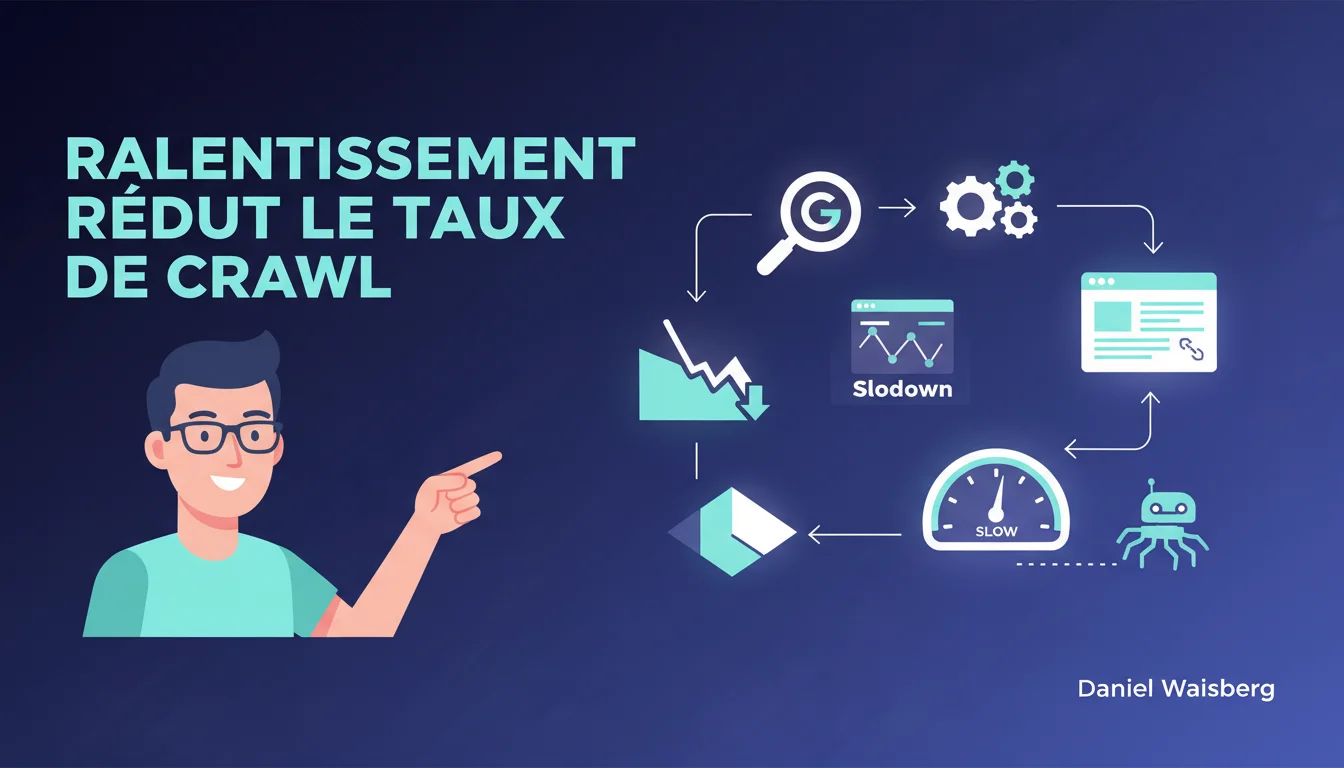
Google automatically adjusts the crawl rate downwards when a site slows down or returns server errors. In practical terms, fewer pages are crawled, which can delay the indexing of new content or the updating of modified pages. Server performance is not just a matter of user experience — it directly influences how frequently Googlebot visits.
What you need to understand
How does Googlebot regulate its crawl rate?
Googlebot doesn't visit all your pages at the same frequency or intensity. It adjusts its crawl rate based on two main parameters: crawl demand (how many pages Google finds useful to crawl based on their popularity and freshness) and the crawl limit (the maximum capacity your server can handle without degrading user experience).
The crawl limit is calculated dynamically. If your server responds quickly and steadily, Google may increase the request volume. Conversely, if the response time rises or if 500/503 errors multiply, Googlebot immediately slows down to avoid worsening the situation.
What constitutes a 'slowdown' in Google's eyes?
Google doesn't provide a specific threshold in milliseconds — as this threshold varies based on the site type, its history, and its significance. A news site that goes from 200 ms to 800 ms could see its crawl rate drop. A small blog fluctuating between 1.2 seconds and 1.5 seconds might not experience any visible impact.
Server errors (5xx) are a clear signal: they indicate a temporary inability to respond, and Google systematically reduces the pressure. This is a protective mechanism, not a punishment — but the effect is the same: fewer pages crawled.
What are the concrete consequences for indexing?
A reduced crawl rate means that Googlebot visits fewer URLs per day. On a small site, the impact is negligible — all the important pages get crawled anyway. On a large site (e-commerce, media, marketplace), it's more critical: deep pages, new products, or recent articles might not be discovered in time.
The result: longer indexing delays, delayed content updates, potential traffic loss on time-sensitive pages (news, limited-time promotions). The crawl budget becomes a real bottleneck.
- The crawl rate is a consequence of server performance, not a variable that can be directly adjusted in Search Console.
- 5xx errors trigger an automatic reduction in crawl, often visible within 24-48 hours.
- A site that responds quickly and steadily can see its crawl rate increase gradually, but never instantaneously.
- Search Console displays crawl statistics, but with a 1 to 2-day delay — no real-time feedback.
- Googlebot can crawl the same page multiple times if it changes often or ignore stable pages for weeks.
SEO Expert opinion
Is this statement consistent with field observations?
Yes, and it's even one of the few areas where Google is unambiguously transparent. Server logs consistently show a correlation between latency spikes or 5xx errors and a drop in Googlebot hits in the following hours. On sites I have audited after technical incidents (failed migrations, unabsorbed load spikes), the crawl rate drops by 40% to 70% within a few days.
What is less documented is the speed of recovery. Even after solving the problem, Googlebot doesn't immediately return to the initial rate — it tests gradually over days or even weeks. This is conservative behavior, likely to avoid putting the server back into instability.
What nuances should be added?
Google doesn't specify which latency threshold triggers the drop. And for good reason: this threshold is relative to the site's history. A site that usually responds in 150 ms and jumps to 600 ms will endure a harsher reaction than a chronically slow site at 1.2 seconds that rises to 1.5 seconds. It's the variation, not the absolute value, that matters.
Another point: not all 5xx errors are equal. A 503 Service Unavailable with a Retry-After header is interpreted as a temporary maintenance — Google may respect the indicated delay. A 500 Internal Server Error without context triggers an immediate and lasting reduction in crawl.
[To verify]: Google does not specify if certain sections of the site (robots.txt, prioritized XML sitemaps) continue to be crawled normally even during a global slowdown. Observations suggest they do, but no official confirmation.
When does this rule not apply?
On very small sites (fewer than 100 pages), the crawl rate is not a limiting factor anyway — Google crawls everything, even if the server is slow. The issue arises mainly from a few thousand pages, where the crawl budget becomes a scarce resource.
Another exception: strategic sites (Google News, certain large e-commerce) may benefit from preferential treatment. No official exemptions, but a greater tolerance for latency variations. This is consistent with crawl demand logic: if the content is highly requested, Google will crawl it anyway, even if it's slower.
Practical impact and recommendations
What concrete steps should be taken to avoid a decrease in crawl rate?
Your first instinct should be to monitor server latency as perceived by Googlebot, not by your synthetic tools. Search Console displays the average response time in the Crawl Statistics report. If this metric rises, it means Googlebot is experiencing slowdowns — even if your end users don't notice anything (CDN cache, etc.).
Next, identify the causes: slow SQL queries, blocking rendering resources, unabsorbed load spikes from auto-scaling, malicious bots saturating the server. The server logs that combine Googlebot user-agent and response time are essential for diagnosis.
What mistakes should absolutely be avoided?
Never let 5xx errors persist without response. Even a handful of URLs returning 503 can trigger a crawl reduction if crawled frequently (homepage, category hubs, RSS feeds). Google interprets this as a signal of structural fragility, not as an isolated incident.
Another classic mistake: deploying frontend optimizations (lazy loading, image compression) and believing that improves the crawl rate. These optimizations help Core Web Vitals and UX, but Googlebot doesn't care about visual rendering — it only measures TTFB and stability of HTTP responses.
How can you verify that your infrastructure can handle Google's load?
Simulate a gradual load increase with tools like Apache Bench, Locust, or k6, mimicking Googlebot's behavior: HTTP/2 requests, consistent user-agent, respect for crawl-delay if defined in robots.txt. Aim for a success rate of >99.5% even under high load.
Also, check that your hosting does not artificially throttle Googlebot. Some shared hosting providers or poorly configured CDNs apply overly aggressive rate limiting, returning 429 Too Many Requests or 503 — which causes the crawl rate to drop even though the server could handle more.
- Monitor the response time seen by Googlebot in Search Console (Crawl Statistics report).
- Analyze server logs to detect latency spikes or 5xx errors coinciding with Googlebot visits.
- Set up automated alerts (Pingdom, UptimeRobot, Datadog) for 5xx errors and latencies >500 ms.
- Optimize database queries and cache frequently crawled responses (homepage, categories, XML sitemaps).
- Test load increase with load testing tools mimicking Googlebot's behavior.
- Check that the CDN and rate limiting rules do not send 429 or 503 to Googlebot.
❓ Frequently Asked Questions
Un site lent est-il pénalisé dans le classement Google à cause du taux de crawl réduit ?
Quelle latence serveur déclenche une baisse du taux de crawl ?
Les erreurs 5xx font-elles baisser le taux de crawl même si elles ne concernent que quelques URLs ?
Combien de temps faut-il pour que le taux de crawl remonte après résolution d'un problème de performance ?
Optimiser les Core Web Vitals améliore-t-il le taux de crawl ?
🎥 From the same video 13
Other SEO insights extracted from this same Google Search Central video · duration 161h29 · published on 03/03/2021
🎥 Watch the full video on YouTube →
💬 Comments (0)
Be the first to comment.