
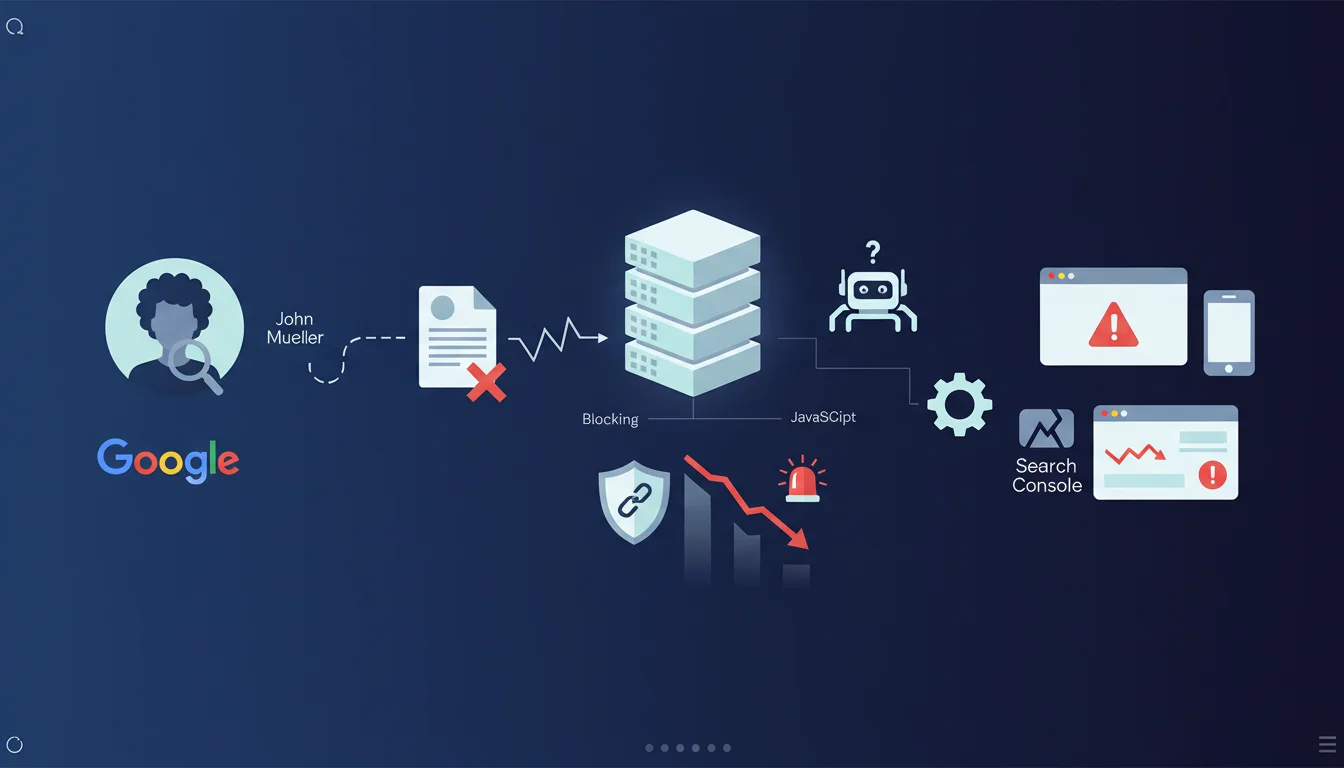
Official statement
John Mueller clarifies that this error usually means your server/CDN is preventing Google from receiving content. It's typically a low-level blockage, sometimes based on Googlebot's IP address, which makes the problem impossible to test outside of Search Console's testing tools. Standard external testing methods like curl commands or third-party crawlers won't detect these blockages because they specifically target Google's IP address ranges.
What you need to understand
The "Page Indexed without content" error in Search Console signals a critical situation where Google manages to discover your pages but receives no content during crawling. Contrary to what many think, this is not a JavaScript problem in the vast majority of cases.
The issue lies at a much lower infrastructure level: your server or CDN is actively blocking Googlebot's requests. These blockages are often based on Google's specific IP address ranges, which makes them particularly difficult to detect.
The severity of this situation should not be underestimated: affected pages risk disappearing completely from Google's index. If the search engine cannot access content repeatedly, it will eventually deindex them.
- Server/CDN level blockage, not a JavaScript rendering issue
- Targeting of Googlebot IP addresses specifically
- Undetectable by standard testing tools (curl, third-party crawlers)
- Risk of complete deindexation if not resolved quickly
- Only Google's official tools (Search Console, URL testing) can reproduce the problem
SEO Expert opinion
This statement confirms an issue I regularly encounter during technical audits, particularly on sites using aggressive security solutions like Cloudflare, Sucuri, or custom WAFs. These systems often apply anti-bot rules that, ironically, end up blocking the most important legitimate bot: Googlebot.
A crucial point to emphasize: the impossibility of reproducing the problem with standard tools creates a false sense of security. You can test your site with Screaming Frog, check with curl, everything may seem functional, yet Googlebot remains blocked. This is why so many SEO practitioners overlook this problem until they notice a dramatic drop in organic traffic.
In my practice, I've observed that some shared hosting providers apply IP-based rate limiting that affects Googlebot during crawl spikes, creating this error intermittently. This is particularly insidious because the problem isn't constant.
Practical impact and recommendations
Faced with this critical error, immediate intervention is necessary to prevent deindexation of your pages. Here are the priority actions to implement:
- Check Search Console immediately to identify all pages affected by this error
- Use Search Console's URL Inspection tool (the only reliable way to reproduce the problem) on several affected pages
- Audit your WAF/firewall rules to identify blockages based on User-Agent or IP ranges
- Check your CDN configuration (Cloudflare, Fastly, etc.) and temporarily disable aggressive anti-bot protections
- Explicitly whitelist Googlebot IP addresses in your infrastructure (official list available via reverse DNS)
- Check rate limiting that could affect crawlers
- Examine server logs by filtering on Googlebot User-Agent to identify 403, 429 responses, or timeouts
- Test with Search Console's "live URL test" tool after each modification
- Request reindexing via Search Console once the problem is resolved
- Set up continuous monitoring of crawl errors in Search Console
The "Page Indexed without content" error represents a top-priority SEO emergency requiring advanced technical expertise in web infrastructure. Diagnosis is complex because standard tools cannot reproduce Googlebot's specific blockage.
Resolution often involves navigating between several technological layers (server, CDN, WAF, firewall) and understanding precisely how Google's requests are treated differently. For high-stakes commercial sites, engaging a specialized SEO agency with in-depth technical expertise can prove decisive in quickly identifying the root cause and avoiding prolonged visibility loss that would significantly impact your business.
💬 Comments (0)
Be the first to comment.