
Official statement
What you need to understand
Why doesn't Google penalize websites using "old school" HTML?
Google's primary mission is to identify and serve the best answer to the user's search intent. HTML code, whether modern or old, is merely a means to achieve this goal.
If Google systematically penalized sites using tables, HTML not validated by W3C, or without modern CSS, a considerable portion of the web would be sanctioned. Yet many technically obsolete sites offer quality content that is perfectly relevant.
What really matters for SEO according to this statement?
Google prioritizes content relevance, user experience, and the ability to answer search intent. HTML code quality is only an indirect factor.
A site with imperfect code but excellent content and good UX can easily outrank a technically flawless site that's less relevant. Substance trumps technical form.
What are the key takeaways from this clarification?
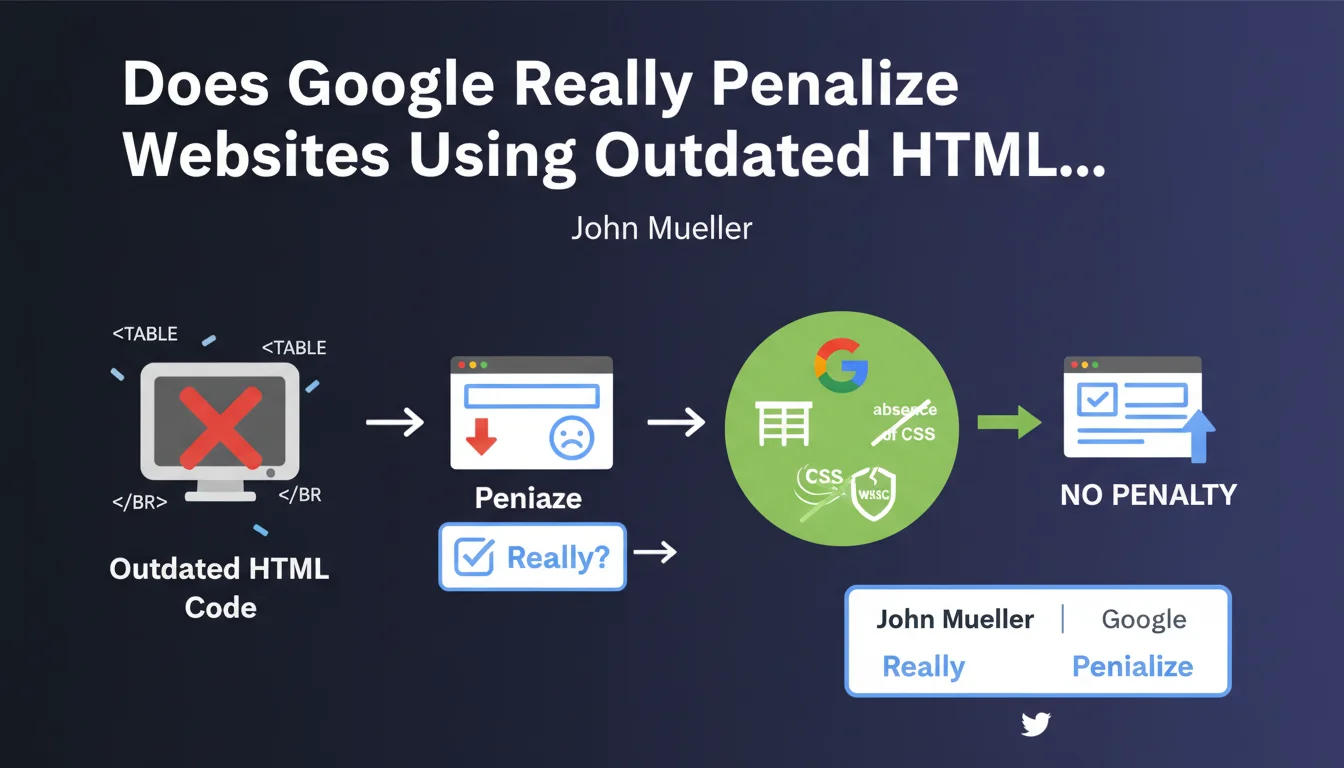
- Using HTML tables for layout does not result in a direct penalty
- HTML code that doesn't pass W3C validation is not automatically penalized
- The absence of modern CSS or recent frameworks doesn't harm SEO in itself
- Content relevance remains the primary evaluation criterion
- Accessibility for Googlebot is more important than compliance with standards
SEO Expert opinion
Is this statement consistent with practices observed in the field?
Absolutely. Numerous analyses of well-ranked sites reveal sometimes massive HTML errors according to validators. Some major authority sites display hundreds of W3C errors with no visible impact on their ranking.
This observation confirms that Google has developed significant technical tolerance. Its HTML parser is robust enough to correctly interpret imperfect code, as long as the content remains accessible.
What important nuances should be brought to this assertion?
While Google doesn't directly penalize "old school" HTML, certain old practices can have harmful indirect consequences. Heavy code slows down loading, impacting Core Web Vitals.
Complex nested tables can make content difficult to crawl efficiently. The absence of semantic HTML (header, nav, article tags, etc.) deprives Google of useful structural clues for understanding content hierarchy.
In which cases does HTML code become problematic for SEO?
HTML code becomes problematic when it prevents access to content or massively degrades user experience. For example, critical JavaScript errors that block rendering, or markup so chaotic that Googlebot cannot extract the main text.
Similarly, excessively heavy code (unfavorable code-to-content ratio) can dilute the perceived relevance of the page. The complete absence of semantic structure also complicates the generation of rich snippets and featured snippets.
Practical impact and recommendations
What should you actually do with this information?
Don't obsess over 100% W3C validation. Focus your efforts on content quality, relevance, and user experience rather than on technical code perfection.
If your site works well with old HTML, there's no need to completely rebuild it just for "modernity" reasons. Prioritize optimizations that have a direct impact on users and performance.
What mistakes should you avoid despite Google's tolerance?
Don't confuse tolerance with recommendation. Avoid creating new sites with obsolete practices on the grounds that Google doesn't penalize them. Modern standards exist for good reasons.
Don't neglect aspects of HTML code that directly impact SEO: title tags, meta descriptions, Hn tags, image alt attributes, structured data. These elements remain fundamental regardless of the HTML version used.
How can you optimize your approach to HTML code for modern SEO?
Adopt a pragmatic approach: use modern semantic HTML when possible, but don't get paralyzed by validation details. Above all, verify that Googlebot can access and correctly interpret your content.
Use Search Console to identify real indexing errors related to code, rather than blindly trusting external validators. Test your page rendering with the URL inspection tool.
- Verify that main content is accessible without mandatory JavaScript
- Maintain a reasonable code-to-content ratio (avoid excessively verbose code)
- Use HTML5 semantic tags to facilitate structural understanding
- Optimize loading performance despite any technical constraints
- Properly implement tags essential to SEO (title, Hn, alt, canonical)
- Add structured data to enrich display in SERPs
- Regularly test rendering with Google's inspection tool
- Prioritize user accessibility over technical perfection
💬 Comments (0)
Be the first to comment.