
Official statement
What you need to understand
What does Google officially say about noindex pages and Core Web Vitals?
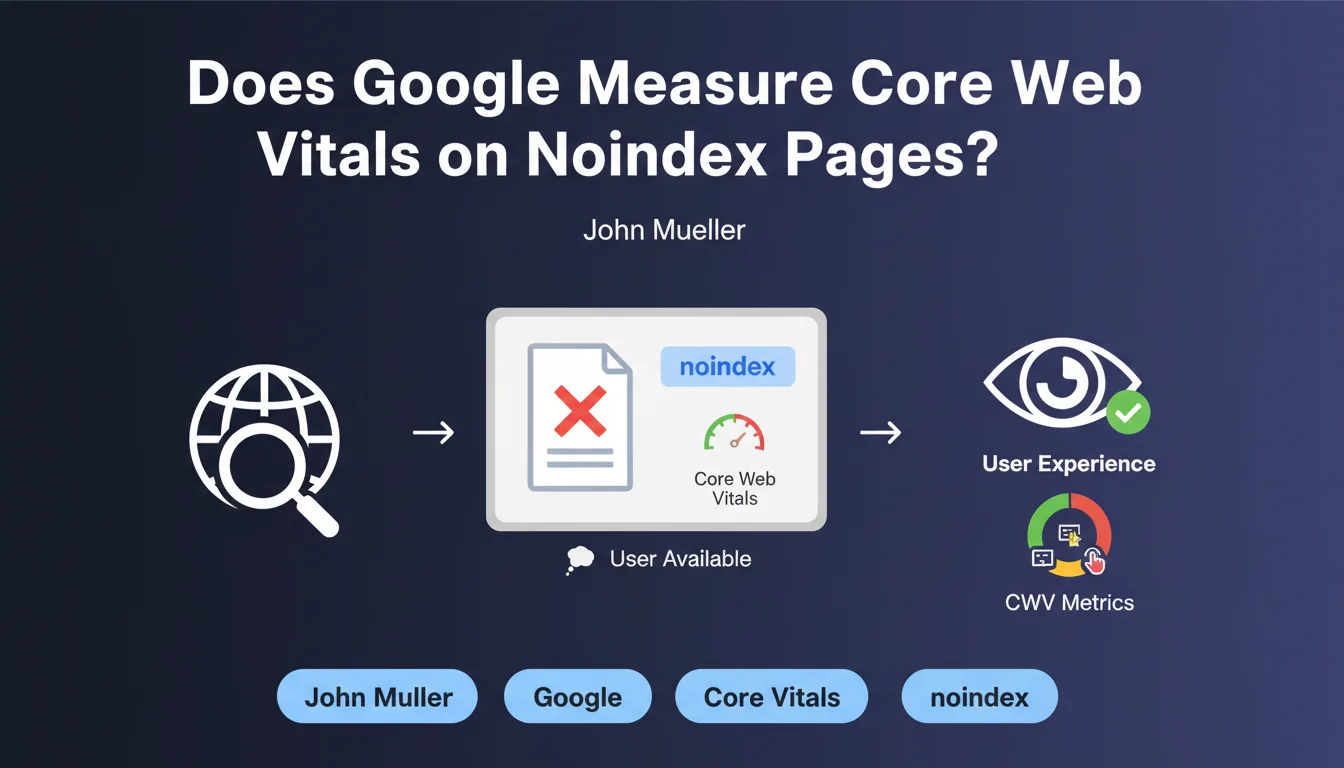
Google has clarified its position in a recent official document: a page marked as noindex cannot affect the overall Core Web Vitals score of your site. This statement puts an end to significant confusion within the SEO community.
Concretely, this means that if you have technical pages (checkout funnels, member areas, test pages) with poor performance and marked as noindex, they will not penalize your site's ranking based on user experience.
Why does this clarification contradict previous statements?
In December 2020, Google had stated the opposite: noindex pages could indeed impact the site's overall Core Web Vitals. This contradiction created uncertainty for several years among SEO professionals.
Google has since corrected this erroneous information. This rectification demonstrates the constant evolution of Google's algorithm and communication regarding its ranking criteria.
What are the technical implications of this statement?
From a technical perspective, this confirms that Google establishes a clear separation between indexable and non-indexable pages when calculating user experience metrics. Only pages accessible to users via search are taken into account.
- Noindex pages are excluded from the overall Core Web Vitals calculation
- Only indexable pages influence your page experience score
- This rule applies to all three metrics: LCP, FID, and CLS
- Test or development pages can be secured with noindex without risk
- The site's overall quality is evaluated only on public pages
SEO Expert opinion
Is this statement consistent with real-world observations?
With 15 years of experience in site analysis, I observe that this clarification does indeed correspond to recently observed behaviors. Sites with slow conversion funnels marked as noindex have not shown massive penalties on their indexed product pages.
However, it should be noted that Google's initial confusion in 2020 likely led many SEOs to unnecessarily optimize non-indexable pages. Paradoxically, this mistake may have improved the overall user experience of these sites.
What important nuances should be applied to this rule?
Warning: the fact that a noindex page doesn't impact Core Web Vitals doesn't mean it's invisible to Google. These pages are still crawled and can influence other signals such as crawl budget or server resource consumption.
Moreover, if your noindex pages contain heavy JavaScript or blocking resources, they can slow down your server's overall response time. An indirect impact therefore exists, even if the calculated CWV score excludes them.
In which cases could this rule evolve again?
Google has already changed its communication on this point once. With the evolution toward a more holistic vision of user experience, it's not impossible that Google might reconsider this position in the future.
Particularly, if a site abuses noindex to hide poor-quality pages while keeping them accessible via internal navigation, Google could adjust its methodology. The site's overall consistency remains an evaluation factor.
Practical impact and recommendations
What should you concretely do with your noindex pages?
First action: audit your noindex pages to identify those that are noindexed for good reasons (admin pages, checkout funnels) versus those that are noindexed by mistake. Many sites have strategic pages inadvertently blocked.
Don't fall into the reverse trap: just because noindex pages don't impact CWV doesn't mean they can be neglected. Users still access them via internal navigation, and their experience matters for conversions.
What mistakes should you avoid following this clarification?
The most common mistake would be to overuse noindex as an easy solution to hide slow pages. This practice would reduce your indexable surface and therefore your potential organic visibility.
Also avoid removing optimizations already made on your noindex pages. Even if they don't impact the Google score, they contribute to the actual experience of your users and your conversion rates.
How can you verify and optimize your current configuration?
Use Google Search Console to cross-reference coverage data with your Core Web Vitals report. Verify that only indexable pages appear in the performance measurement samples.
Examine your XML sitemap to ensure it doesn't contain any noindex URLs. This inconsistency is a negative signal for Google and often reveals technical governance issues.
- Audit all your meta robots tags and identify noindex pages
- Verify that noindex pages are legitimate (admin, duplicate, test)
- Check that your strategic pages are indeed indexable
- Optimize noindex pages anyway for actual user experience
- Monitor crawl budget if you have many crawlable noindex pages
- Document your noindex strategy to avoid future errors
- Test performance with PageSpeed Insights on your priority indexable pages
- Configure alerts to detect accidental noindex on important pages
💬 Comments (0)
Be the first to comment.