
Official statement
What you need to understand
Why does this question about nofollowing social links even come up?
Many SEO practitioners systematically apply the nofollow attribute to all outbound links, including those pointing to their social media profiles. This practice stems from an outdated concept that any outbound link would dilute the site's PageRank.
However, according to Google, this precaution is completely unnecessary for links to your own Facebook, Twitter, Instagram, or LinkedIn accounts. These links are an integral part of your digital ecosystem and have no reason to be restricted.
What does Google officially recommend for these links?
Google clearly indicates that nofollowing links to your social media provides no SEO advantage. On the contrary, it deprives you of an opportunity to strengthen your overall digital presence.
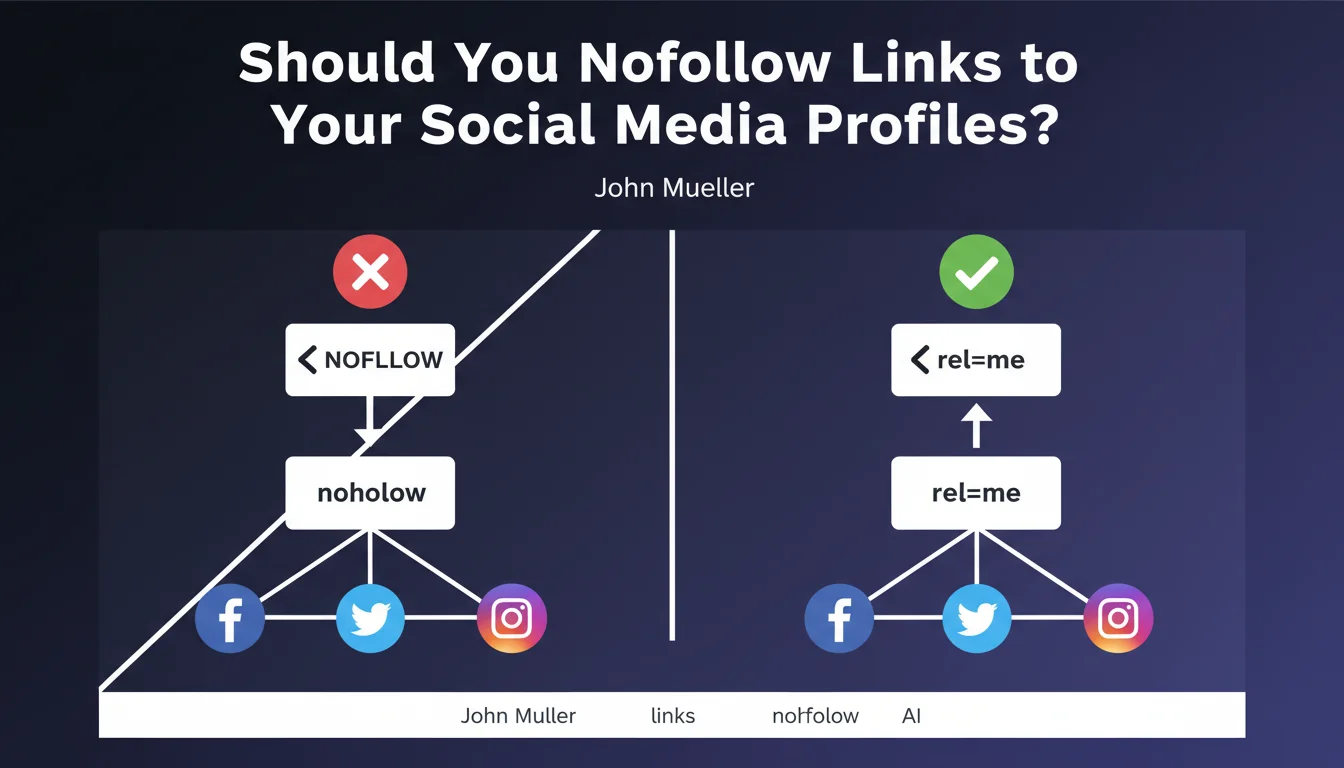
Google suggests instead using the rel="me" attribute to explicitly indicate that these social profiles belong to you. This attribute enables better semantic understanding of your digital identity by search engines.
What's the actual impact of nofollow on transmitted PageRank?
Contrary to widespread belief, the nofollow attribute no longer preserves PageRank to redistribute it to other links on the page. Since 2020, the PageRank that would have been transmitted via a nofollow link is simply lost.
- Nofollow on social links provides no SEO benefit
- It deprives you of an opportunity to promote your profiles to Google
- The rel="me" attribute is preferable for indicating ownership
- PageRank blocked by nofollow is permanently lost, not redistributed
SEO Expert opinion
Is this statement consistent with observed practices?
Absolutely. Google's position aligns with the logic of digital ecosystem coherence. Search engines aim to understand the global identity of a brand or individual across all their online presence points.
In practice, we observe that sites with a well-linked social presence from their main website benefit from better entity recognition in the Knowledge Graph. Nofollow creates an artificial break in this presence mapping.
What nuances should be applied to this recommendation?
This recommendation applies specifically to links to your own social profiles. The situation differs for other types of outbound links to social media.
If you integrate social sharing buttons or widgets displaying third-party content, the question of crawl control and PageRank transmission may arise differently. In these cases, a more nuanced strategy may be justified.
How does this approach integrate into E-E-A-T strategy?
Using rel="me" directly contributes to strengthening your E-E-A-T (Experience, Expertise, Authoritativeness, Trustworthiness). By explicitly linking your social profiles, you facilitate verification of your identity and expertise.
Google can thus cross-reference signals from different platforms to build a more complete and reliable view of your authority in your field. This is particularly crucial for YMYL sites or expert content creators.
Practical impact and recommendations
What should you actually do on your site?
The first action is to audit all links to your social media present on your site. Identify those that currently have a nofollow attribute and remove it.
Next, systematically add the rel="me" attribute to all links pointing to your official profiles. The correct syntax is: <a href="https://twitter.com/your-account" rel="me">.
For sites using templates or themes, check the header.php, footer.php files, or social widgets to apply these modifications centrally.
What mistakes should you avoid in this optimization?
Don't blindly remove nofollow from all outbound links. This recommendation specifically concerns your own social profiles, not links to third-party sites or external content.
Also avoid overusing rel="me" by applying it to profiles you don't directly own. This attribute should be reserved for accounts you control and that represent your official digital identity.
- Identify all links to your social profiles (header, footer, About pages)
- Remove the nofollow attribute from these specific links
- Add rel="me" to indicate account ownership
- Verify that URLs point to official and active profiles
- Test markup with markup validation tools
- Maintain consistency between website and social profiles (name, logo, description)
- Don't confuse with sharing buttons or third-party widgets
How can you measure the impact of these modifications?
After implementation, monitor your presence in Google's Knowledge Graph. Properly configured rel="me" links can promote the display of your social profiles in your knowledge panel.
Use Google Search Console to verify that these links are correctly crawled and indexed. Also observe how entity recognition for your brand evolves in search results.
💬 Comments (0)
Be the first to comment.