
Official statement
What you need to understand
What's Behind the Confusion About Video Placement?
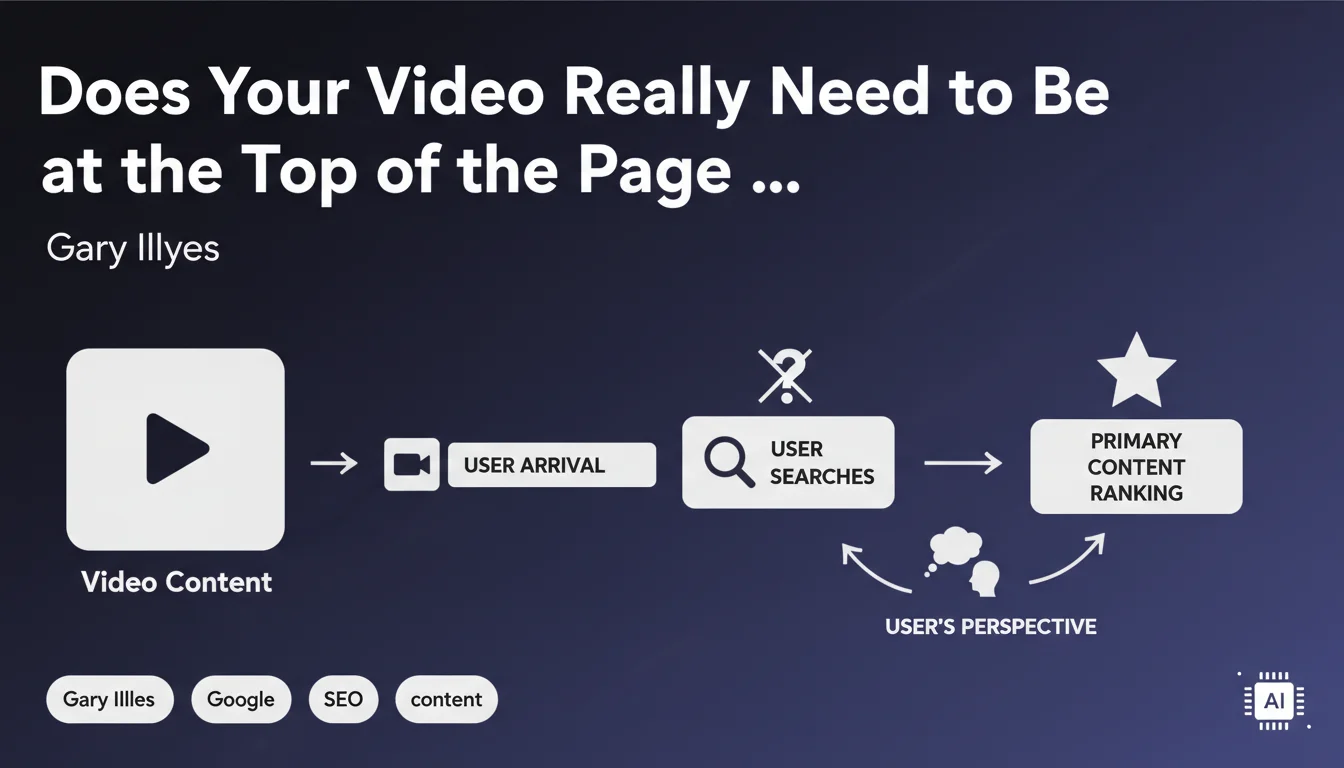
The recent modification to video thumbnail display in Google search results has created concern among SEO practitioners. Many believed they understood that the video absolutely had to be positioned first in the HTML code for it to be recognized as the main element.
This interpretation is actually too restrictive. Google clarifies that the notion of main element isn't simply reduced to a position criterion in the DOM.
How Does Google Actually Identify a Video as Primary Content?
Google analyzes the overall context of the page to determine whether the video constitutes the primary content. The algorithm draws inspiration from patterns used by major platforms like YouTube or Vimeo.
The essential thing is that users can easily find the video without having to actively search for it. Visibility and accessibility take precedence over the exact position in the source code.
What Are the Criteria That Really Matter to Google?
- The immediate visibility of the video for users arriving on the page
- Logical content organization with the video as the focal point
- Absence of distracting elements that would overshadow the video
- A page structure that highlights the video without necessarily placing it in the first HTML position
- Contextual signals indicating that the video is the primary content (title, description, schema.org markup)
SEO Expert opinion
Is This Statement Consistent With What We Observe in the Field?
Absolutely. Observations show that Google is perfectly capable of identifying a video as primary content even if it's not the first element in the DOM. Sites that perform well often have introductory content before the video.
What matters is the visual hierarchy and clear editorial intent. A video placed after a relevant H1 title and a short contextual introduction can very well be recognized as the main element if it visually dominates the page.
What Nuances Should Be Considered With This Recommendation?
There's an important difference between position in code and visual position. A video can appear first visually while being technically placed after other HTML elements thanks to CSS.
However, be careful: if you add too much content before the video, you risk diluting the signal sent to Google. Balance is crucial.
When Doesn't This Flexibility Apply?
For pages seeking to obtain video rich snippets in SERPs, proximity between the title and video remains important. The more you distance the video from the main context, the more you risk losing eligibility.
Similarly, for short videos like clips or tutorials, logic dictates they should be immediately accessible. Users expect to see the video without delay or friction.
Practical impact and recommendations
What Should You Actually Do to Optimize Video Placement?
Prioritize a user-centered approach. Place the video where it makes the most sense in the reading journey, generally after an explicit title and a contextual introduction of 1-2 sentences maximum.
Ensure the video is visible above the fold on all devices. Use an appropriately sized player that naturally attracts attention.
Properly implement Schema.org VideoObject markup with all required properties (name, description, thumbnailUrl, uploadDate, duration). This structured markup helps Google formally identify the video.
What Mistakes Should You Absolutely Avoid?
- Don't bury the video after several screens of text
- Don't use players that are too small or discreet and don't signal the video's importance
- Don't forget structured Schema.org markup for videos
- Don't force counter-intuitive placement solely for SEO reasons
- Don't neglect mobile optimization where above-the-fold space is even more critical
- Don't hide the video behind pop-ups or intrusive interstitials
How Can You Verify That Your Implementation Is Optimal?
Use Google Search Console's Rich Results Test tool to validate that your video markup is correctly detected. Also check that the video appears in the Search Console's Videos report.
Analyze your engagement metrics: play rate, viewing duration, scroll depth. If users scroll too much before finding the video, it's a signal that the placement isn't optimal.
Test the display across different devices and resolutions. The video must remain the visually dominant element on both mobile and desktop.
💬 Comments (0)
Be the first to comment.