
Official statement
What you need to understand
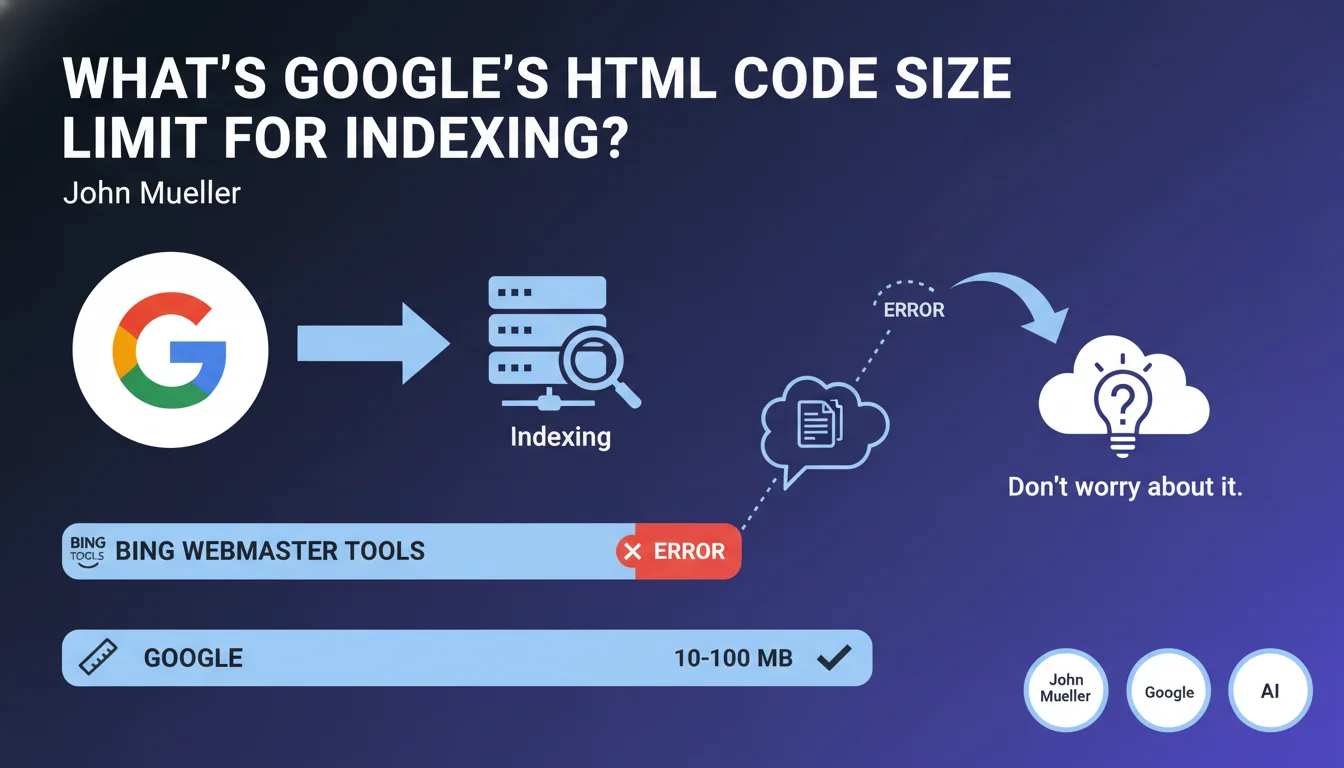
Google imposes an HTML code size limit for the pages it indexes, but it's high enough not to be a problem for the vast majority of websites. According to John Mueller, this limit is between 10 and 100 MB, which represents a considerable volume of source code.
To put this information into perspective, a typical web page rarely weighs more than a few hundred kilobytes in pure HTML. Reaching 10 MB of HTML code would require having thousands of lines of code, which is extremely rare in practice.
This statement was made in response to a question about errors displayed in Bing Webmaster Tools when the source code became too large. It confirms that Google is more permissive than other search engines on this specific point.
- Very high limit: between 10 and 100 MB of HTML code
- Few sites affected: the majority of web pages are well below this
- No need to worry for standard websites
- Google more tolerant than some competitors like Bing
SEO Expert opinion
This confirmation from John Mueller is reassuring but should not be interpreted as a free pass to neglect code optimization. Indeed, while Google can technically index up to 100 MB of HTML, this doesn't mean it's desirable from a performance standpoint.
In practice, pages with excessively large HTML code often encounter other problems: high loading times, difficulty for crawlers to extract the main content, and degraded user experience. These factors can negatively impact rankings, even if the page is technically indexable.
There are also special cases such as very long listing pages, e-commerce sites with extensive catalogs, or complex web applications that can approach these limits. In these situations, a different architecture (pagination, lazy loading) is generally preferable.
Practical impact and recommendations
- Check your HTML weight: use browser development tools to measure the actual size of your main pages' source code
- Optimize the code: minify HTML, remove unnecessary comments and dead code, eliminate superfluous spaces
- Externalize JavaScript and CSS: avoid embedding large blocks of inline code in the HTML
- Limit embedded content: base64 images, massive inline SVGs, and other elements that bloat the HTML
- Choose the right architecture: use pagination, lazy loading, or infinite scroll rather than loading thousands of elements on a single page
- Monitor the DOM after rendering: test your pages with tools like Lighthouse to identify performance issues related to JavaScript
- Don't rely on this limit: aim for a reasonable HTML size (less than 500 KB) to ensure speed and crawl efficiency
Optimizing HTML structure and auditing technical performance require in-depth expertise and specialized tools. If your site has large pages or complex architecture issues, support from a specialized SEO agency can prove valuable to identify priority optimization levers and implement a technical strategy tailored to your specific context.
💬 Comments (0)
Be the first to comment.