
Official statement
What you need to understand
What is Google's official rule regarding H1 tags on images?
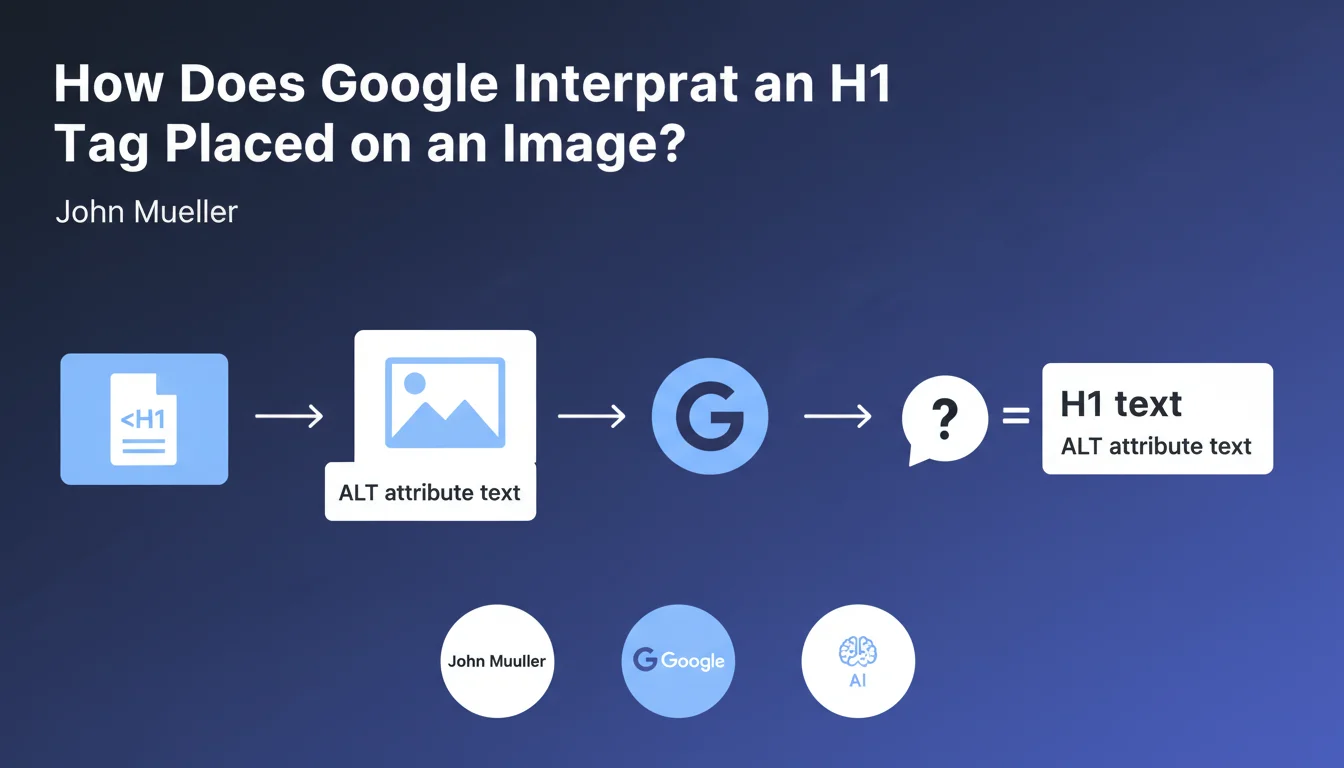
When an H1 tag wraps around an image rather than text, Google cannot extract visible textual content. In this specific case, the search engine uses the image's ALT attribute as the H1 content.
This situation is frequently encountered on websites that place their logo in the header inside an H1 tag. It's a common practice, particularly on home pages.
Why does this statement matter for SEO professionals?
This official confirmation clarifies a behavior that SEO practitioners had been observing for a long time. It validates the importance of carefully crafting ALT attributes, not only for accessibility and image SEO, but also for the page's semantic structure.
When your H1 contains an image, the alternative text becomes de facto your main heading in Google's eyes. This information directly impacts your keyword strategy.
How can you verify this behavior on your site?
Tools like Web Developer allow you to visualize this interpretation. They display the ALT attribute text in parentheses in place of the H1, thus reproducing what Google understands of your structure.
- An H1 on an image uses the ALT attribute as textual content
- This rule particularly applies to logos in headers
- The ALT text becomes your main heading for Google
- Tools allow you to visualize this interpretation
- This practice is officially validated by Google
SEO Expert opinion
Does this statement align with practices observed in the field?
Absolutely. This confirmation perfectly matches the observations we've been making for years during SEO audits. Sites using a logo as an H1 with an optimized ALT behave exactly as if this alternative text were a classic textual H1.
Google's consistency on this point is reassuring. It demonstrates that the engine seeks to extract meaning regardless of the markup form, provided that semantic attributes are correctly filled in.
What nuances should be added to this rule?
Be careful though: an H1 on an image remains a sub-optimal solution from a pure SEO perspective. While this practice is tolerated and understood by Google, it doesn't replace the power of a visible textual H1 that offers more flexibility and context.
Moreover, this technique poses a potential accessibility issue. Sighted users don't necessarily see a clear main heading, which can harm user experience. The balance between design and SEO must be carefully weighed.
In which cases is this practice truly justified?
This configuration is mainly justified on home pages where the logo represents the brand identity. In this context, an H1 containing the logo with an ALT like "Brand Name - Short Description" is acceptable.
On the other hand, on content pages, blog articles or product pages, systematically favor a visible textual H1 that precisely describes the topic covered. Clarity and semantic relevance must take priority.
Practical impact and recommendations
What should you concretely do on your site?
Start by auditing your existing H1s. Identify all pages where an H1 wraps an image, particularly on your home page and your header templates. Then verify that each concerned image has a relevant and optimized ALT attribute.
If your H1 contains your logo, make sure the ALT reflects both your brand and your value proposition. For example: "Digital Marketing Agency - SEO and Content Marketing Solutions" rather than a simple "Company logo".
For content pages, evaluate the opportunity to migrate to textual H1s. This evolution generally improves semantic relevance and user experience, while simplifying your keyword management.
What mistakes should you absolutely avoid?
Never use an empty or generic ALT attribute like "image" or "banner" on an image placed in an H1. This is equivalent to having a page without a main heading, which is catastrophic for your SEO.
Also avoid keyword stuffing in your ALTs under the pretext of optimizing your H1. Google penalizes this practice which also seriously harms your site's accessibility for screen reader users.
Don't multiply H1s on images on the same page. The unique H1 rule remains current, whether it's textual or based on an ALT attribute.
How can you check and optimize your current configuration?
Use tools like Web Developer, Screaming Frog or Ahrefs to crawl your site and extract all H1s. Identify those that correspond to images and verify their ALT attributes.
Also test your site's accessibility with screen readers. If your H1 ALTs don't give coherent meaning to a visually impaired user, they probably won't be optimal for Google either.
- Audit all H1s on your site to identify those on images
- Verify that each image in an H1 has a descriptive and optimized ALT attribute
- Favor textual H1s on content pages and articles
- Avoid empty, generic or keyword-stuffed ALTs
- Test accessibility with screen readers
- Use SEO tools to crawl and analyze your H1 tags
- Maintain the unique H1 per page rule
- Document your H1 strategy in your editorial charter
Optimizing H1s on images requires a precise technical approach and a fine understanding of accessibility and semantic issues. Between auditing the existing setup, optimizing ALT attributes, potentially redesigning templates, and monitoring performance, these adjustments can represent a significant undertaking depending on your site's size.
For complex sites or companies lacking internal resources, support from a specialized SEO agency can prove judicious. An external and experienced perspective allows you to quickly identify priorities, avoid costly mistakes, and implement a coherent tagging strategy across your entire digital ecosystem.
💬 Comments (0)
Be the first to comment.