
Official statement
What you need to understand
Why did Googlebot used to fill out forms in the past?
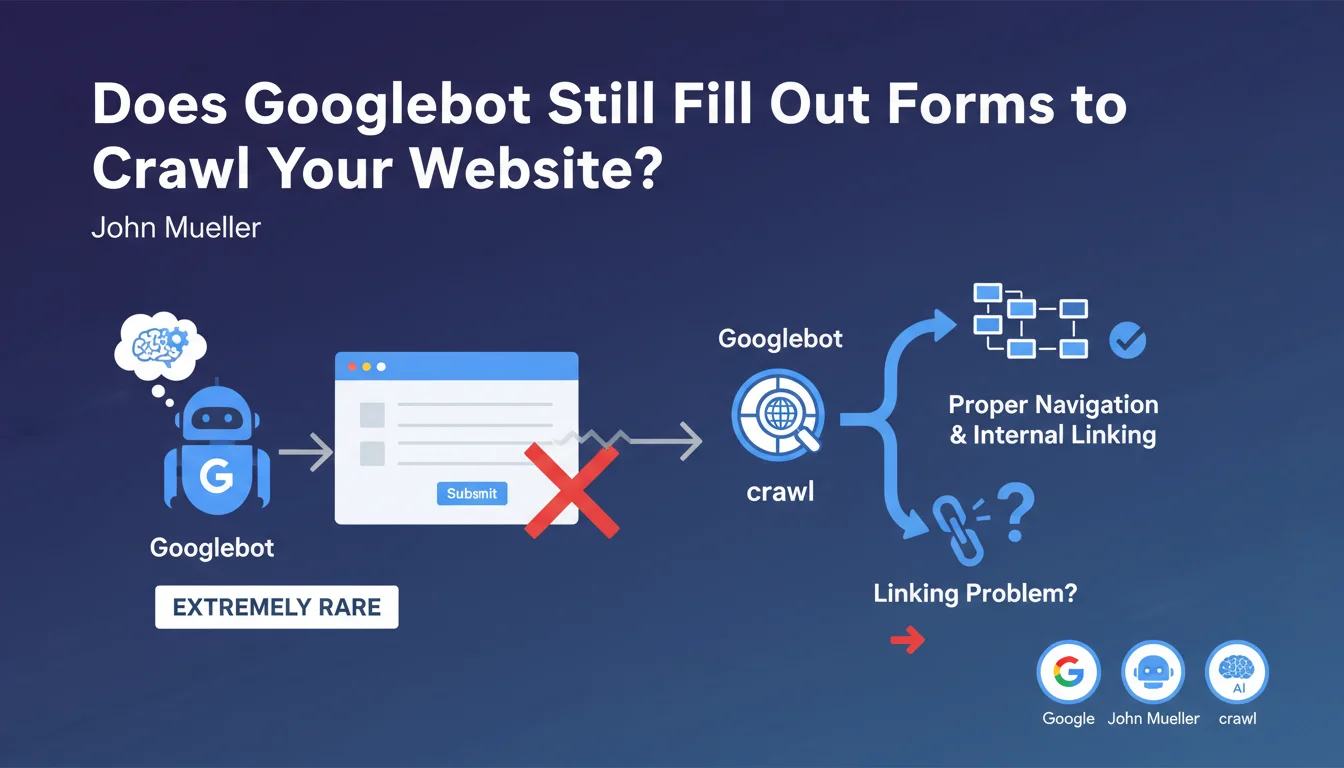
Historically, Googlebot attempted to fill out and submit forms to discover new pages and content hidden behind these interfaces. This practice was common when websites had a deficient navigation architecture.
At the time, many sites used forms as the only means to access certain sections. The bot therefore had to simulate a submission to crawl the entire site.
What's the current situation according to John Mueller?
According to John Mueller, this practice has become extremely rare in 2023. Modern websites generally have a clear navigation structure and effective internal linking.
If you observe that Googlebot is attempting to fill out your forms, it's a warning signal. This likely indicates that your site has structural problems preventing the bot from accessing your content normally.
What are the key takeaways from this statement?
- Googlebot no longer relies on forms to discover content in 2023
- Form submission by the bot is an indicator of a problem, not a normal feature
- Websites should prioritize classic navigation with standard HTML links
- A solid internal linking structure makes any form submission attempt unnecessary
- This evolution reflects the overall improvement in quality of web architectures
SEO Expert opinion
Is this statement consistent with practices observed in the field?
Absolutely. In my daily practice of SEO audits, I find that well-designed sites have no trace of form submissions from Googlebot in their server logs. This statement confirms an observable technical reality.
The rare cases where I identify this behavior indeed concern sites with a problematic architecture: orphaned content, poorly implemented JavaScript navigation, or entire sections accessible only through internal search forms.
What nuances should be added to this statement?
There are specific cases where content legitimately placed behind forms simply won't be indexed. This is the expected behavior for content such as dynamic search results or product configurations.
Also be careful of false positives in log analysis. Some monitoring tools can confuse GET requests with parameters and actual POST form submissions. You need to carefully analyze the type of HTTP requests made.
In what contexts might this rule have exceptions?
Complex web applications (SaaS, booking platforms) may have hybrid architectures. In these cases, the boundary between navigation and forms becomes blurred with modern JavaScript interfaces.
For these sites, the solution is not to hope that Google fills out forms, but to implement server-side rendering (SSR) or pre-generation of important pages, with directly accessible URLs.
Practical impact and recommendations
What should you check concretely on your website?
Start by analyzing your server logs to detect any attempts by Googlebot on your forms. Look for POST requests or suspicious patterns in URLs with numerous parameters.
Use Search Console to identify orphaned or poorly crawled pages. If entire sections of your site are underrepresented in the index, it's potentially a sign of an accessibility problem.
Perform a complete crawl with Screaming Frog or a similar tool to map your internal linking. All your important pages should be accessible via classic HTML links, without requiring interaction with a form.
What corrections should be made if you identify this problem?
Restructure your main navigation so that all sections are accessible via standard links. Create category pages, HTML dropdown menus, or a complete HTML sitemap.
Replace navigation forms (filters, internal search as the only access) with direct links to content. Forms can remain to improve user experience, but should not be the only access path.
Improve your contextual internal linking by adding relevant links in your content. Each important page should receive multiple links from other thematically related pages.
How can you ensure your architecture is optimal?
- Verify that 100% of your important pages are accessible within 3 clicks maximum from the homepage
- Ensure that each page has at least one internal incoming link in classic HTML
- Eliminate orphaned content detected by your crawl tools
- Test your site with JavaScript disabled: navigation must remain functional
- Analyze your server logs regularly to detect abnormal behaviors from Googlebot
- Create a complete sitemap.xml file listing all your important URLs
- Implement breadcrumbs on all pages to reinforce hierarchy
- Document your information architecture to maintain consistency during updates
💬 Comments (0)
Be the first to comment.