
Official statement
What you need to understand
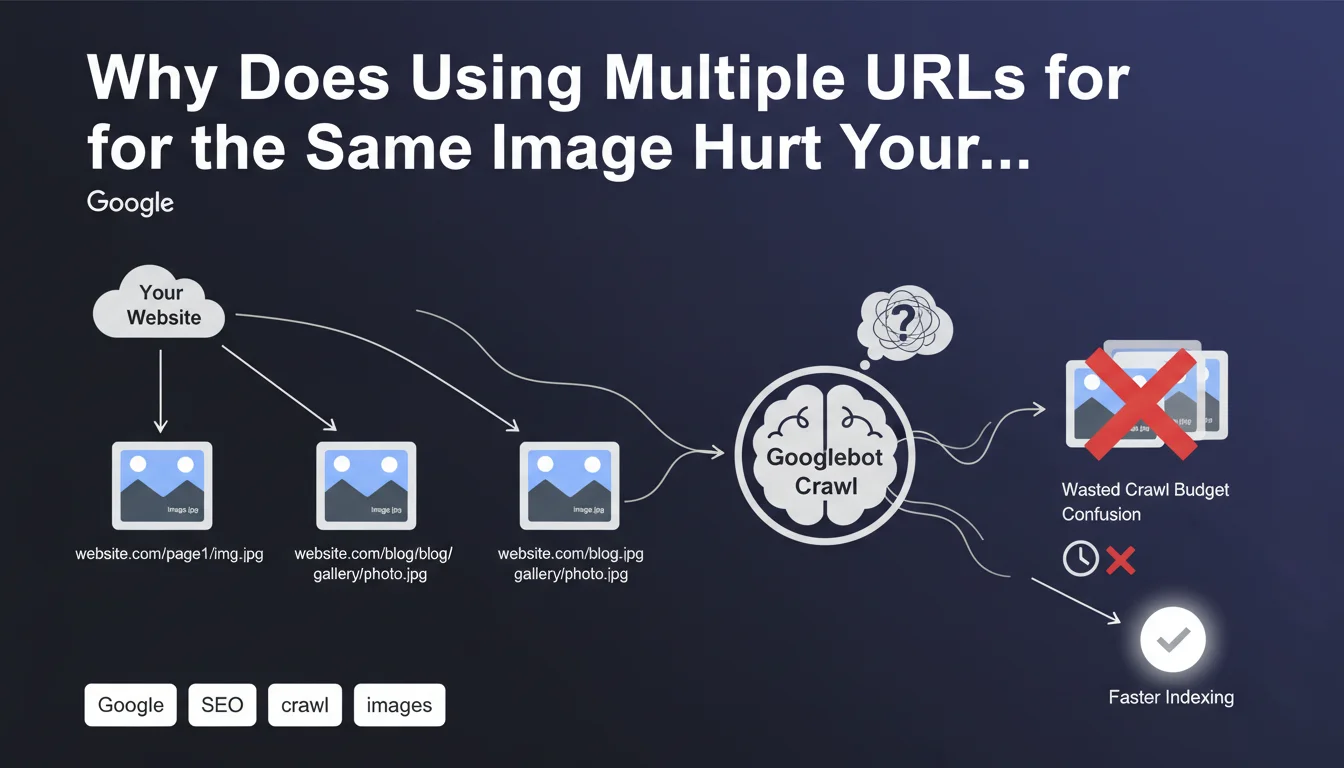
Google has just clarified an often-overlooked rule: each image on your site must have a unique and consistent URL, even if it appears on several different pages.
In practical terms, this means you should not create image duplications with different file names or multiple access paths for the same visual. This practice forces Googlebot to crawl and index the same resource multiple times.
The main issue is crawl budget management, particularly critical for large-scale sites. Each time Google encounters a new URL pointing to an identical image, it must download, analyze, and process it as a distinct resource, which unnecessarily consumes resources.
- One URL per image, regardless of the number of pages where it appears
- This applies even to translated or localized versions of an image
- Objective: allow Google to reuse the cache rather than reload the image
- Avoid confusion in the signals sent to Google and reduce server load
- Direct impact on crawl efficiency and image indexation
SEO Expert opinion
This recommendation follows the logical continuation of technical best practices observed for years. In reality, sites that perform well in SEO already apply this principle without necessarily formalizing it explicitly.
The important nuance concerns responsive images with srcset: having different sizes of the same image (thumbnail, medium, large) remains acceptable and even recommended for performance, as long as the original source image remains unique. What Google penalizes is really the unnecessary duplication of identical files under different names.
Particular attention for multilingual or multi-domain sites: many CMS automatically generate copies of images in different language directories (/fr/image.jpg, /en/image.jpg). This practice is now clearly discouraged.
Practical impact and recommendations
- Audit all your image URLs to identify unnecessary duplicates and variations
- Centralize images in a single directory (e.g., /assets/images/) rather than dispersed by section
- Implement 301 redirects from old image URLs to the canonical URL
- Configure your CMS to reuse existing images rather than creating new copies
- For multilingual sites, use a shared image library referenced from all language versions
- Verify that your CDN doesn't generate unnecessary URL variations for the same resource
- Optimize image file naming from upload to avoid accidental duplicates
- Document a strict naming convention for your editorial team
- Use duplicate image detection tools for regular monitoring
In summary: This clarification from Google pushes toward a more rational and centralized image architecture, beneficial for crawl budget, server performance, and indexation in Google Images.
Optimizing image architecture may seem simple in theory, but its large-scale implementation often requires deep technical expertise, particularly to audit the existing setup, manage migrations, and properly configure CMS and CDN. For complex or large-scale sites, support from a specialized SEO agency helps avoid costly mistakes and implement a tailored optimization strategy, adapted to your specific technical infrastructure.
💬 Comments (0)
Be the first to comment.