
Official statement
Other statements from this video 43 ▾
- 2:22 What should you do if your site lost traffic after a Core Update without making any mistakes?
- 2:22 Are Core Web Vitals Really Going to Transform Your SEO Strategy?
- 3:50 Does a ranking drop after a Core Update really indicate an issue with your site?
- 3:50 Should You Really Wait Before Optimizing Core Web Vitals?
- 3:50 Why is Google delaying the complete transition to the Mobile-First Index?
- 7:07 Can Google really delay Mobile-First Indexing indefinitely?
- 11:00 Why doesn't Google canonicalize URLs with fragments in sitelinks and rich results?
- 11:00 Do URLs with fragments (#) in Search Console mean you need to rethink your tracking and analysis strategy?
- 14:35 Why do your Google metrics never align between Search Console, Analytics, and Business Profile?
- 16:37 How are FAQ clicks really counted in Search Console?
- 18:44 Are mobile and desktop accordions really neutral for SEO?
- 18:44 Is it true that mobile accordion hidden content is indexed as visible content?
- 29:45 Does the rel=canonical via HTTP header really still work?
- 30:09 Does the HTTP header rel=canonical really work to manage duplicate content?
- 31:00 Why does Search Console still show 'PC Googlebot' on recent sites when Mobile-First Index is supposed to be the standard?
- 31:02 Is it true that all sites indexed after July 2019 default to Mobile-First Indexing?
- 33:28 Why does Google emphasize textual context in Search Console feedback?
- 33:31 Are Search Console tools really enough to solve your indexing problems?
- 33:59 Why are your pages still not indexed after 60 days in Search Console?
- 37:24 What happens when Google occasionally indexes HTTP instead of HTTPS even after an SSL migration?
- 37:53 Is it really necessary to combine both 301 redirections AND canonical tags for an HTTPS migration?
- 39:16 What really causes your sitemap to fail in Search Console and how can you effectively resolve the issue?
- 41:29 Is your brand disappearing from the SERPs for no apparent reason: can Google feedback really fix it?
- 44:07 Should you choose a subdomain or a new domain for launching a service?
- 44:34 Subdomain or New Domain: What Does Google Really Think for SEO?
- 44:34 Do Google penalties really transfer between domains and subdomains?
- 45:27 Do Google penalties really spread between domains and subdomains?
- 48:24 Should you really overlook PageRank when deciding between a domain and a subdomain?
- 48:33 Do links between root domains and subdomains really pass PageRank?
- 49:58 Should you really be worried about duplicate content from scraping?
- 50:14 Can you relaunch an old domain without being penalized for duplicate content by spammers?
- 50:14 Should you really report every scraping URL via the Spam Report to prompt action from Google?
- 57:15 Is it really necessary to report spam URL by URL to assist Google?
- 58:57 Why does Google refuse to show your FAQs in rich results despite perfect markup?
- 59:54 Why doesn't Google display your FAQ rich results even with perfect markup?
- 65:15 Is it possible to add FAQs to your pages just to secure rich results in SEO?
- 65:45 Can you really add a FAQ just to get the rich result without risking penalties?
- 67:27 Should you still optimize rel=next/prev tags for pagination?
- 67:58 Should you really submit all paginated pages in the XML sitemap?
- 70:10 Should you really index all category pages to optimize your crawl budget?
- 70:18 Should you really stop placing category pages in noindex?
- 72:04 Does the number of JavaScript files really slow down Google indexing?
- 72:24 Does Googlebot really render all JavaScript in a single pass?
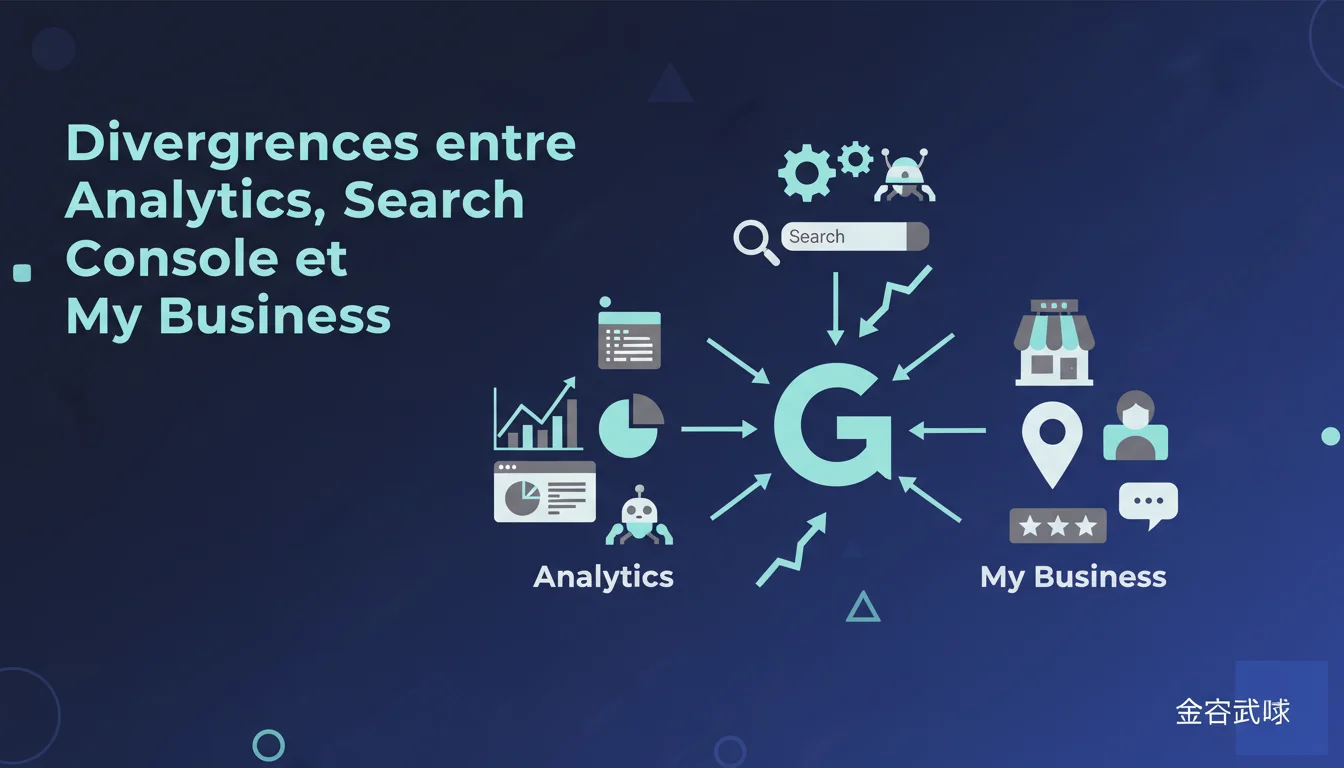
Google confirms that discrepancies between Analytics, Search Console, and My Business are normal and structural. Each tool measures different metrics with distinct methodologies—comparing their figures line by line doesn't make sense. For an SEO professional, the goal is not to reconcile this data but to understand what each tool actually measures to leverage the relevant information.
What you need to understand
Why do these tools display different data even though they all belong to Google?
The three platforms operate on distinct technical architectures with radically different business objectives. Search Console analyzes the behavior of Googlebot and pre-click interactions in SERPs. Analytics measures user sessions post-click, using a JavaScript script that requires a full browser. My Business, meanwhile, aggregates local engagement metrics (calls, directions, profile views) that have no equivalent in the other two tools.
This divergence is not a bug—it's a logical consequence of incompatible methodologies. Search Console counts impressions even if the user never clicks. Analytics only sees complete visits where the tag fires. My Business records actions that sometimes generate no website visits. Wanting to align these numbers is like comparing apples, oranges, and tractor tires.
What are the concrete methodological differences between these three tools?
Search Console is based on Google's server logs. Every request that triggers an impression is recorded, even if the user scrolls without clicking. The CTR calculated here reflects a SERP → site conversion rate, not an engagement metric.
Analytics operates through a client-side JavaScript tag. If a browser blocks scripts, if the user exits before the full load, or if the page crashes—no session is recorded. Visitors with ad blockers, anti-tracking extensions, or browsers set to strict mode simply disappear from the stats. In some tech-savvy audience segments, the gap can reach 15 to 25 % of invisible traffic.
My Business compiles offsite interactions: direct calls from the listing, GPS directions requests, photo views, messages. These actions trigger no measurable web visits in Analytics. A restaurant may have 500 My Business views and 50 clicks to the site—the two metrics measure completely different intentions.
Do these gaps invalidate the usefulness of these tools for SEO management?
No, but it requires segmenting the analysis by tool without seeking perfect reconciliation. Search Console remains the go-to tool for technical diagnostics: crawling, indexing, traffic-generating queries. It is the only reliable source for measuring actual impressions in SERPs and identifying opportunities for position gains.
Analytics is used for conversion management: bounce rate, session duration, user journeys, goals. Search Console data feeds into content strategy and ranking; Analytics measures whether that traffic converts. My Business manages local visibility and proximity engagement—a completely separate metric universe.
- Each tool measures a different stage of the funnel: SERP visibility (Search Console), site engagement (Analytics), local actions (My Business)
- The collection methodologies are intentionally incompatible: server logs vs JavaScript tags vs third-party interactions
- A gap of 10-30 % between Search Console and Analytics is structurally normal based on technical configurations and audiences
- Trying to reconcile these numbers line by line is a waste of time—the key is to understand what each source measures
- For client reporting, clarifying these differences prevents misunderstandings about traffic volumes and false alarms of sharp drops
SEO Expert opinion
Does this explanation hold up against real-world observations?
Yes, and it's even underestimated. On sites with high mobile or tech audiences, the gap between Analytics and Search Console can explode. Modern browsers with integrated tracking prevention (Safari ITP, Firefox ETP, Brave) block or severely limit third-party tags. We regularly observe sites with 20-35 % of invisible organic traffic in Analytics while Search Console records it accurately.
The problem complicates over multi-domain sites or those with redirects. Search Console attributes the click to the final domain after redirection, while Analytics may attribute it to the intermediate domain if the tag fires beforehand. HTTPS to HTTP email campaigns often break the referrer—Analytics classifies it as direct, Search Console as organic. Result: discrepancies that seem absurd but are technically coherent.
Why doesn't Google provide automatic reconciliation?
Because it would make no methodological sense. Reconciliation would imply diluting the accuracy of one tool or the other to force an artificial alignment. Search Console would lose its ability to measure pre-click impressions, Analytics would distort actual sessions. Google's product teams deliberately maintain this separation to preserve metric integrity.
What's missing is a clear educational documentation explaining the sources of discrepancies on a case-by-case basis. Help pages exist but remain cryptic for a non-technical person. A comparative table of methodology / use cases / known limits would be infinitely more useful than a clumsy reconciliation tool. [To be verified]: Some claim Google is testing unified views internally, but nothing has officially leaked.
In what cases do these discrepancies become suspicious and warrant investigation?
A gap of 10-30 % is normal. Beyond 40-50 %, or if the gap changes abruptly, there is probably a technical issue. Frequent causes: poorly implemented Analytics tag (dodgy asynchronous triggering, double tagging, tag absent on some pages), incorrectly configured Search Console filter (HTTP vs HTTPS property), 302 redirection instead of 301 breaking attribution.
Another red flag: Search Console shows clicks while Analytics sees no corresponding organic sessions. This can signal a tracking problem (tag absent, JavaScript blocked on the server, overly restrictive CSP), or a bot scraping phenomenon that appears as organic traffic in Search Console but is blocked before reaching Analytics. In this case, cross-referencing with raw server logs becomes essential.
Practical impact and recommendations
What should be done when a client reports conflicting numbers?
First, never promise that the numbers will align. Clearly explain that Search Console and Analytics measure different stages of the user journey. Use a simple metaphor: Search Console counts people who see the storefront, Analytics counts those who walk through the door and stay long enough to trigger the sensor. Both metrics are true; they just do not measure the same thing.
Next, identify the source of truth for each KPI. Visibility and positions: Search Console. Conversions and engagement: Analytics. Local reputation: My Business. If the client wants a single number for "SEO traffic," prioritize Search Console for raw organic clicks and Analytics for traffic that converts. Document this choice in reporting to avoid re-evaluations every three months.
How can we audit the reliability of these three sources on a given site?
The first step: ensure that the Search Console properties adequately cover all variants of the site (HTTP/HTTPS, www/non-www, mobile version if separately hosted). A missing property = invisible clicks. Also verify that the XML sitemap is declared correctly and that coverage data is being reported accurately.
On the Analytics side, test the tag triggering on a representative sample of pages with an ad blocker disabled, then enabled. If the tag doesn't fire, it’s likely that the code is poorly placed (in an iframe, after a blocked script, conditioned by poorly managed cookie consent). Check the view filters as well: a filter that's too broad or poorly configured bot filtering can mask real traffic.
For My Business, make sure the listing is verified and up to date. My Business statistics only come in for validated listings. If there are multiple listings for the same entity (unmerged duplicates), the data fragments and becomes unusable. An audit of local listings is essential before any serious analysis.
What interpretation errors should be absolutely avoided?
Never use Search Console impressions as a proxy for Analytics traffic. An impression is meaningless until it turns into a click, and even less so into an engaged session. A site can have 100,000 impressions and 500 clicks—if the CTR is disastrous, that’s the signal to optimize the meta descriptions and titles, not to rejoice over the volume of impressions.
Avoid panicking if Analytics shows fewer sessions than the clicks from Search Console. This is mathematically normal as soon as part of the audience blocks JavaScript or exits before the page fully loads. The gap only becomes suspicious if it exceeds 40-50 %, or if it changes abruptly without an identified technical reason.
- Document in reporting which source is authoritative for which KPI (visibility = Search Console, conversions = Analytics)
- Verify that all domain variants (HTTP/HTTPS, www/non-www) are properly declared in Search Console
- Test the Analytics tag triggering with and without ad blocker on a sample of pages
- Audit the Analytics filters and bot filtering to ensure they are not masking real traffic
- Merge duplicate My Business listings to centralize local statistics
- Cross-reference with raw server logs if the Search Console / Analytics discrepancy exceeds 50 % without a technical explanation
❓ Frequently Asked Questions
Pourquoi Search Console affiche-t-il plus de clics qu'Analytics de sessions organiques ?
Un écart de combien de pourcent entre Search Console et Analytics est considéré comme normal ?
Les vues My Business comptent-elles comme du trafic organique dans Analytics ?
Comment savoir quelle source utiliser pour reporter le trafic SEO à un client ?
Est-ce que Google prévoit un jour d'unifier ces données dans un seul outil ?
🎥 From the same video 43
Other SEO insights extracted from this same Google Search Central video · duration 1h14 · published on 04/06/2020
🎥 Watch the full video on YouTube →
💬 Comments (0)
Be the first to comment.