
Official statement
Other statements from this video 1 ▾
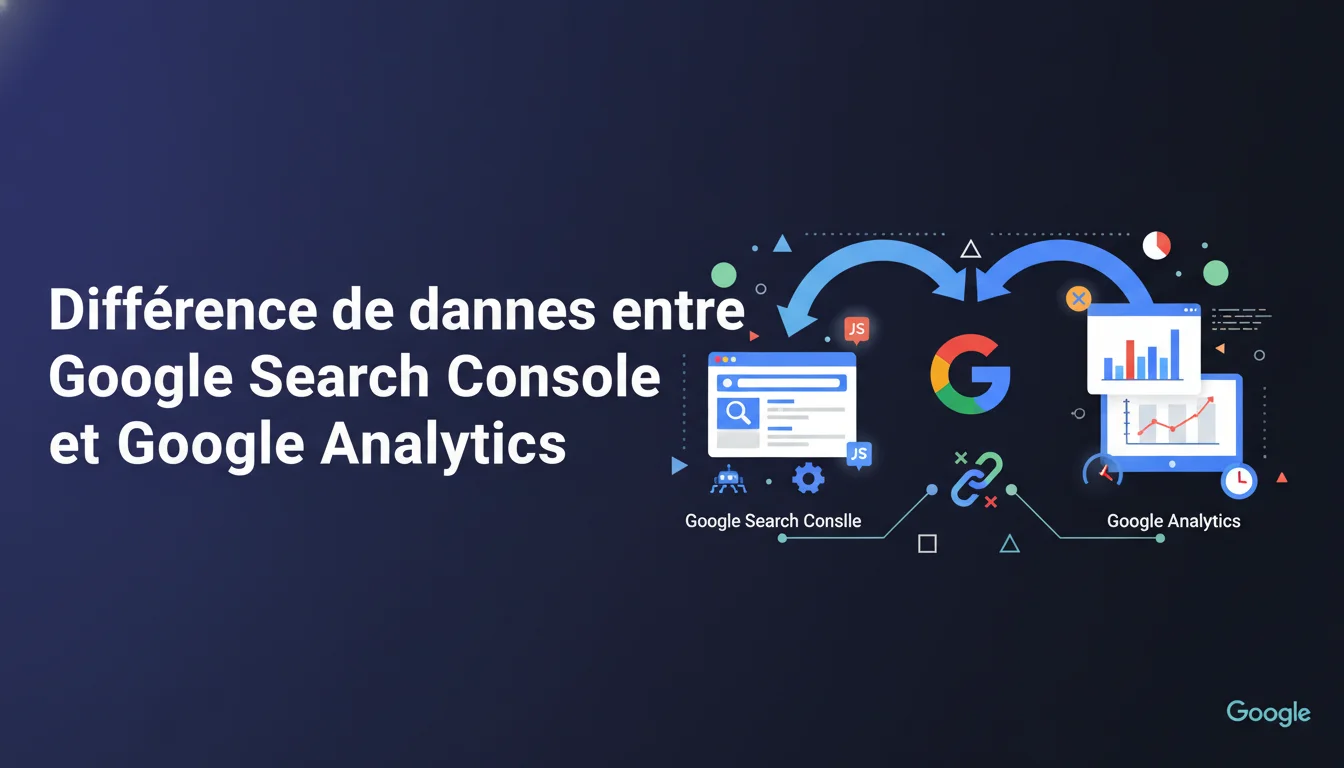
Google confirms that Search Console and Analytics measure two distinct realities: impressions and clicks on the SERP side on one hand, and actual sessions on the site on the other. This technical divergence explains why the data never aligns perfectly. For an SEO practitioner, this requires consistently cross-checking both sources without attempting to align them, as each answers different questions.
What you need to understand
What exactly does each platform measure?
Search Console records interactions on Google's side: every time a URL appears in the SERPs (impression) and every click on that URL from the results. This data is collected directly by Google's servers, without relying on the site itself.
Google Analytics operates in the opposite way: it tracks user sessions once the visitor arrives on the site, through the execution of the JavaScript tag. If the JS doesn't load, or if the user blocks tracking, no data is recorded in Analytics.
What are the actual sources of these numerical discrepancies?
The discrepancies can be explained by several technical mechanisms. A click recorded in Search Console may never appear in Analytics if the user closes the tab before the full load, if an ad blocker prevents the tag from executing, or if the server timeout interrupts the request.
Conversely, Analytics may account for visits that Search Console ignores: direct traffic typed into the address bar, bookmarks, redirects from third-party tools. A Search Console click can sometimes generate multiple Analytics sessions if the user returns via another channel within 30 minutes.
Are timestamps synchronized between the two tools?
No, and this is a frequent source of error during comparisons. Search Console timestamps the click at the moment the user clicks in the SERP, while Analytics records the time of the actual page load on the site.
Depending on network latency, these two events can fall into different time slots or even different days. A click at 11:58 PM may become a session at 12:02 AM in Analytics, skewing day-to-day comparisons.
- Search Console = server-side Google data, comprehensive for SERP impressions/clicks
- Analytics = client-side data, dependent on JavaScript execution
- Discrepancies of 15-30% between the two platforms are normal and expected
- Never compare line by line: timestamps, scopes, and collection methods differ structurally
- Use Search Console for visibility analysis, Analytics for on-site behavior
SEO Expert opinion
Does Google's explanation hold up against real-world observations?
Yes, it matches exactly what we observe on hundreds of audited sites. The most significant discrepancies appear on sites with slow loading times (many clicks abandoned before tag execution) or specific audiences (tech-savvy users blocking tracking).
On a typical e-commerce site, there is generally a 10-20% discrepancy between Search Console clicks and organic Analytics sessions. On a news site with aggressive pop-ups and heavy ads, this discrepancy can easily rise to 35-40%.
What nuances should be added to this official statement?
Google remains deliberately vague on certain edge cases. For example, clicks from Google Discover appear in Search Console but may sometimes be misattributed in Analytics depending on UTM setup. AMP complicates things further: Google's cache may serve the page without the original Analytics tag firing correctly.
Another point not mentioned: Analytics filters (internal IP exclusion, bots, etc.) create additional discrepancies even when the underlying data aligns. A Search Console click from your own desk will be excluded from Analytics if you have set an IP filter, creating an artificial gap. [Check] in your own setup before looking for other causes.
In what scenarios is this explanation insufficient?
If the gap consistently exceeds 50%, or if Analytics shows more organic traffic than Search Console shows clicks, there's a configuration issue. Common causes include incorrect channel attribution (direct traffic classified as organic), poorly excluded referrer domains, and incorrectly configured custom channels.
Sites with authentication or paywalls also see atypical patterns: a user may click multiple times on the same Google result (generating several Search Console clicks) for a single Analytics session if the session cookie persists.
Practical impact and recommendations
How to effectively utilize these two data sources?
Stop trying to make the figures match. Use Search Console for visibility: what queries generate impressions, what is your average CTR, which pages are losing or gaining traffic. This is your "pre-click" dashboard.
Switch to Analytics for behavior: once the user arrives, what do they do? What is the bounce rate, what is the session duration, what are the conversions? This is your "post-click" dashboard. The two tell complementary, not identical, stories.
What analytical mistakes should be avoided at all costs?
Never compare the overall totals hoping to get it right. Date segments, time zones configured differently, active filters in Analytics: all of this makes direct comparison useless. Worse, it generates false alerts and wastes time.
Another classic trap: using the "Acquisition > Search Console" report in Analytics and being surprised it doesn't match with Search Console. This report relies on linking between the two accounts and has its own sampling and latency limitations. It is indicative, not exhaustive.
What methodology should be adopted to effectively cross-check the data?
Work with trends and relative variations, not in absolute values. If Search Console shows +25% clicks on a page and Analytics shows +22% organic sessions over the same period, it is consistent. If one increases and the other decreases, investigate: technical problem, cannibalization, change of intent.
For a client audit or a monthly report, present the two datasets separately with their own KPIs. Search Console: impressions, average position, CTR. Analytics: sessions, pages/session, conversion rate. Do not attempt to artificially reconcile what is structurally distinct.
- Ensure your Analytics tag loads correctly on 100% of templates (test with Tag Assistant)
- Exclude your internal IPs and those of the dev team to limit biases in Analytics
- Configure the same time zones in Search Console and Analytics (often overlooked)
- Use Analytics segments to isolate pure organic traffic (exclude "(not set)" and "direct")
- Document the normal discrepancies observed on your site to quickly detect future anomalies
- Set up automatic alerts if the gap exceeds an unusual threshold (sign of a technical bug)
❓ Frequently Asked Questions
Quel écart entre Search Console et Analytics est considéré comme normal ?
Pourquoi Analytics affiche-t-il parfois plus de trafic organique que Search Console de clics ?
Les bloqueurs de publicité faussent-ils les données Analytics mais pas Search Console ?
Dois-je privilégier une source plutôt que l'autre pour mes reportings SEO ?
Le rapport Search Console dans Google Analytics est-il fiable ?
🎥 From the same video 1
Other SEO insights extracted from this same Google Search Central video · duration 1 min · published on 08/06/2016
🎥 Watch the full video on YouTube →
💬 Comments (0)
Be the first to comment.