
Official statement
Other statements from this video 11 ▾
- 15:50 What happens when you block the Googlebot mobile and risk losing your indexed pages?
- 54:32 Should you stop using the site: command to verify your pages' indexing?
- 120:45 Is faceted navigation really a coverage error trap?
- 183:30 How can you properly canonicalize a multilingual site without losing your international rankings?
- 356:48 Does Duplicate Content Really Kill Your SEO?
- 482:46 Does lending a subdomain really affect your main domain?
- 619:55 Should you canonicalize XML sitemap files to prevent duplication?
- 695:01 Does the canonical tag maintain its power regardless of the page's age?
- 762:39 How can you manage URL parameters in faceted navigation without wasting your crawl budget?
- 1010:21 Do paid links really hurt your Google rankings?
- 1106:58 Does user feedback on search results really influence your site's ranking?
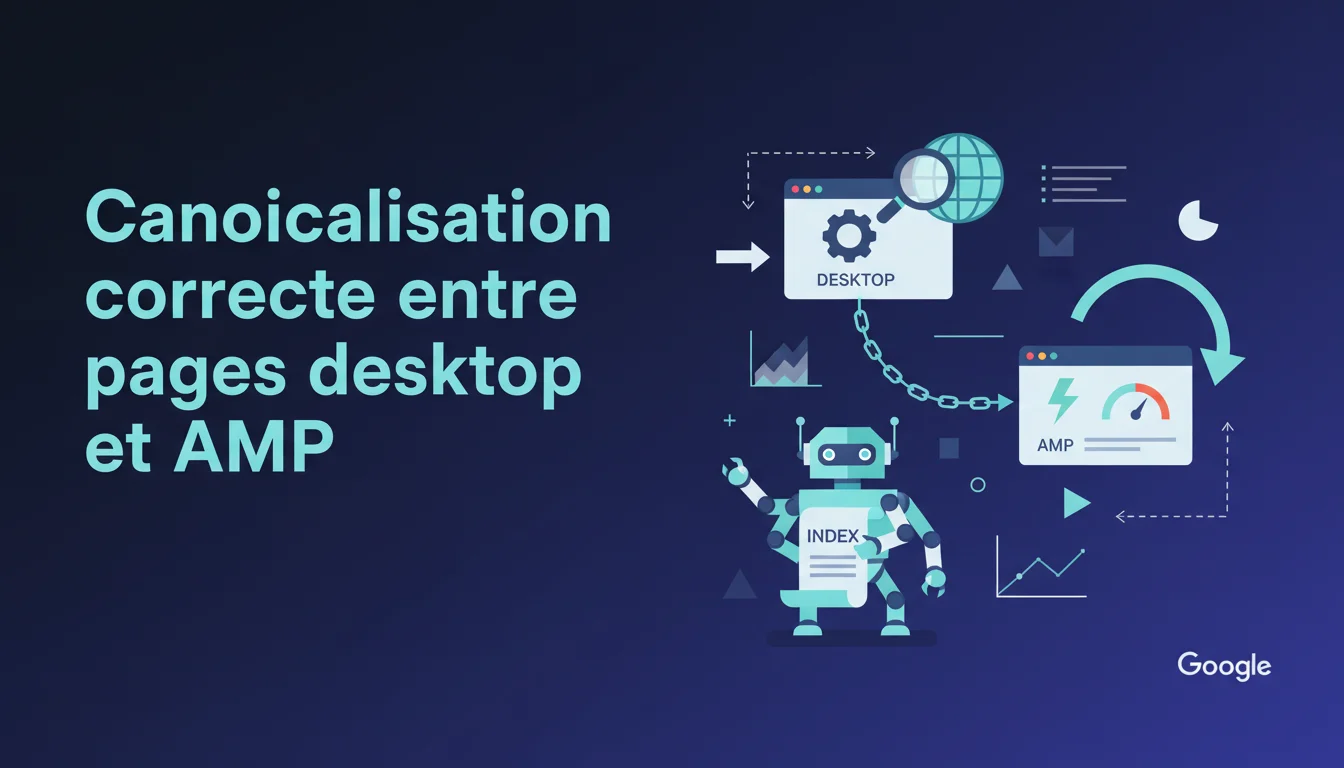
Google emphasizes the importance of proper bidirectional linking between AMP and desktop pages through canonical tags. Without this setup, you risk inconsistent indexing, dilution of PageRank, and conflicting signals sent to Google. Specifically, each desktop page should point to its AMP equivalent via rel="amphtml", and each AMP page should specify the desktop version as canonical via rel="canonical".
What you need to understand
Why does Google insist on this bidirectional linking?
The relationship between AMP and desktop pages is based on a simple principle: Google needs to understand that these are two versions of the same content. Without an explicit link, the engine treats these URLs as distinct entities, which leads to content duplication, diluted ranking signals, and confusion in indexing.
The rel="amphtml" tag on the desktop version tells Google where to find the accelerated version. Conversely, the rel="canonical" tag on the AMP page designates the desktop version as the reference URL. This architecture prevents Google from indexing both versions simultaneously in its standard organic results — only the desktop version appears, while the AMP is reserved for mobile carousels and quick results.
What happens in case of incorrect configuration?
AMP canonicalization errors generate indexing issues that are often invisible on the surface. Google might index the AMP page instead of the desktop, display inconsistent URLs in the SERPs, or worse, completely ignore one of the two versions. The result? Erratic visibility depending on the device and search context.
More insidiously, popularity signals fragment. If backlinks point to the desktop version and others to the AMP, without clear canonicalization, Google does not consolidate these signals. You lose potential PageRank due to simple technical negligence. The Search Console sometimes alerts you with "Invalid AMP URL", but not always — some issues remain silent until a deep audit reveals them.
What is the expected technical structure?
The correct canonical configuration follows a strict pattern. On the desktop page (for example https:\/\/example.com\/article), you add in the <head>: On the AMP page (https:\/\/example.com\/article\/amp), you place: <link rel="amphtml" href="https:\/\/example.com\/article\/amp">. This tag signals the existence of the corresponding AMP version.<link rel="canonical" href="https:\/\/example.com\/article">. This tag designates the desktop version as the main URL. This bidirectional link closes the loop: Google understands that these two URLs represent the same content, that the desktop version is the reference, and that the AMP is an optimized variant for mobile speed.
SEO Expert opinion
Does this statement align with on-the-ground observations?
On paper, Google's recommendation is clear. In practice, sites that adhere strictly to this configuration do indeed achieve consistent indexing: the desktop version appears in standard organic results, while the AMP triggers in accelerated mobile contexts (even though the AMP project has lost some importance since Core Web Vitals became a ranking criterion).
However, one point needs clarification: Google never explicitly states what happens if you publish an AMP page without a desktop equivalent. Technically, an AMP page can self-canonicalize (the rel="canonical" points to itself). In this case, Google indexes it like any normal page. [To be verified]: the actual impact on the ranking of a 100% AMP architecture without a desktop version remains unclear — guidelines suggest it's possible, but documented experiences are rare. The first pitfall: believing that adding the rel="amphtml" tag on the desktop suffices. If the AMP page does not link back to the desktop via rel="canonical", the link remains incomplete. Google may then interpret the two URLs as distinct contents, leading to issues like cannibalization, diluted signals, and erratic indexing. A second classic error: pointing to an AMP URL that does not exist or generates a 404. This happens more often than one might think after a redesign or a change in URL structure. Google detects the amphtml tag, attempts to crawl the target, encounters an error, and reports an AMP validation issue in the Search Console. Meanwhile, the desktop version remains indexed but without benefiting from mobile acceleration. Let's be honest: AMP has lost its luster. Since Core Web Vitals became an official ranking factor and Google dropped the lightning badge in mobile results, the tactical interest in AMP has significantly diminished. A properly optimized site (deferred JavaScript, lazy-loaded images, critical CSS inlined) can achieve equivalent performance without the complexity of a double architecture. For media sites that already generate traffic via Google Discover or "Top Stories" carousels, maintaining AMP remains relevant — these surfaces still prioritize AMP pages or ultra-fast pages. But for a classic e-commerce site or a corporate blog? The effort is rarely worth it. If you consider dismissing AMP, make sure to implement 301 redirects from the \/amp URLs to the desktop versions, and monitor the Search Console for a few weeks to ensure Google reindexes properly.What are the most frequent pitfalls?
In what cases does this rule become less relevant?
Practical impact and recommendations
How to check your site's current configuration?
First step: open the Search Console, section "Experience" > "AMP". Google lists all detected AMP pages there, along with their validation status. Common errors: "Invalid canonical URL", "Missing amphtml tag on the canonical page", "AMP URL not found". Each error indicates a bidirectional linking issue.
For a manual audit, take an arbitrary desktop URL, display its source code, look for the rel="amphtml" tag. Note the target URL, visit it, and verify that it contains a rel="canonical" pointing to the original desktop. If either tag is missing or points to the wrong URL, you have an issue. Repeat the operation on a representative sample of pages — errors are often systemic, linked to a poorly configured template. If you're using a CMS (WordPress, Drupal, etc.), check that your AMP plugin automatically generates the linking tags. Official plugins (AMP for WP, official AMP plugin) do this by default, but some themes or third-party plugins can interfere. Test on a sample page, validate the source code, and then generalize. For a custom site or a self-built CMS, implement the logic server-side: every time a desktop page is served, dynamically inject If your site generates significant traffic via Google Discover, the "Top Stories" carousels, or mobile news searches, keeping AMP is still strategic. Measure the share of traffic from these surfaces in Analytics: if it exceeds 10-15% of your mobile sessions, the ROI justifies the maintenance effort. In other cases — e-commerce site, showcase site, corporate blog — investing in optimizing Core Web Vitals on your classic desktop/mobile pages offers a better return. An LCP under 2.5s, an FID under 100ms, and a CLS under 0.1 place you in the top 75% of sites, without the complexity of a double architecture. If you choose this path, plan a clean migration: 301 redirects, monitor crawl logs, validate in the Search Console.What corrective actions should be implemented?
<link rel="amphtml" href="[CORRESPONDING_AMP_URL]"> into the <head>. On the AMP side, inject <link rel="canonical" href="[DESKTOP_URL]">. Ensure that the URLs match exactly — a simple difference in trailing slash or protocol (http vs https) can break the link.Should you keep AMP or abandon it?
❓ Frequently Asked Questions
Que se passe-t-il si je n'ai qu'un tag rel="amphtml" sur la desktop mais pas de rel="canonical" sur l'AMP ?
Puis-je publier une page AMP sans version desktop correspondante ?
Comment savoir si mes pages AMP sont correctement indexées ?
Est-ce que les backlinks vers la version AMP comptent pour le ranking de la version desktop ?
Faut-il encore investir dans AMP en 2025 ?
🎥 From the same video 11
Other SEO insights extracted from this same Google Search Central video · duration 1249h07 · published on 25/03/2021
🎥 Watch the full video on YouTube →
💬 Comments (0)
Be the first to comment.