
Official statement
What you need to understand
What is Google's official recommendation for modifying existing content?
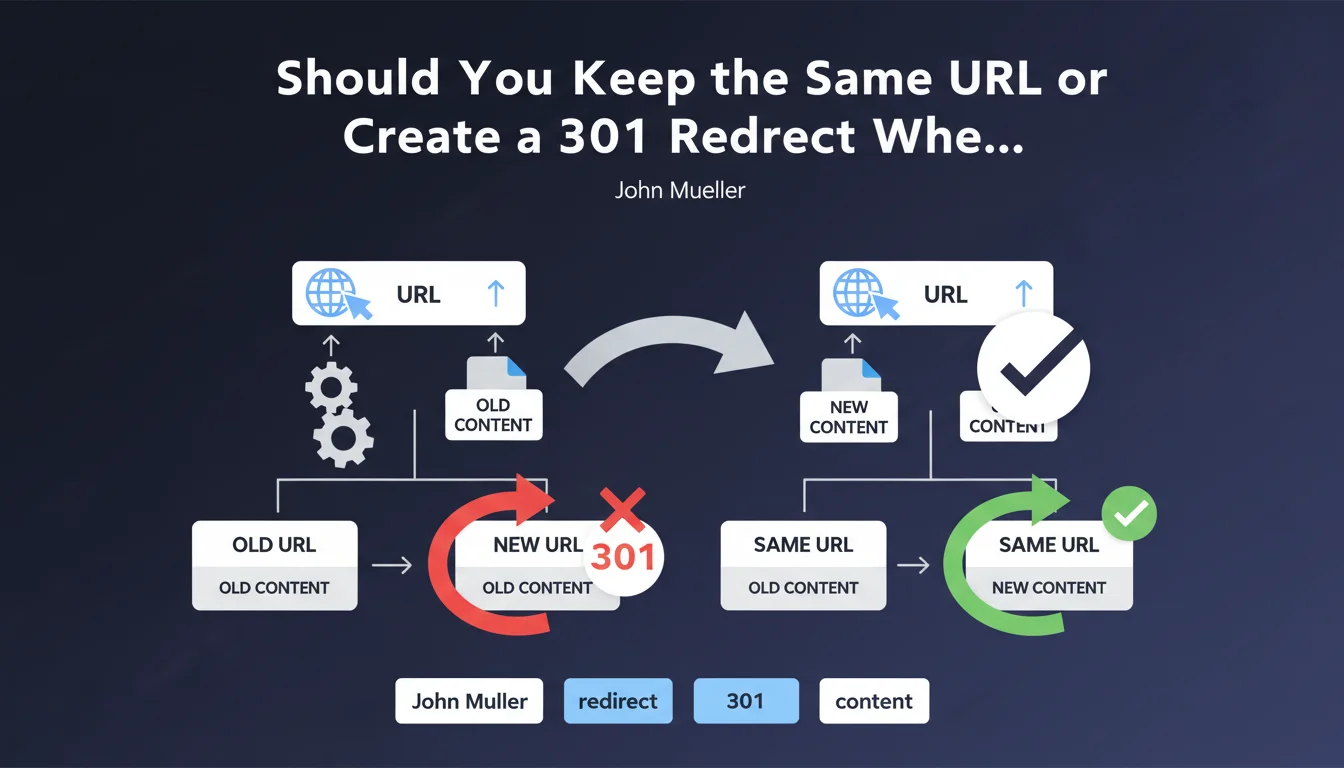
Google officially recommends keeping the same URL when you replace old content with new content on your website. This approach avoids the complexity of a redirect and allows Google to maintain the page's history intact.
Rather than creating a new URL with a 301 redirect, it's preferable to directly update the content of the existing page. This method simplifies technical management and reduces the risk of errors.
Why does Google prefer this approach without redirects?
301 redirects involve an additional processing step for Google's crawlers. Even when well-managed, they add a layer of technical complexity that can generate bugs or configuration errors.
By keeping the original URL, you automatically preserve all accumulated SEO signals: authority, inbound links, indexation history, and search result positions.
In what context does this recommendation apply?
This directive primarily concerns situations where you want to refresh or improve content without fundamentally changing its topic or search intent. This could include information updates, adding sections, or complete rewrites.
- Keeping the same URL is technically simpler and reduces the risk of errors
- The page's SEO history is fully preserved without dilution
- 301 redirects work well but add unnecessary complexity in this case
- This approach applies to content updates, not structural redesigns
SEO Expert opinion
Does this recommendation align with real-world SEO observations?
Absolutely. SEO practitioners have observed for years that maintaining a stable URL generally delivers better results than a redirect, even when properly implemented. A page's history has considerable value that Google doesn't always transfer 100% via a 301.
Testing shows that a redirect can cause a temporary loss in rankings, even if minimal, while Google re-evaluates the new configuration. Keeping the URL completely eliminates this risk.
What important nuances should be considered with this directive?
This rule applies perfectly when the topic remains consistent with the URL and the original search intent. If you're radically changing the subject matter, a new URL with an appropriate structure might be preferable for clarity and user experience.
Similarly, if the old URL contains obsolete or misleading elements (dates, outdated keywords), creating a more relevant new URL with a redirect may be justified, despite Google's recommendation.
Should 301 redirects be systematically avoided then?
No, 301 redirects remain essential in many cases: site redesigns, URL structure changes, page merges, duplicate content removal. They work very well when properly implemented.
The nuance is that you shouldn't create a redirect solely to change content when the current URL works perfectly. It's unnecessary complexity without benefit in this specific context.
Practical impact and recommendations
What should you actually do when updating content?
When you want to refresh or improve existing content, directly access your CMS and modify the page in place. Keep the original URL and update the text, images, meta tags, and structure as needed.
Inform Google of these modifications by requesting reindexing via Search Console. This accelerates the consideration of changes without risking a temporary drop related to a redirect.
If your content changes substantially, adjust the modification date in your structured data and meta tags to signal content freshness to search engines.
What absolute mistakes should be avoided?
- Don't create a 301 redirect simply because you've rewritten an article
- Don't invent a new "optimized" URL if the old one works and has authority
- Don't delete the old page to create a new one on the same topic
- Don't neglect to update internal links pointing to the modified page
- Don't forget to update the XML sitemap after major modifications
How can you audit and optimize your content management strategy?
Analyze your site to identify pages with outdated content but good authority. These pages are ideal candidates for in-place updates rather than deletion or redirection.
Use your analytics tools to spot URLs losing traffic not because of competition, but simply because the information is dated. A simple refresh can revive their performance.
Document your content update process to ensure consistency: editorial validation, technical optimization, reindexing requests. This methodology prevents improvised decisions that could harm SEO.
💬 Comments (0)
Be the first to comment.