
Official statement
What you need to understand
Why Does the Question of HTML Code Case Come Up in SEO?
Some SEO practitioners wonder about the impact of HTML tag capitalization on the crawling and indexing of their pages. This concern stems from the importance given to every technical detail that might influence natural search rankings.
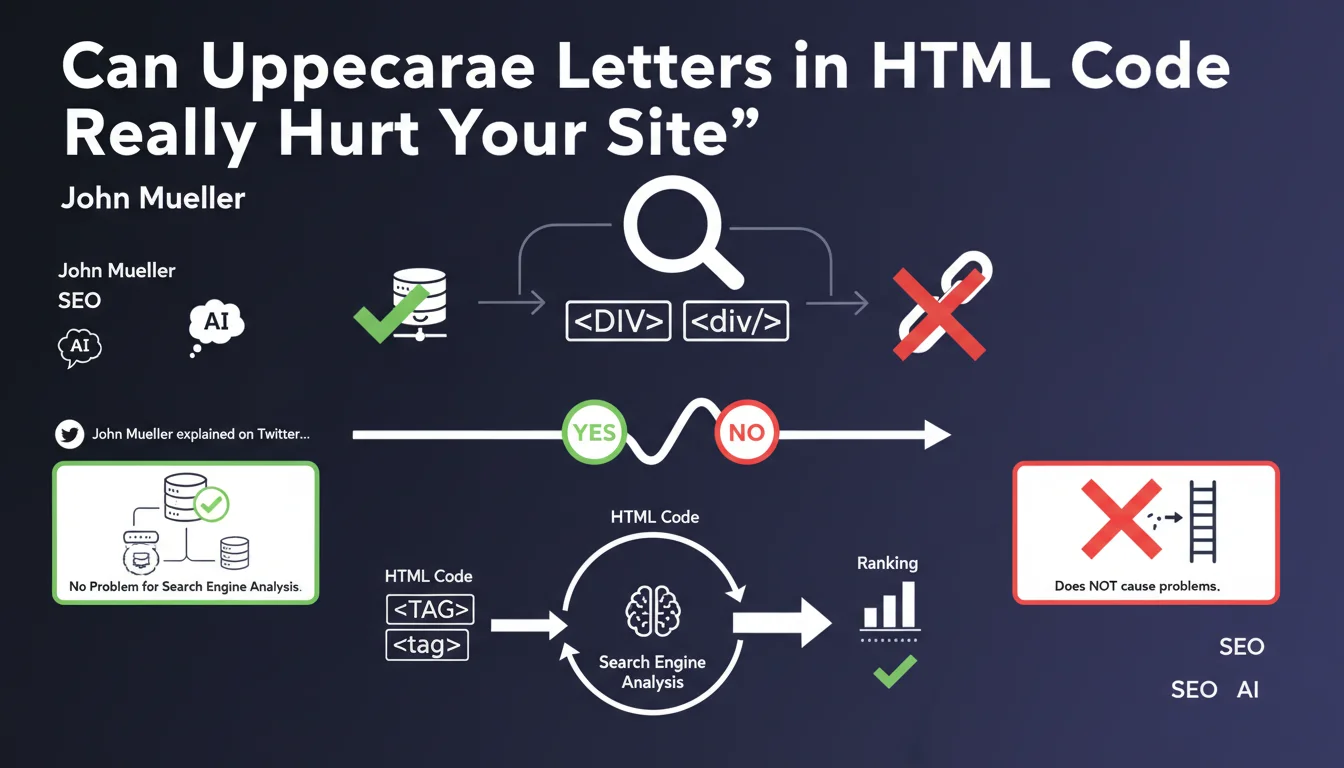
John Mueller provided an official clarification: Google analyzes tags written in lowercase (<div>) or uppercase (<DIV>) without distinction. The search engine makes no differentiation between the two formats when processing content.
What's the Difference Between Web Conventions and SEO Requirements?
The W3C standards and web development best practices recommend using lowercase for HTML tags. This convention improves code readability and facilitates maintenance, particularly in collaborative environments.
However, from a purely SEO perspective, this convention has no impact on rankings. Modern browsers and crawlers correctly interpret both formats without differentiation.
What Are the Essential Takeaways from This Statement?
- The case of HTML tags (uppercase vs lowercase) does not affect Googlebot's analysis
- Both formats are technically valid and correctly interpreted by browsers
- This statement concerns only HTML tags, not visible text content
- Development conventions remain important for code quality, even if they don't impact SEO
- Google focuses on semantic content rather than the syntactic form of tags
SEO Expert opinion
Is This Statement Consistent with What SEO Experts Observe in the Field?
Absolutely. In 15 years of SEO practice, I have never observed any measurable impact related to HTML tag case on rankings. A/B tests conducted on sites migrating from old uppercase codebases to modern standards showed no variation in rankings.
This statement confirms what experienced professionals already know: Google has extremely robust HTML parsers capable of handling all syntactic variations. The engine focuses on semantic structure and content, not formatting details.
What Important Nuances Should Be Added to This Statement?
Be careful not to confuse HTML tag case with that of attributes critical for SEO. URLs in href attributes, image paths in src, or rel values are case-sensitive depending on the servers.
Similarly, text content visible to users retains its case sensitivity. Spelling variations between "SEO", "Seo" and "seo" can influence the semantic perception of content by natural language processing algorithms.
In What Contexts Could This Rule Have Indirect Implications?
Although Google ignores tag case, non-standardized code can signal deeper problems: obsolete CMS, faulty code generators, or insufficient technical maintenance. These indirect signals can reveal structural weaknesses that genuinely impact SEO.
Development teams using uppercase in tags often work with legacy systems that may present other technical limitations genuinely problematic for search rankings: loading times, mobile compatibility, or incorrect HTTP header management.
Practical impact and recommendations
What Should You Actually Do About Your HTML Code Case?
From a purely SEO perspective, no corrective action is necessary if your code uses uppercase in tags. You can concentrate your development resources on optimizations with real impact: loading speed, semantic structuring, or internal linking.
However, as part of a technical redesign or technology stack update, adopt modern standards with lowercase tags. This will improve code maintainability and facilitate future technical audits.
What Common Mistakes Should You Avoid Following This Statement?
Don't waste time massively rewriting your existing HTML code solely to standardize tag case. This type of project consumes resources without generating measurable SEO return on investment.
Also avoid neglecting genuine technical priorities: critical rendering path optimization, lazy loading implementation, or crawl error correction. These elements have a direct and measurable impact on your search performance.
How Can You Prioritize Your Technical SEO Actions Effectively?
Focus your development efforts on optimizations with demonstrated impact: improving Core Web Vitals, structuring with Schema.org structured data, or optimizing information architecture. These projects generate measurable gains in visibility.
For new projects or major redesigns, respect modern standards from the design phase. Use linters and automatic validators to maintain code quality without constant manual effort.
- Don't launch a massive HTML case correction project for SEO reasons
- Maintain modern standards (lowercase) for new development
- Prioritize technical optimizations with measurable impact (speed, mobile, structure)
- Regularly validate your code with automated tools (W3C Validator, linters)
- Focus on semantics and logical structure rather than formatting
- Document your code conventions to ensure consistency over time
- Train your teams on genuine ranking factors rather than details without impact
HTML tag case has no direct impact on Google search rankings. This clarification allows SEO teams to refocus their priorities on genuinely impactful technical optimizations.
Adopt modern standards for code quality and maintainability, but never sacrifice precious development resources to fix a non-issue for SEO. Expertise consists of identifying high-value projects.
The growing complexity of technical search ranking criteria requires a strategic approach and rigorous prioritization. For businesses looking to effectively optimize their digital presence, guidance from a specialized SEO agency helps identify genuinely effective levers and allocate technical resources to projects generating measurable return on investment.
💬 Comments (0)
Be the first to comment.