
Official statement
What you need to understand
Why does Google ignore both canonical tags?
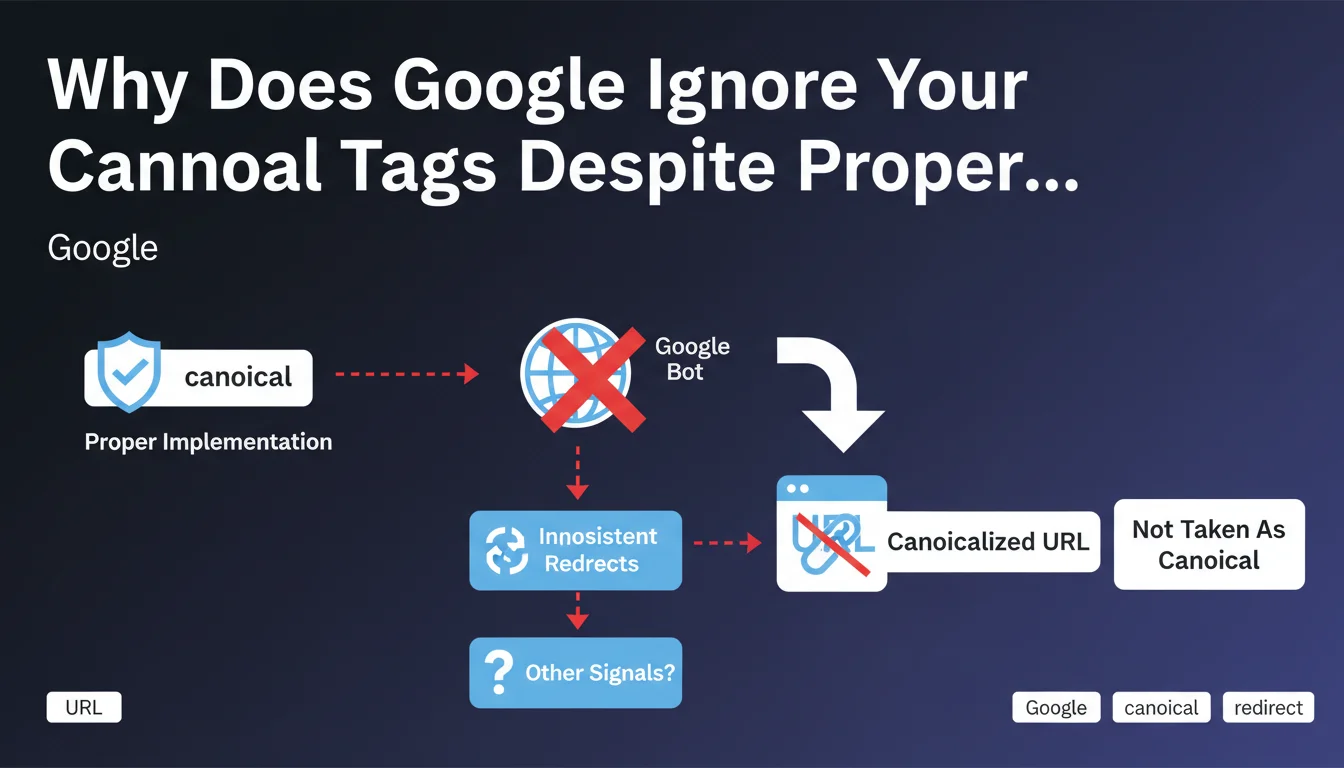
When a web page contains two canonical tags pointing to different URLs, Google faces contradictory information. The search engine cannot determine which URL should be considered as the canonical version of the page.
Rather than arbitrarily choosing one of the two tags, Google prefers to completely ignore these directives. This approach avoids making a wrong decision based on conflicting information and forces webmasters to correct their implementation errors.
How does this differ from the behavior for Title tags?
One might assume that Google would apply the same logic as for multiple Title tags, where only the first one is taken into account. However, the treatment of canonicals follows a different logic.
This distinction is explained by the critical nature of the canonical directive in managing duplicate content. A misinterpretation could have major consequences on indexation, unlike a poorly positioned Title tag.
What are the key takeaways?
- A page should only contain one canonical tag
- Conflicting canonical tags are completely ignored by Google
- The search engine does not choose between the two proposed URLs
- This behavior differs from the treatment of multiple Title tags
- The absence of a valid canonical can create indexation problems
SEO Expert opinion
Is this statement consistent with practices observed in the field?
This clarification from John Mueller indeed corresponds to the empirical observations of SEO professionals. Sites presenting conflicting canonicals generally show erratic indexation behaviors, suggesting that Google ignores these directives.
This behavior fits into a broader logic of conservative treatment of technical directives. When Google detects an anomaly in the code, it often prefers to ignore the directive rather than risk misinterpretation.
What nuances should be applied to this rule?
It is important to note that this rule applies to canonical tags present in HTML. If a canonical is defined both in the HTML and in HTTP headers, Google generally attempts to resolve the conflict by favoring HTTP headers.
Furthermore, relative versus absolute canonicals do not constitute a conflict if they point to the same final URL. The problem only arises when the destination URLs are genuinely different.
In which contexts does this error appear most often?
Multi-plugin configurations on WordPress or other CMS are the primary source of duplicate canonicals. An SEO plugin may add its canonical while the theme injects another, creating an invisible conflict.
Site migrations and technical refactoring also constitute high-risk moments. Old code can coexist with new code, generating contradictory directives that go unnoticed during superficial testing.
Practical impact and recommendations
How can I detect if my site has conflicting canonicals?
The first step is to perform a complete technical crawl with tools like Screaming Frog, Botify, or Oncrawl. Specifically configure the detection of multiple canonicals in the analysis settings.
You can also manually inspect the HTML source code of your strategic pages. Search for all occurrences of "rel=canonical" to verify that only one tag is present. Don't forget to also check HTTP headers with your browser's developer tools.
What should be done concretely to fix this problem?
- Identify the source of each canonical tag (theme, plugin, custom code)
- Disable or remove redundant sources of canonical generation
- Favor a single centralized method for managing canonicals
- Test corrections on a staging environment before production
- Verify that canonicals point to the correct URLs (HTTPS, with or without www)
- Document the chosen configuration to facilitate future maintenance
- Implement continuous monitoring with automatic alerts
What mistakes should be avoided in managing canonical tags?
The most common mistake is to combine multiple technical solutions without verifying their compatibility. Each added layer (SEO plugin, CDN, caching system) can potentially inject its own canonical.
Also avoid configuring cascading canonicals where page A points to B, which points to C. Google prefers direct paths and may ignore canonical chains that are too complex.
In summary: The presence of two conflicting canonical tags completely invalidates this directive in Google's eyes. This situation, more common than one might think in complex technical environments, requires thorough auditing and rigorous management.
Implementing a solid SEO technical architecture often involves navigating between multiple systems and configurations. For large-scale sites or complex infrastructures, support from a specialized SEO agency can prove valuable in identifying and resolving these technical issues that directly impact organic visibility.
💬 Comments (0)
Be the first to comment.