
Official statement
What you need to understand
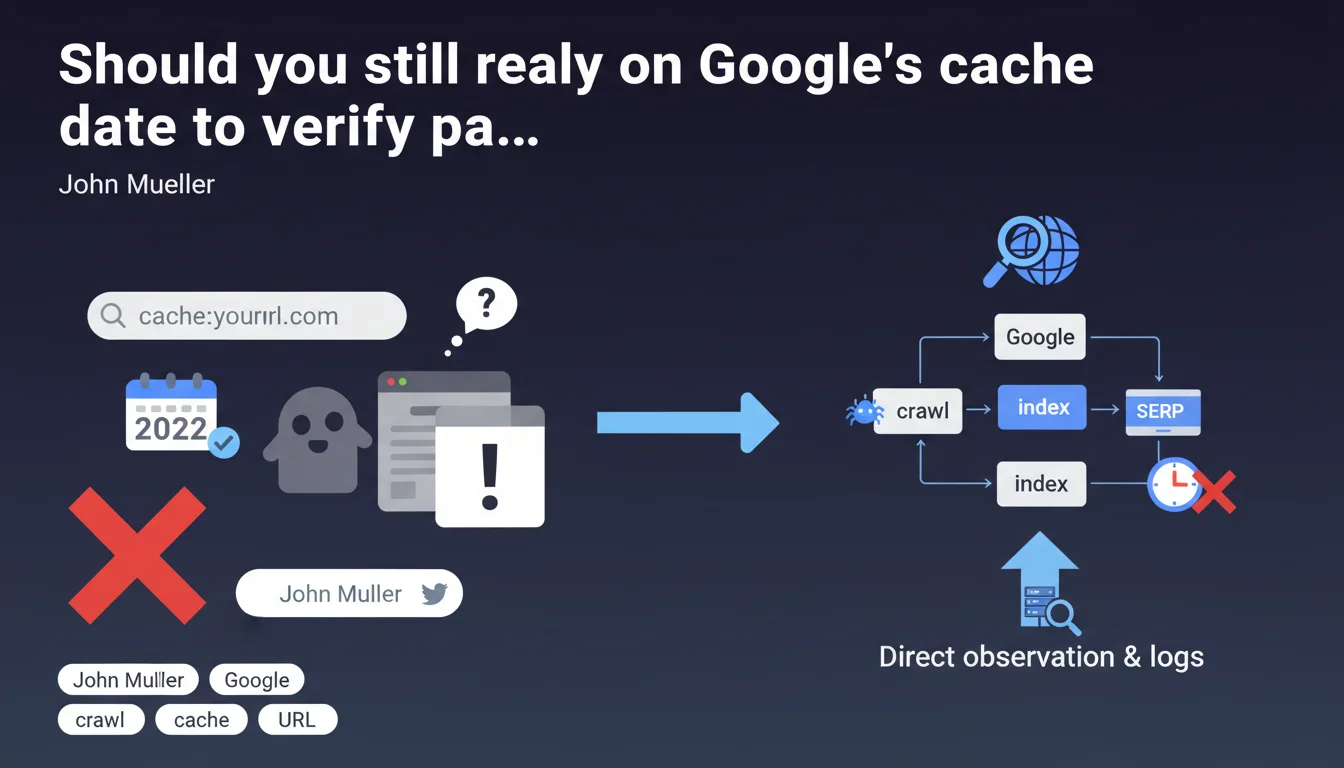
Google displays a date in the cached version of a web page, supposedly indicating the last visit of its indexing bot. This information, although visible and accessible via the "cache:" syntax or the "Cached" option in search results, is reportedly unreliable according to repeated statements from official Google representatives.
Concretely, this means that the date displayed in the cache doesn't necessarily reflect the exact moment when Googlebot actually crawled and indexed your page. There can be a significant lag between the actual crawl and the displayed date, making this indicator unreliable for diagnosing crawling issues.
Key takeaways:
- Google's cache date is not an accurate indicator of Googlebot's last visit
- This information can be off by several hours, days, or even more
- Google maintains this feature but advises against relying on it for technical analysis
- Other tools are more reliable for tracking your pages' crawling activity
SEO Expert opinion
This statement is indeed consistent with what I observe daily in the field. In 15 years of experience, I've seen numerous cases where the cache date didn't match actual server logs. It frequently happens that a page is crawled daily according to logs, but the cache date remains frozen for weeks.
However, an important nuance: the cache date remains an interesting macro indicator, especially for detecting major issues. If a strategic page shows a cache several months old, it's usually a sign of a real problem (blocking robots.txt, duplicate content, partial deindexing). The issue isn't a complete lack of reliability, but rather granular precision.
Practical impact and recommendations
Recommended actions following this statement:
- Prioritize Google Search Console (Coverage and Crawl Stats reports) as a reliable source for monitoring crawl activity
- Install and analyze your server logs to know precisely Googlebot's visit frequency
- Use the cache date only as a general indicator, not as a precise metric
- Don't panic if the cache date seems old, check Search Console first
- To test recent content indexing, use the "URL Inspection" feature in Search Console instead
- Avoid informing your clients based on the cache date, as it could create unfounded concerns
💬 Comments (0)
Be the first to comment.