
Official statement
What you need to understand
What is a 5xx error and why does Google care about it?
5xx errors are HTTP status codes indicating that the server was unable to process a legitimate request. Unlike 4xx errors which signal a client-side problem, server errors reveal a technical malfunction in your infrastructure.
Google considers these errors as signals of instability. If Googlebot regularly encounters these problems, it interprets this as a risk of server overload and adapts its behavior to avoid aggravating the situation.
How exactly does Google react when faced with persistent 5xx errors?
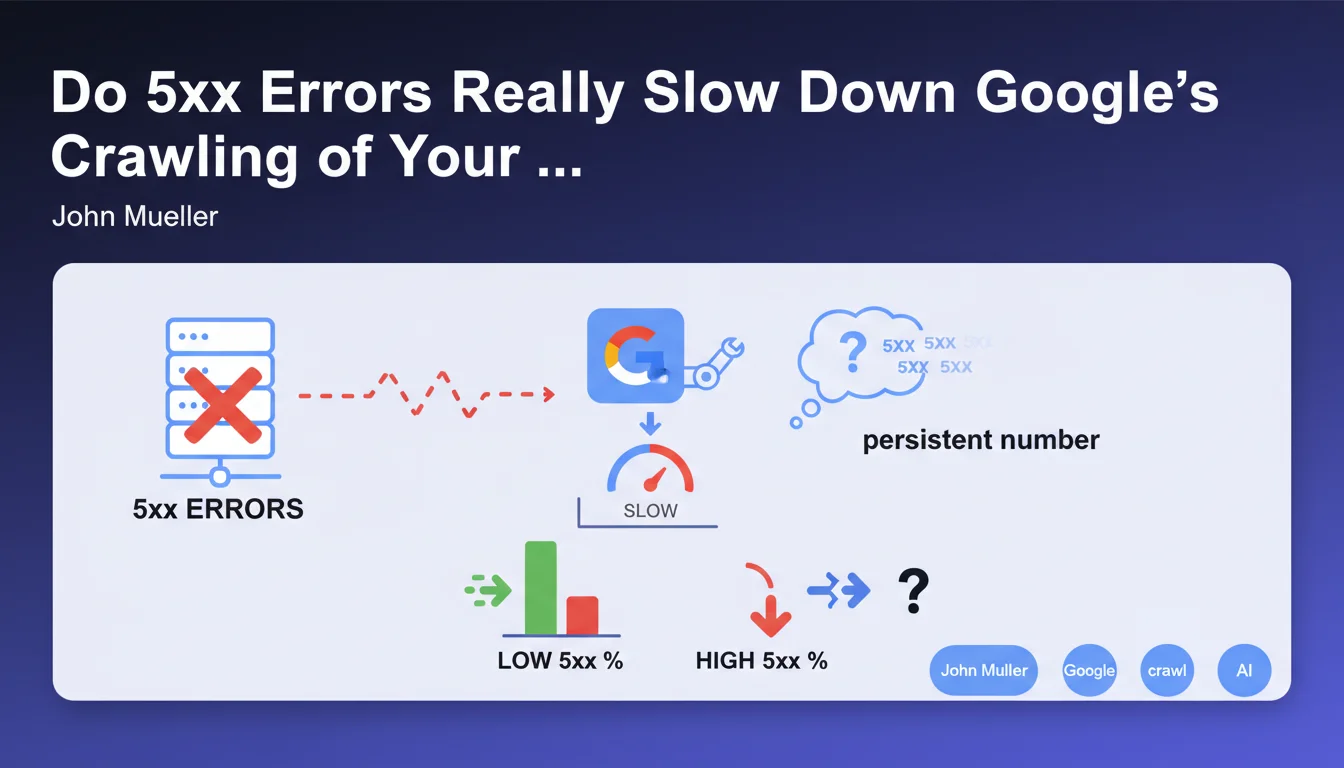
When Googlebot detects a persistent number of 5xx errors, it automatically activates a protection mechanism. The bot gradually slows down its crawl frequency to avoid further overwhelming a server that appears to be in difficulty.
This slowdown has direct consequences on your SEO: your new pages are indexed more slowly, content updates take longer to be taken into account, and your crawl budget is underutilized.
At what threshold does this slowdown trigger?
Google deliberately does not communicate a precise threshold in terms of error percentage. This absence of an official figure is explained by the fact that the crawl adjustment system is dynamic and takes multiple factors into account.
The logic is simple: any 5xx error is considered abnormal. The more frequent and persistent they are over time, the faster and more pronounced Google's reaction will be.
- Persistent 5xx errors trigger an automatic slowdown of Google crawl
- Google does not disclose a precise threshold for this slowdown
- These errors signal server instability that must be addressed urgently
- Crawl slowdown delays the indexing of new content
- Regular monitoring is essential to quickly detect these errors
SEO Expert opinion
Is this statement consistent with what SEO professionals observe in the field?
Absolutely. Experienced SEO practitioners regularly observe this correlation between server errors and crawl slowdown. Search Console data systematically confirms a decrease in Googlebot activity after spikes in 5xx errors.
What is particularly interesting is that Google adopts a progressive and adaptive approach. The system does not punish instantly: it observes a pattern before reducing the crawl, which means that an isolated error will not cause major damage.
What nuances should be added to this statement?
The notion of "persistence" is crucial. An isolated 5xx error during maintenance or an unexpected traffic spike will not have a significant impact. It is the recurrence over several days that poses a problem.
Moreover, not all sites are treated equally. A site with strong authority and a stable history will likely benefit from greater tolerance than a new site or one already identified as unstable.
In what cases might this rule have exceptions?
Google may show more patience for news sites or those with high informational value, where the need for freshness takes priority. The engine might maintain a more sustained crawl despite some errors.
Conversely, on sites with low added value or with a history of technical problems, Google could react more quickly and more severely to the first errors detected.
Practical impact and recommendations
How can you quickly detect 5xx errors on your site?
Google Search Console is your primary detection tool. Regularly check the "Coverage" and "Crawl Stats" sections to identify server errors encountered by Googlebot.
Implement proactive monitoring with tools like Screaming Frog, OnCrawl, or Botify for periodic crawls. Configure automatic alerts as soon as a certain number of 5xx errors is detected.
Don't forget to monitor your server logs: they give you a complete view of all requests, not just those from Googlebot, and allow you to identify patterns before they impact crawling.
What corrective actions should be implemented immediately?
As soon as recurring 5xx errors are detected, establish a precise diagnosis: is it a server capacity problem, database overload, application malfunction, or misconfiguration?
Prioritize fixing strategic URLs: traffic-generating pages, conversion pages, main category pages. Use the "Validate fix" function in Search Console to speed up Google's re-evaluation.
- Check Search Console daily to detect 5xx errors
- Set up weekly automatic crawling of your site
- Configure monitoring alerts on server errors
- Analyze server logs to identify error patterns
- Properly dimension your server infrastructure according to your traffic
- Optimize database queries to avoid timeouts
- Plan a maintenance schedule without impact on crawling (short windows, off-peak hours)
- Systematically document and correct each type of 5xx error encountered
How can you prevent these errors from occurring in the future?
Prevention requires a robust technical architecture. Invest in server infrastructure adapted to your traffic peaks, with real scaling capacity. Implement an efficient caching system to reduce server load.
Conduct regular load testing to anticipate breaking points. Establish a continuous monitoring strategy with alert thresholds, and document resolution procedures for each type of error identified.
💬 Comments (0)
Be the first to comment.