
Official statement
What you need to understand
What exactly is the 50,000 URL limit in an XML sitemap?
The XML sitemap protocol imposes a strict limit of 50,000 URLs per file. This technical constraint is a fundamental rule that every SEO practitioner must respect to ensure proper indexing of their site.
When this threshold is exceeded, it becomes necessary to create multiple sitemap files and group them together in a sitemap index. This organization maintains efficient communication with search engines.
How do image URLs work within sitemaps?
The sitemap protocol allows you to enrich each page URL with additional image tags. For each referenced page, you can indicate the URLs of the main images it contains using specific tags.
This feature is valuable for image SEO, as it helps Google discover and index your visuals more effectively. Until now, there was an area of uncertainty regarding how these image URLs were counted.
What does Google clarify about counting image URLs?
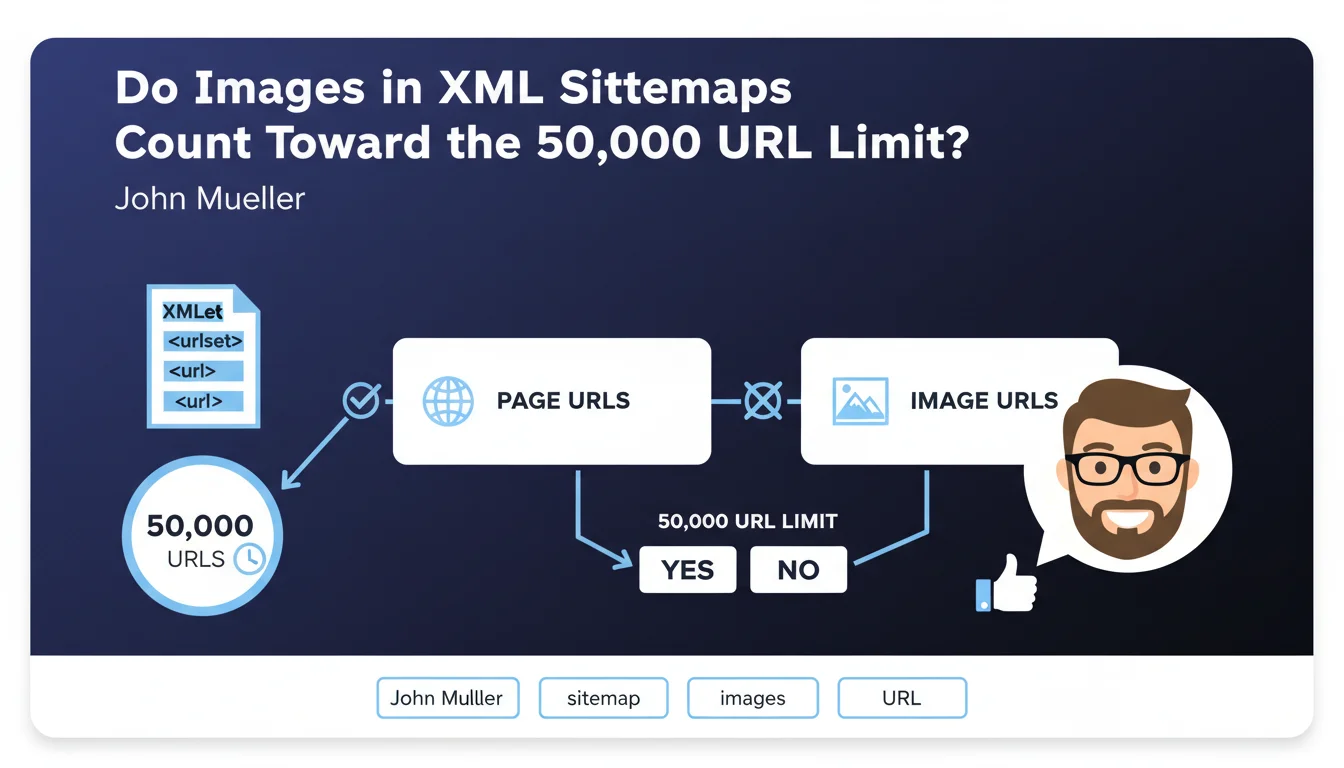
Google officially clarifies that image URLs do not count toward the 50,000 URL limit. Only page URLs are included in this calculation.
In practical terms, a sitemap can contain 50,000 pages, and each of these pages can reference multiple images without impacting the URL quota. This clarification removes any ambiguity about the optimal structure of sitemaps.
- Strict limit: maximum 50,000 page URLs per sitemap file
- Images excluded: image URLs don't count toward this limit
- Optimization possible: you can reference numerous images per page without fearing quota exceedance
- Improved indexation: this feature facilitates Google's discovery of your visuals
SEO Expert opinion
Is this statement consistent with practices observed in the field?
This clarification from Google indeed aligns with field observations from many SEO practitioners. Sitemap analysis tools have always counted only main URL tags, without including image sub-elements in the quota.
In my practice, I've observed that sites with sitemaps containing 50,000 pages enriched with multiple images functioned perfectly. Google has never signaled any limit-related errors in these configurations.
Are there practical limits to be aware of despite this clarification?
Although Google doesn't count images in the URL quota, there is a file size limit: 50 MB maximum uncompressed. A sitemap with very numerous image URLs per page could theoretically reach this limit.
In practice, this situation remains exceptional. You would need to reference a truly considerable number of images per page for the file size to become problematic before reaching the 50,000 page URL limit.
Should images always be included in sitemaps?
Including images in sitemaps isn't mandatory, but it offers significant advantages for sites rich in visual content. E-commerce sites, portfolios, visual blogs, and news sites find real benefits.
For primarily text-based sites with few strategic images, this optimization remains secondary. The effort should be proportional to the importance of image SEO in your overall visibility strategy.
Practical impact and recommendations
How should you concretely structure your sitemaps with images?
For each page URL in your sitemap, add <image:image> tags to reference important visuals. Include at minimum the image URL and, ideally, a description via the <image:caption> tag.
Focus on images with high SEO value: flagship products, main article illustrations, unique visuals. Avoid listing secondary graphic elements like icons, buttons, or navigation elements.
Generate your sitemaps automatically via your CMS or a dedicated script. This automation ensures consistency and regular updates of your files without tedious manual intervention.
What critical mistakes must you absolutely avoid?
Don't mix multiple sitemap types in the same file. Create separate sitemaps for pages, standalone images, videos, and news if your site warrants it.
Don't forget to declare your sitemap in the robots.txt file and in Search Console. An undeclared sitemap risks not being crawled regularly by Google.
Avoid referencing images blocked by robots.txt, non-existent (404 error), or inaccessible. These errors degrade the perceived quality of your sitemap and can slow down its processing.
How can you verify and optimize your existing sitemaps?
- Verify that your sitemaps respect the 50,000 page URL limit
- Check that each file size doesn't exceed 50 MB uncompressed
- Test your sitemaps with online validators to detect syntax errors
- Consult Search Console to identify any indexing errors related to sitemaps
- Audit the relevance of referenced images: keep only those with high SEO value
- Implement automated generation to keep your sitemaps up to date
- Regularly monitor crawl statistics in Search Console
- Create a sitemap index if you manage multiple files for better organization
💬 Comments (0)
Be the first to comment.