
Official statement
What you need to understand
What was the real problem this site was facing?
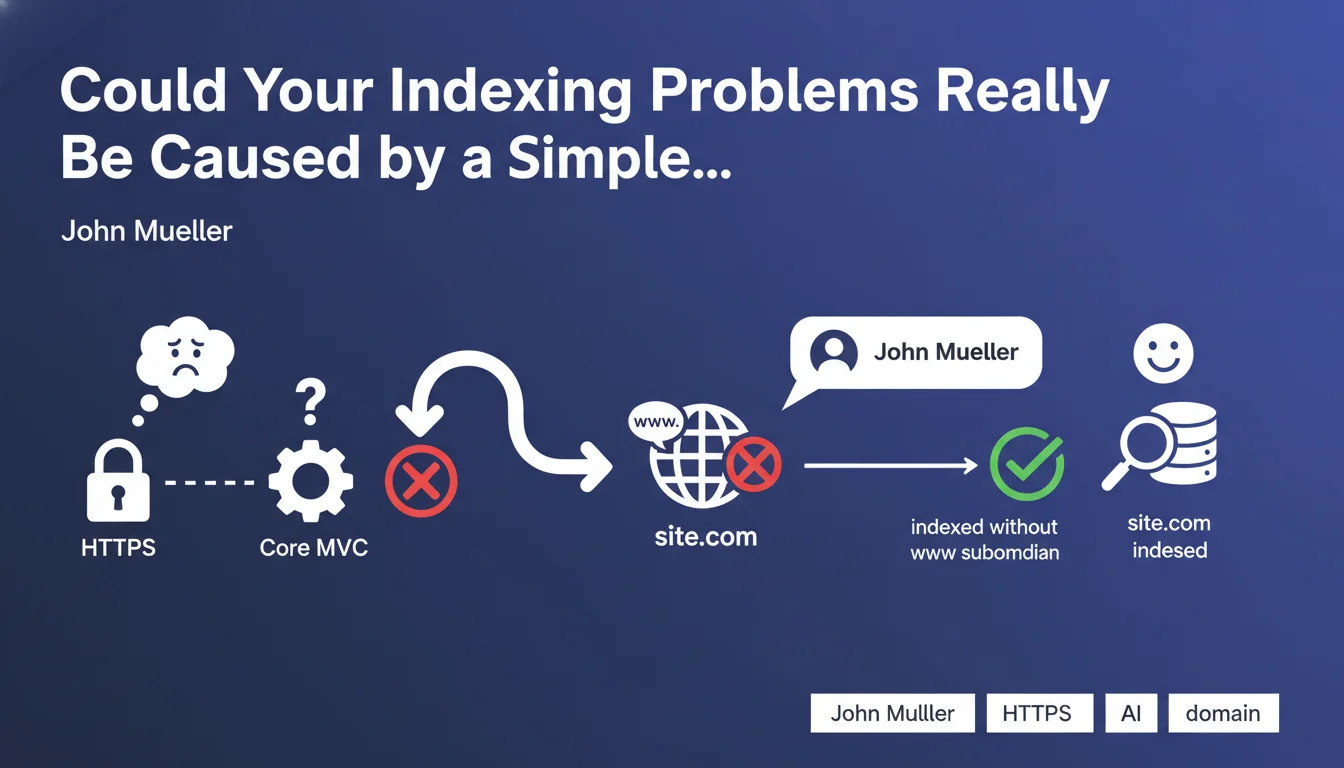
A webmaster thought they were dealing with a complex indexing issue related to their technical framework (Core MVC) or HTTPS migration. In reality, the problem was much simpler: their site was indexed without the www subdomain, when they were probably expecting to see the www version appear in the index.
This situation perfectly illustrates how SEO practitioners can sometimes look for complicated technical explanations when the real cause is a simple domain configuration matter. Google was indeed indexing the site, but under a different URL version than expected.
Why is the distinction between www and non-www crucial for indexing?
Google treats the www.example.com and example.com versions as two distinct entities. If you don't properly configure your preferred domain (canonical), Google may choose to index one version rather than the other based on its own criteria.
This distinction isn't just a cosmetic issue. It can lead to PageRank dilution, duplicate content problems, and confusion in your analytics reports. Consistency across all your configurations is essential.
How does Google determine which version to index?
Google relies on several canonicalization signals to decide which domain version to prioritize. 301 redirects, canonical tags, internal and external links, as well as Search Console configuration all influence this decision.
In the absence of clear and consistent signals, Google may make its own choice, which doesn't necessarily match the webmaster's expectations. This is exactly what happened in the case John Mueller mentioned.
- The www and non-www versions are considered different domains by Google
- An apparent indexing problem may simply be a domain version issue
- Before looking for complex technical causes, check the basics: which version is actually indexed?
- Preferred domain configuration must be consistent at all levels (redirects, canonical, links)
- Google chooses which version to index based on multiple signals, not always the one you expect
SEO Expert opinion
Does this statement reflect a frequent reality in SEO audits?
Absolutely. After 15 years of experience, I find that 30 to 40% of indexing problems reported by clients stem from poorly configured basic settings. Webmasters often look for sophisticated explanations (crawl budget issues, JavaScript problems, structural issues) when the cause is trivial.
This tendency is explained by the fact that modern SEO tools bombard us with complex data, sometimes making us forget the fundamentals. Mueller's statement is a healthy reminder: always start by checking the basics before exploring advanced technical hypotheses.
In which cases does the indexed version differ from the expected one?
The most common situations include poorly executed site migrations, where 301 redirects weren't properly implemented between www and non-www versions. I also frequently observe inconsistencies after a hosting provider or CMS change.
Another classic case involves sites with contradictory canonical tags: the canonical points to the non-www version, but redirects send to the www version. Google must then arbitrate between conflicting signals, which often results in an unexpected choice for the webmaster.
What are the implications for diagnosing indexing problems?
This statement reminds us of the importance of a rigorous audit methodology. Before diving into server logs or analyzing JavaScript, systematically check: what exact URL appears in the Google index? Use the site: operator with and without www to compare.
Diagnosis should follow a principle of progressive simplicity: start with the simplest hypotheses (domain configuration, redirects, robots.txt) before exploring advanced technical causes. This approach saves time and avoids costly false leads.
Practical impact and recommendations
How can you check which version of your domain is indexed by Google?
The first step is to perform a site: search in Google. Type "site:www.yourdomain.com" then "site:yourdomain.com" (without www) and compare the results. The version that returns the most pages is the one Google has chosen as the canonical version.
Next, check your Google Search Console. Make sure you've added and verified both versions (with and without www). Examine the indexing and performance data to identify which version is actually receiving traffic and impressions. Discrepancies between your expectations and reality are revealing.
What should you concretely do to resolve this type of problem?
Start by choosing your preferred version: with or without www. This decision should be consistent with your brand image and history. Once this choice is made, implement permanent 301 redirects from the non-preferred version to the preferred version at the server level.
Then configure your canonical tags so they systematically point to the preferred version on all pages. Update your internal links to exclusively use this version. Finally, set the preferred domain in Search Console if you're still using the old interface.
Also verify that your XML sitemaps only contain URLs from the preferred version, and that your social media profiles, important backlinks, and local citations all use the same domain version.
What critical mistakes should you absolutely avoid?
The most serious error is creating contradictory signals: redirects that point to www while canonicals point to non-www, or vice versa. Google will then receive conflicting instructions and make its own choice, often unpredictable.
Another frequent trap: fixing the problem only superficially, for example by adding canonicals, without implementing server-side 301 redirects. Redirects are the strongest signal; canonicals alone aren't enough if both versions remain accessible.
- Perform a site: search with and without www to identify the indexed version
- Check both properties in Google Search Console and analyze discrepancies
- Definitively choose a preferred version (with or without www) and stick to it
- Implement permanent 301 redirects at the server level (not in JavaScript)
- Configure all canonical tags to the preferred version only
- Update internal links and XML sitemaps with the preferred version
- Verify signal consistency: redirects, canonicals, internal and external links aligned
- Monitor evolution in Search Console for 2-4 weeks after modifications
- Regularly audit to detect any regression or inconsistency introduced by updates
Apparently complex indexing problems often hide basic configuration errors, particularly concerning the management of www/non-www domain versions. A methodical approach, starting with the simplest checks, allows you to quickly identify the real cause without wasting time on false leads.
Resolution requires absolute consistency among all signals sent to Google: server redirects, canonical tags, internal links, sitemaps, and Search Console configuration. This harmonization can prove technically delicate depending on your infrastructure and may require interventions at different levels (server, CMS, templates). For high-stakes sites, support from a specialized SEO agency guarantees rigorous implementation and appropriate monitoring, thus avoiding costly mistakes that could have a lasting impact on your visibility.
💬 Comments (0)
Be the first to comment.