
Official statement
Other statements from this video 9 ▾
- 7:20 Why does Google recommend JSON-LD for structured data markup?
- 7:54 Is it really necessary to update your job offer sitemap regularly to rank higher?
- 9:20 Why can 503 errors ruin your crawl budget?
- 12:52 How does Google now display reviews and salaries in job search results?
- 19:32 Is Job Posting Markup Without Location Data Valid or Not?
- 23:45 Why does Google penalize structured data on your internal results pages?
- 30:06 What are the real risks if Google detects structured data abuse on your site?
- 44:12 Does schema markup for jobs really guarantee your ranking in search results?
- 49:47 Should you really enhance your structured data with all available fields?
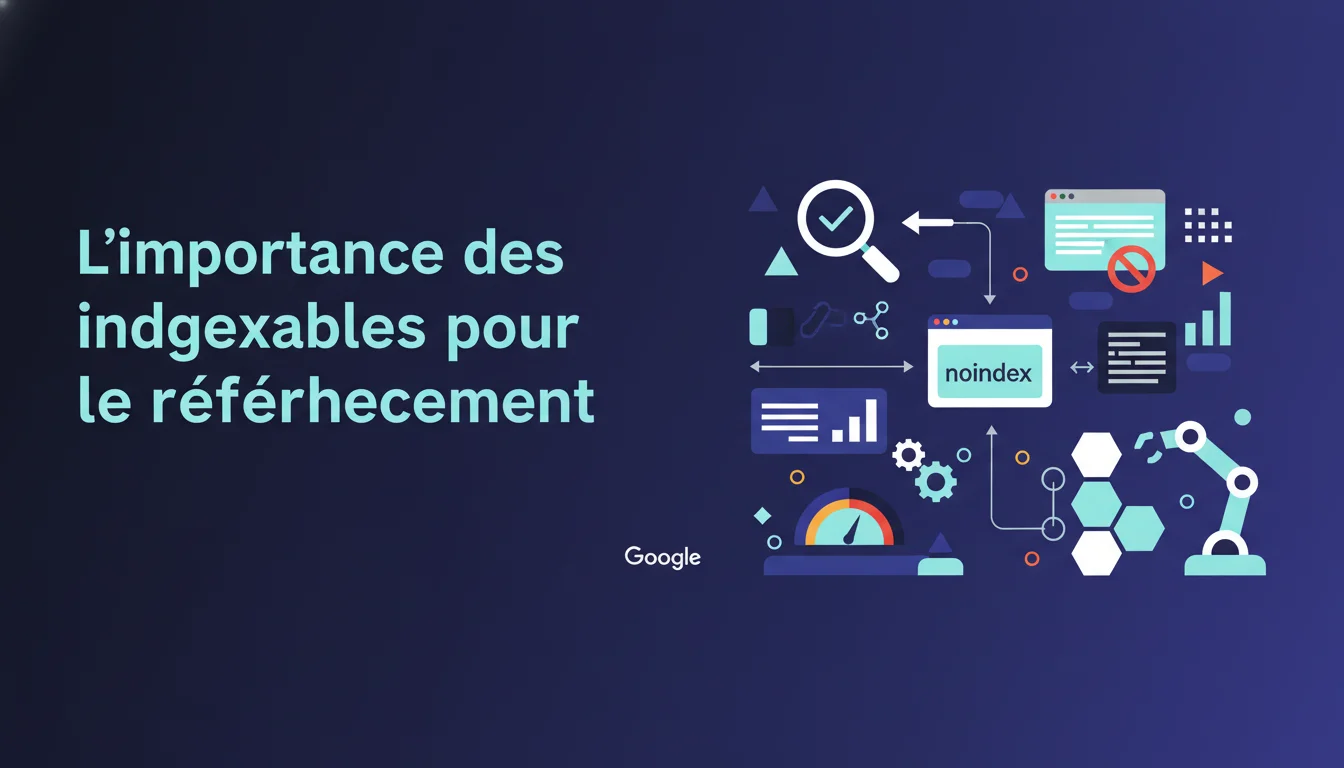
Google reminds us that a page can be crawled without being indexable. Meta noindex tags, X-Robots-Tag directives, or even a simple setting in the CMS can block indexing despite active crawling. The real issue is to verify not whether Googlebot visits the page, but whether it can actually make it into the index. An indexability audit should precede any content strategy.
What you need to understand
What is the difference between crawlable and indexable?
A page can be crawled by Googlebot without ever entering the index. Crawling is the technical visit by the bot. Indexing is the decision to add that page to the catalog of potential results.
Hundreds of sites lose traffic because they confuse the two. Their log files show regular visits from Googlebot, but Search Console displays “Excluded by noindex tag”. The bot comes, reads, and then discards. Specifically, a noindex directive in the HTML or in the HTTP headers is enough to block indexing even if the crawl budget is allocated.
What are the main obstacles to indexing?
The meta robots noindex tag remains the classic culprit, often left in production after a staging phase. But HTTP headers like X-Robots-Tag go unnoticed because they don’t appear in the visible source code.
CMS parameters are also problematic. WordPress, Shopify, and Prestashop have options for “Visibility to search engines” that add a global noindex. A distracted developer ticks the box, and the site goes live with all the pages blocked. 301/302 redirects are also not indexable, but they transfer the signal to the target—unless the target itself is blocked.
How does Google detect these blockages?
Googlebot first reads the HTTP headers before even parsing the HTML. If an X-Robots-Tag: noindex appears in the server response, the HTML content isn’t even analyzed for indexing. The bot can still follow internal links to discover other pages, but this one remains excluded.
In Search Console, the “Coverage” or “Pages” tab reports these exclusions with explicit labels: “Excluded by noindex tag,” “Blocked by robots.txt file,” “Page with redirect.” The problem is that these reports can take several days to show up after a deployment. A preventative audit avoids losing a week of visibility.
- Crawl ≠ indexing: Googlebot can visit a page without adding it to the index
- Meta robots tags and X-Robots-Tag headers block indexing even if crawling is allowed
- Search Console reports exclusions, but with a delay of several days
- Popular CMS (WordPress, Shopify) have hidden options that add global noindexes
- A preventative audit of robots directives should be part of the production checklist
SEO Expert opinion
Is this statement consistent with observed practices?
Yes, and it’s even a welcome reminder. In practice, 30 to 40% of SEO audits reveal strategic pages blocked by forgotten directives. Teams focus on content, backlinks, structure, but neglect technical indexability. Google can crawl 10,000 pages a day on a site and index only 200 if there are lingering noindex tags.
The confusion also arises from the fact that popular SEO tools (Screaming Frog, Oncrawl, Botify) simulate a crawl but don’t always check the HTTP headers in real conditions. A local scan can miss an X-Robots-Tag configured only in production via Cloudflare or a CDN. Testing with the Search Console URL Inspection tool is necessary, as it shows exactly what Googlebot sees.
What nuances should be added?
Google says “ensure pages are indexable,” but doesn’t specify the time between correction and effective indexing. [To be verified] Removing a noindex does not guarantee immediate indexing. Recrawling can take days or even weeks on a site with a low crawl budget.
Another unclear point: Google does not detail the impact of poorly configured canonicals. A canonical tag pointing to a different URL is not a strict noindex, but it redirects the indexing signal elsewhere. The result: the original page remains crawled but is never displayed in the SERPs. Technically, it’s not “blocked,” but the effect is the same.
In what cases does this rule not apply?
Some pages must remain non-indexable: login pages, shopping carts, internal search results, dynamic faceted filters. An e-commerce site can generate thousands of combinatorial URLs (color + size + price) that are better off blocked to avoid diluting the crawl budget.
The real challenge is to intelligently segment. A global noindex on /search/ is relevant, but a noindex on /category/ is often a mistake. Modern CMS platforms allow conditional rules (noindex if parameter X is present), but their configuration requires a clear vision of the architecture. Poor settings can cost more than an external audit.
Practical impact and recommendations
What actions should be taken to audit indexability?
First, export the list of “Excluded” URLs from Search Console > Pages. Sort by exclusion reason: noindex, robots.txt, canonicals, soft 404. Each category reveals a different type of problem. Accidental noindexes are quickly identified if a strategic page appears in the list.
Next, crawl the site with Screaming Frog in Spider mode, enabling the “Render JavaScript” option if the site is in React/Vue/Angular. Check the “Indexability” column for each URL. Compare this with the actual HTTP headers through the “Response Headers” tab. A mismatch between the HTML (noindex absent) and the headers (X-Robots-Tag present) indicates a server or CDN layer injecting directives.
What mistakes should be avoided during deployment?
Never leave a staging environment with password protection + noindex and then copy the database into production without cleaning up the settings. WordPress, for example, stores the “Discourage search engines” setting in wp_options. A direct SQL import reactivates the global noindex.
Avoid overly broad robots.txt rules as well. A “Disallow: /*?” blocks all URLs with parameters, including legitimate paginations or language variants (?lang=en). Googlebot will not be able to crawl or index. Prefer targeted Disallow rules on unnecessary parameters (utm_, sessionid, sort).
How can you verify that the corrections are working?
Use the URL Inspection tool in Search Console immediately after removing a noindex. Click “Test live URL” to force a new crawl. Google will display “Indexable URL” or indicate a persistent issue. If everything is green, request a manual indexing.
Monitor server logs for 48 hours after the correction. If Googlebot doesn’t return, it indicates that the page has a low crawl priority. You then need to boost the signal: add internal links from already indexed pages, submit an updated XML sitemap, or publish fresh content that calls that URL. Technical indexability is insufficient if Google never discovers it.
- Export excluded URLs from Search Console and sort by reason
- Crawl the site with JavaScript rendering enabled to detect dynamic noindexes
- Check actual HTTP headers (X-Robots-Tag, canonical) via cURL or developer tools
- Test each correction with the URL Inspection tool before generalizing
- Automate Search Console alerts to detect new exclusions each week
- Document indexability rules in an internal guide to avoid regressions
❓ Frequently Asked Questions
Une page peut-elle être crawlée sans être indexée ?
Où se cachent les directives noindex invisibles dans le code source ?
Combien de temps après avoir retiré un noindex la page sera-t-elle indexée ?
Les balises canonical mal configurées bloquent-elles l'indexation ?
Faut-il noindexer toutes les pages avec paramètres URL ?
🎥 From the same video 9
Other SEO insights extracted from this same Google Search Central video · duration 1h00 · published on 14/12/2017
🎥 Watch the full video on YouTube →
💬 Comments (0)
Be the first to comment.