
Official statement
Other statements from this video 1 ▾
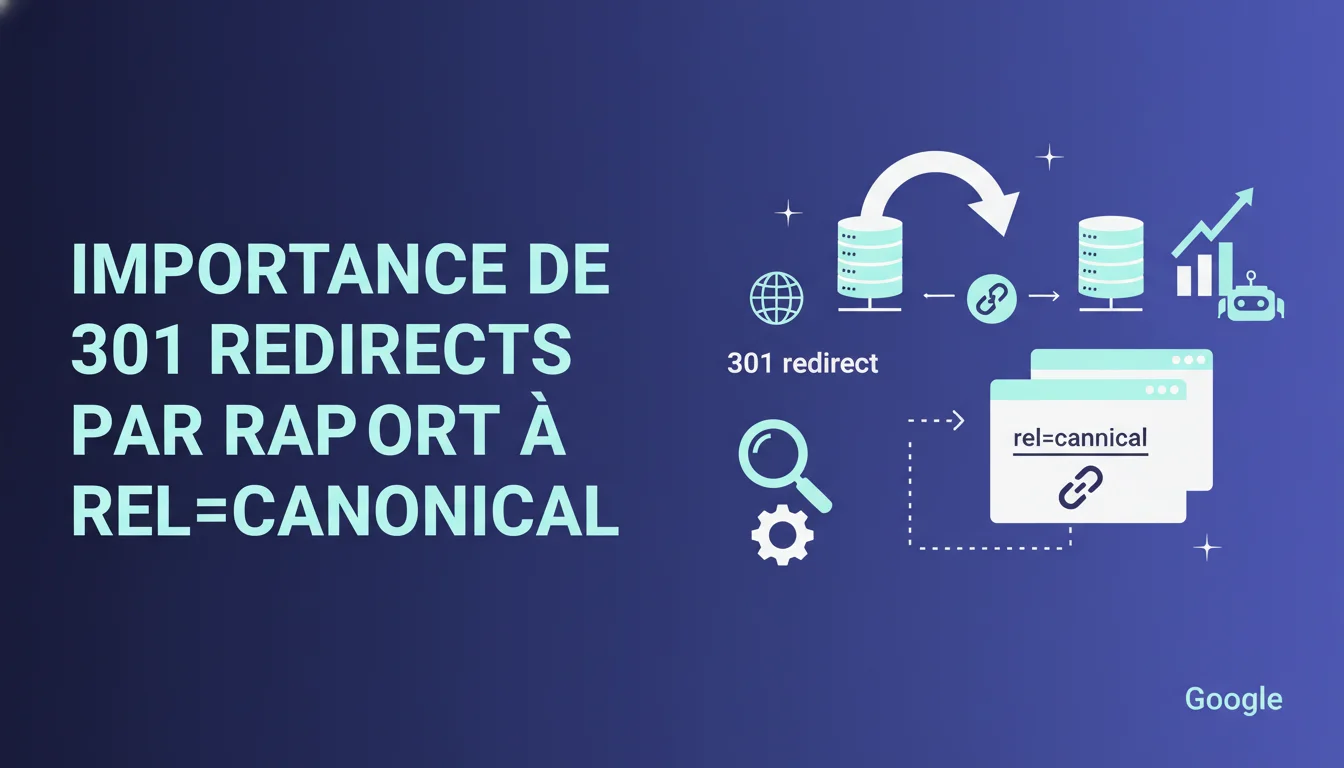
Google recommends using 301 redirects instead of rel=canonical whenever possible. The reasoning: better support by search engines and effective user redirection in their browsers. For SEO, this means that a 301 remains the standard for handling duplicate content and URL changes, but the canonical remains relevant in specific cases where a redirect is not feasible.
What you need to understand
Why does Google prefer 301 redirects over rel=canonical?
The statement points out three distinct arguments. First, universal support: all search engines and browsers have understood a 301 redirect for decades. Second, recognition: a 301 sends a clear and unambiguous signal to crawlers. Finally, user experience: the redirect physically takes the user to the correct URL.
On the other hand, rel=canonical remains a purely SEO instruction. The browser does nothing when it encounters this tag. A user arriving at a canonicalized URL stays on that URL, even if Google considers another version authoritative. For a search engine, it's a suggestion, not an order.
In what contexts does this distinction have a real impact?
Let's take an e-commerce site with sorting and filtering parameters. If you generate hundreds of URLs for the same product page, you cannot create 301 redirects for every possible combination. You will canonicalize to the main URL. Google accepts this compromise.
Now, imagine you permanently change your site's URL structure. You go from /category/product-name to /product-name. At that point, the canonical is not enough. The user who clicks on the old URL from an external link must land on the new one. A 301 is mandatory, otherwise, you create friction and lose traffic.
What is the difference in how Google treats the two methods?
Google consolidates signals towards the canonical URL in both cases. But with a 301, the transfer is clearer. Backlinks, domain age, popularity: everything migrates to the new address. The processing time may be shorter than with a canonical.
With rel=canonical, Google may choose to disregard your directive if it deems it nonsensical. For instance, if the content of the two pages diverges too much, or if there are conflicting signals (a hreflang tag pointing elsewhere, a sitemap that lists the non-canonical URL). A 301 does not leave this margin for interpretation.
- A 301 redirect physically moves the user, unlike the canonical which remains invisible on the browser side
- The canonical is a suggestion that Google can ignore if the signals are conflicting
- A 301 transfers ranking signals more clearly and with less ambiguity than an HTML tag
- The canonical remains relevant for technical duplications that cannot be managed via redirects (pagination, filters, parameters)
- A 301 is the standard for any definitive URL migration or any site structure change
SEO Expert opinion
Is this recommendation consistent with real-world observations?
Yes, but with a crucial nuance. On site migrations, 301s accelerate the transfer of visibility. Tests show that Google consolidates rankings faster than with a canonical. However, saying that 301s are "more widely supported" while implying that the canonical would be fragile is a bit misleading.
Google itself created and defended rel=canonical for years. Bing, Yandex, all major engines recognize it. The real problem is that Google does not always respect the canonical when it detects inconsistencies. And many SEOs forget that. They put up a tag and think it’s settled.
What are the practical limits of this directive?
Google remains vague on one point: when does a 301 become "impossible" to implement? The statement says "if possible" but does not detail exceptions. This is where many sites struggle.
Take a concrete example. You have a site with thousands of product sheets broken down by size, color, region. Creating a redirect for each variant to a main URL makes no sense. The canonical is the only viable option. But Google does not explicitly say: "In this case, the canonical is OK and will not penalize your site." [To be verified] on large volumes if Google actually applies the same treatment.
Does this guidance hide a bias towards certain site architectures?
Yes, and it is rarely discussed. The recommendation to favor 301s benefits sites with few dynamic URLs. A blog, a showcase site, a small e-commerce site: easy to map each old URL to a new one.
But what about a classified ads site, an aggregator, a price comparison site with millions of dynamically generated pages? You cannot manage that solely with redirects. The canonical becomes structurally necessary. Google knows this, but this statement does not explicitly acknowledge this constraint.
Practical impact and recommendations
What should you do when redesigning a site or changing URLs?
Always implement 301 redirects for every old URL that has traffic or backlinks. There’s no debate about that. The canonical does not replace a 301 in this context. You lose SEO juice and frustrate users who land on outdated pages.
If you have migrated to HTTPS, changed domains, or restructured your hierarchy, map each source URL to its destination. Use a spreadsheet: column A for old URLs, column B for new ones, then generate redirect rules for your server. Apache, Nginx, IIS: all support 301s natively.
When is rel=canonical the right solution?
When you cannot or do not want to redirect. Typically: pagination pages, facet filters, sorting by price or popularity. You want these URLs to be crawlable for internal linking, but you don’t want them competing for ranking.
Another case: AMP or mobile versions of the same page. You will never redirect a desktop user to a mobile URL. You canonicalize the mobile version to the desktop (or vice versa depending on your strategy). Same for syndicated content: if you republish an article elsewhere, you canonicalize to the original.
How can you check if your directives are being recognized by Google?
Use Search Console, coverage tab or URL inspection. Google tells you which URL it considers canonical. If this differs from your directive, investigate: content overly different, conflicting signals (hreflang, sitemap), tag poorly placed in HTML.
Also monitor the number of indexed URLs. If you’ve implemented canonicals and Google still indexes the variants, it means it’s not respecting your directive. This can stem from a sitemap that lists non-canonical URLs or from internal linking that reinforces the wrong pages.
- Implement 301 redirects for any definitive URL migration (redesign, domain change, HTTPS transition)
- Use rel=canonical only for technical duplications where a redirect makes no sense (pagination, filters, product variants)
- Check in Search Console that Google respects your canonical directives
- Never list non-canonical URLs in the XML sitemap
- Regularly audit backlinks to detect links to old URLs and redirect them
- Test redirects with a tool like Screaming Frog or Redirect Path to avoid redirect chains
❓ Frequently Asked Questions
Une redirection 301 transfert-elle 100% du jus SEO ?
Peut-on mixer 301 et canonical sur un même site ?
Combien de temps faut-il maintenir une redirection 301 ?
Que se passe-t-il si Google ignore mon rel=canonical ?
Les redirections 302 sont-elles traitées différemment des 301 pour le SEO ?
🎥 From the same video 1
Other SEO insights extracted from this same Google Search Central video · duration 2 min · published on 12/04/2011
🎥 Watch the full video on YouTube →
💬 Comments (0)
Be the first to comment.