
Official statement
What you need to understand
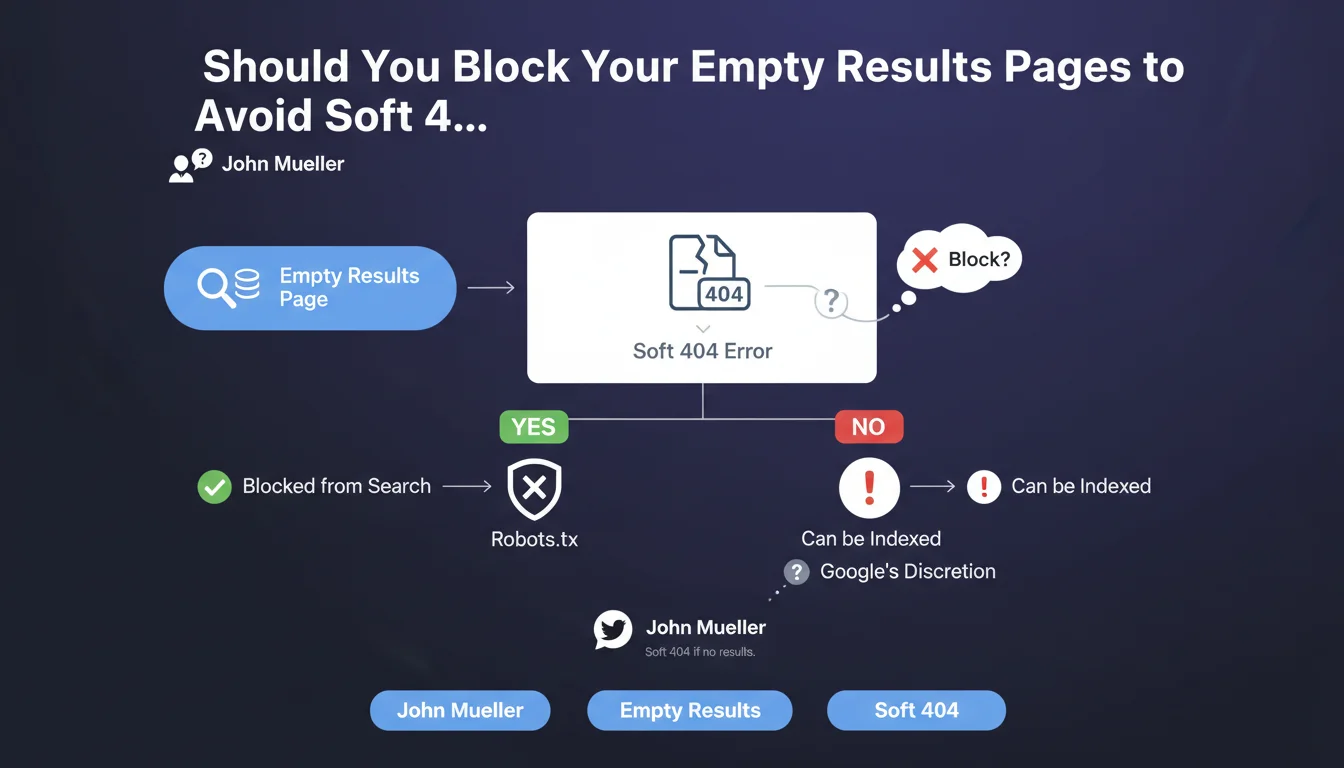
Google can classify certain pages on your site as Soft 404s, meaning pages that return an HTTP 200 (success) code but actually contain no useful content for the user. This is particularly common with internal search results pages or filter pages that display no products or content.
When Googlebot crawls a page that's supposed to display results but finds it empty (or containing only a single result), the algorithm considers it to provide no added value to users. The search engine may then mark it as a Soft 404 in Search Console, indicating it likely won't be indexed or ranked.
This phenomenon occurs in many situations: product filters with no results, non-existent facet combinations, internal searches for unfindable terms, or temporarily empty category pages.
- Empty pages are detected as Soft 404s even when they return a 200 code
- Google considers them worthless for indexation
- This status appears frequently in Search Console for e-commerce sites and sites with internal search
- Pages with a single result may also be affected depending on the context
SEO Expert opinion
This statement is perfectly consistent with field observations we regularly see during SEO audits. Empty results pages indeed represent one of the most recurring issues in Search Console, particularly for e-commerce sites with complex filtering systems.
However, there are important nuances to consider. A temporarily empty page (seasonal out-of-stock, category being populated) shouldn't receive the same treatment as a structurally empty page (impossible filter combination). Similarly, some pages with a single result may be legitimate if they address a specific search intent.
Practical impact and recommendations
- Audit your Search Console to identify pages marked as Soft 404 and analyze their nature
- Implement a noindex tag on dynamically generated empty results pages
- Configure your robots.txt to block crawling of filter URLs that systematically produce zero results
- Add intelligent pagination that automatically deindexes empty or very low-content pages
- Create alternative pages: when no results are available, offer suggestions or related content rather than an empty page
- Implement an appropriate 404 code for truly non-existent pages, instead of leaving empty pages with a 200 code
- Monitor patterns: identify which filter combinations regularly generate empty pages to address them proactively
- Test the impact on crawl budget: measure how these optimizations improve the crawling of your important pages
Managing Soft 404s requires a technically sophisticated approach combining development, server configuration, and SEO strategy. It often involves CMS modifications, implementing complex conditional rules, and continuous monitoring.
Given the complexity of these optimizations and the potential risks of poor implementation (unintentional blocking of strategic pages, configuration errors), support from an experienced SEO agency helps secure the process and achieve measurable results quickly, while avoiding common technical pitfalls.
💬 Comments (0)
Be the first to comment.